 offline access
Buy WorldBox - God Simulator Steam Offline Account
A WorldBox - God Simulator Steam offline account costs $9.99 on bonege, about 19% below the regular $12.33 Steam price. You get an account that already owns the game, sign in, switch Steam to Offline Mode, and play the full single-player sandbox god simulator. Delivery is instant and automated, payment is in crypto, and it works worldwide with no region lock.
Key facts
- Price on bonege
- $9.99 — one-time
- Full Steam price
- ~$12.33 (save ~19%)
- What it is
- Shared Steam offline account that already owns WorldBox - God Simulator
- How you play
- Steam Offline Mode — full single-player sandbox
- Delivery
- Instant & automated
- Payment
- Crypto — USDT (TRC20), BTC, ETH, LTC
- Region
- Worldwide, no region lock
- Guarantee
- Free replacement if access stops
What you get
- Steam account that already owns the game
- Step-by-step offline-mode guide
- Instant automated delivery after payment
- Replacement guarantee if access stops
Screenshots
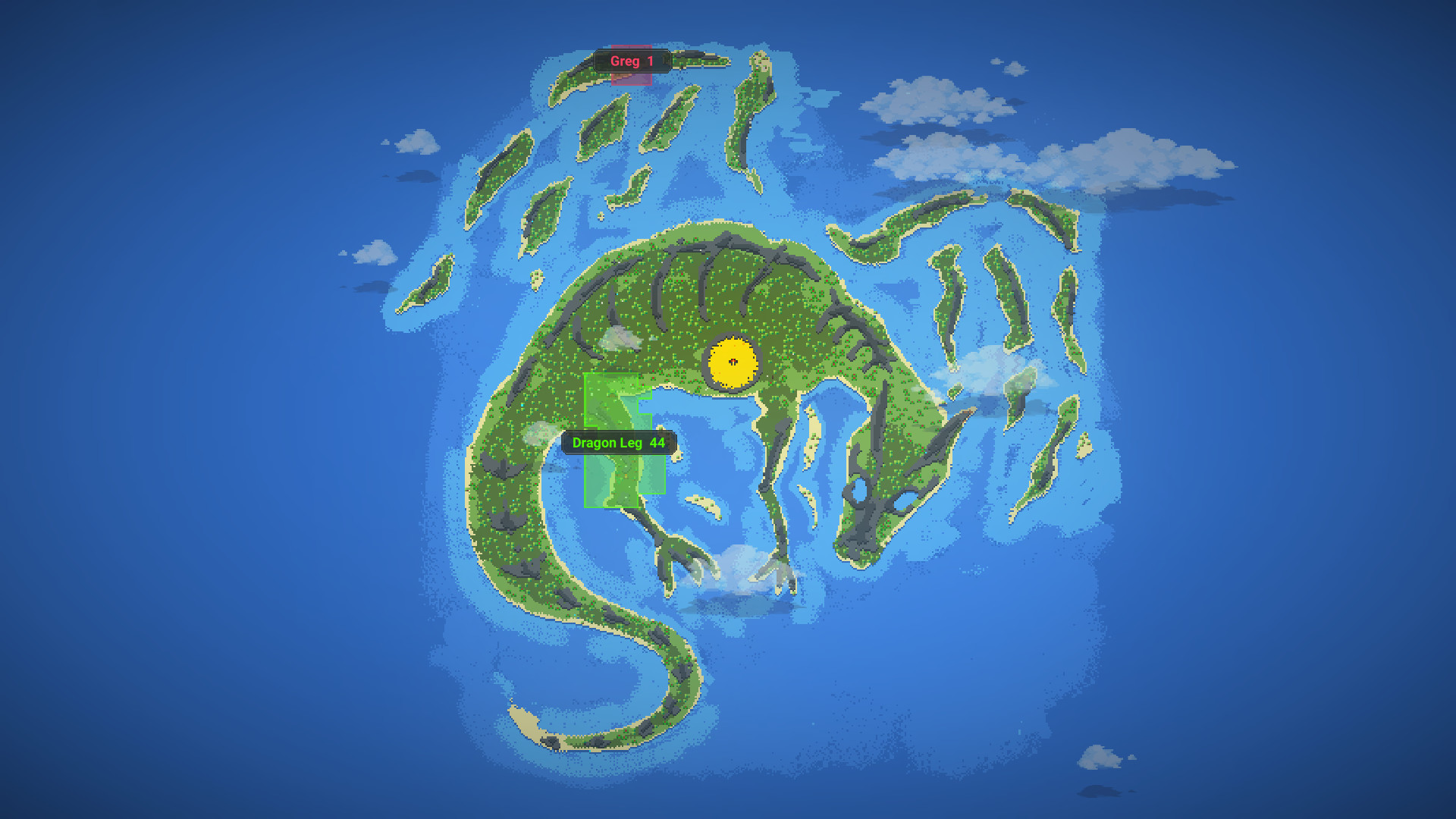
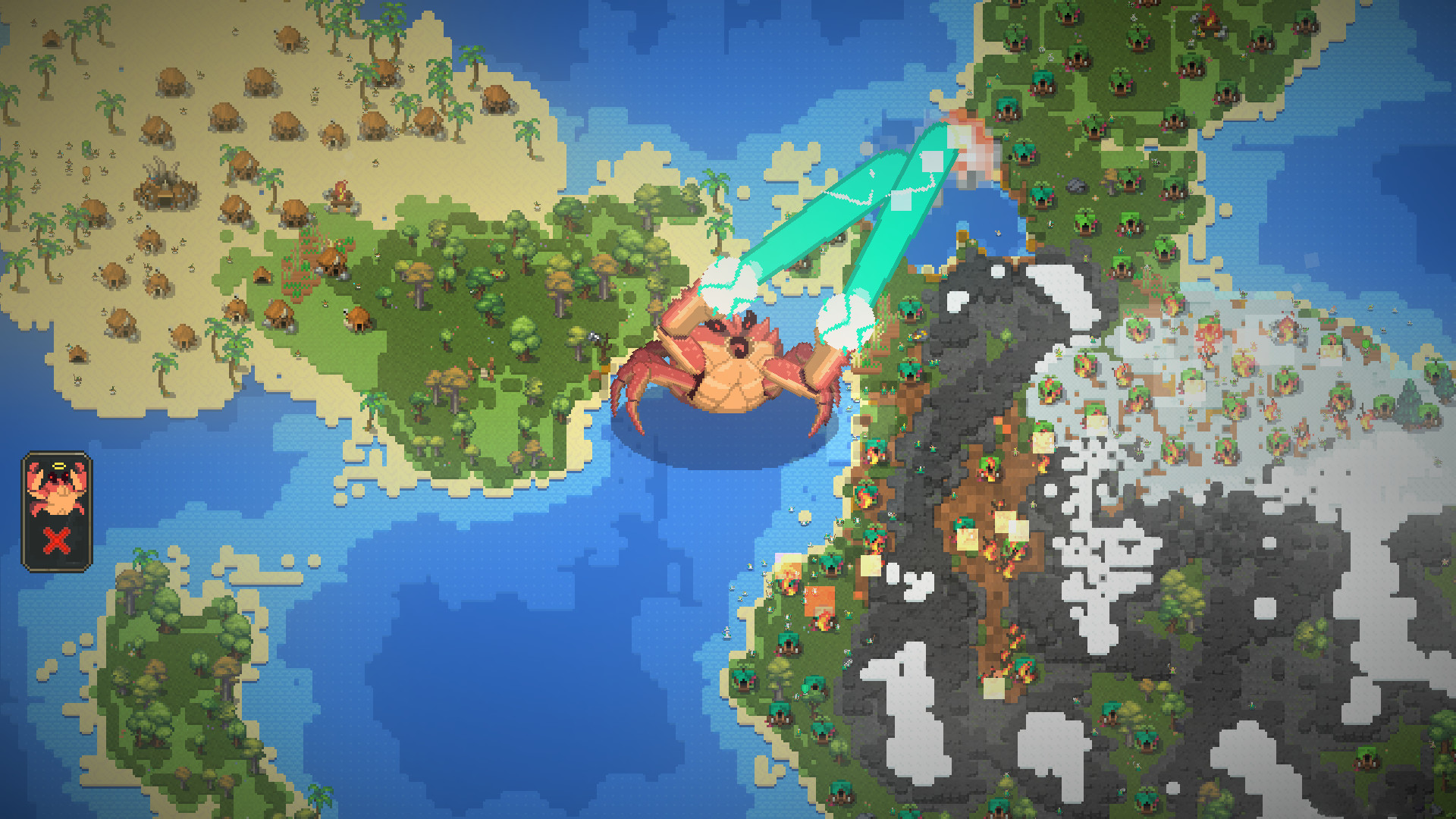
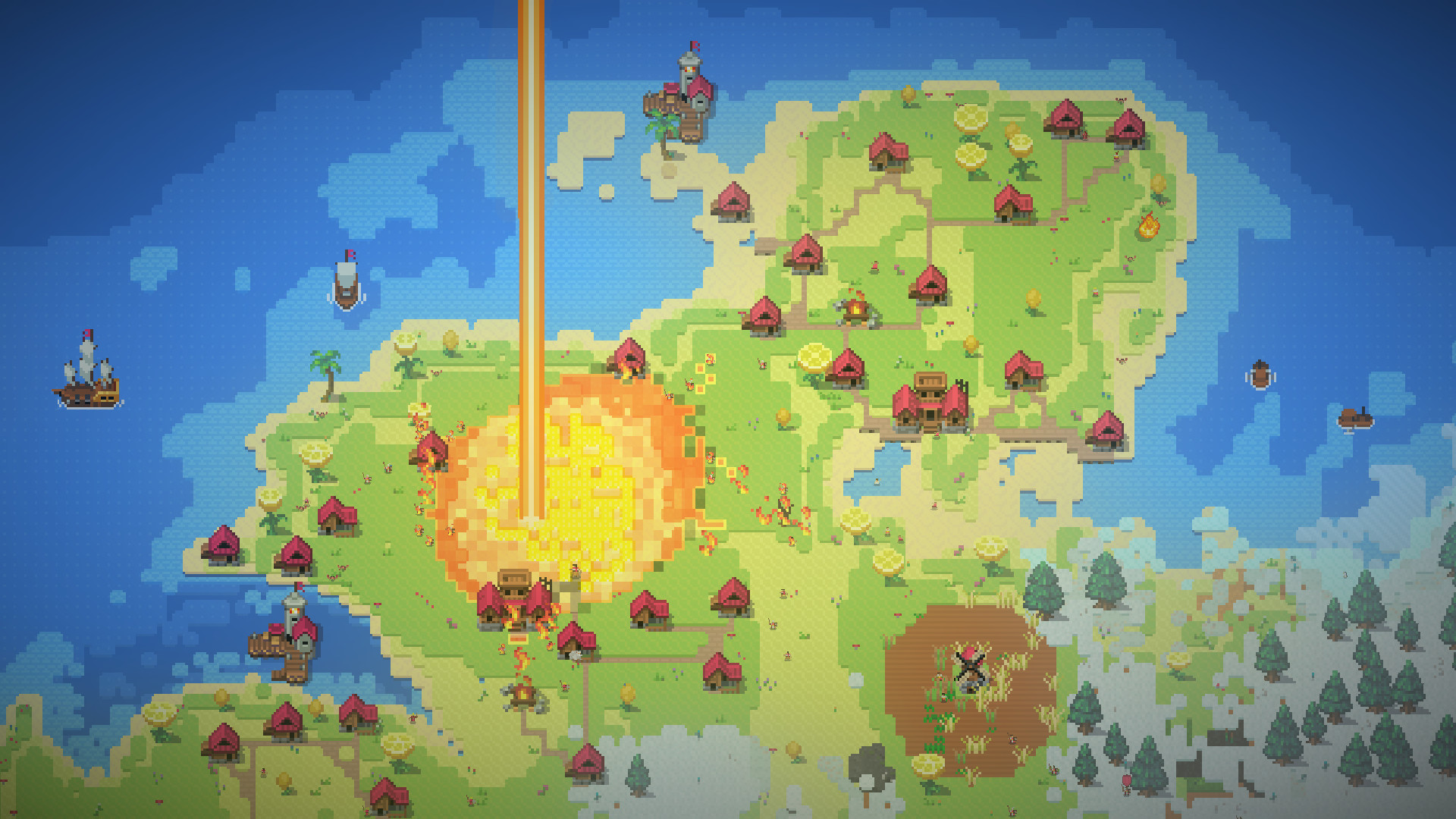
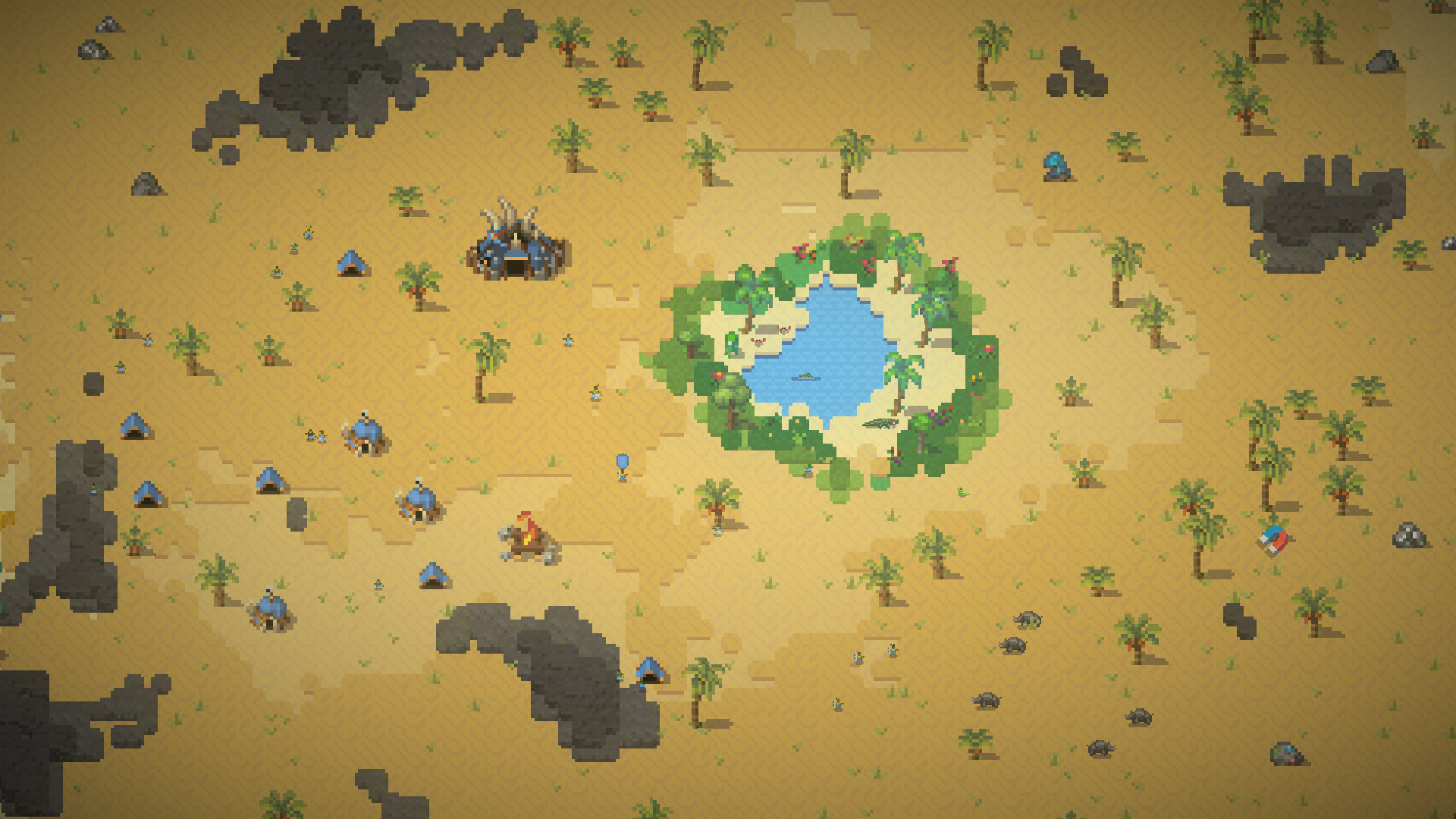
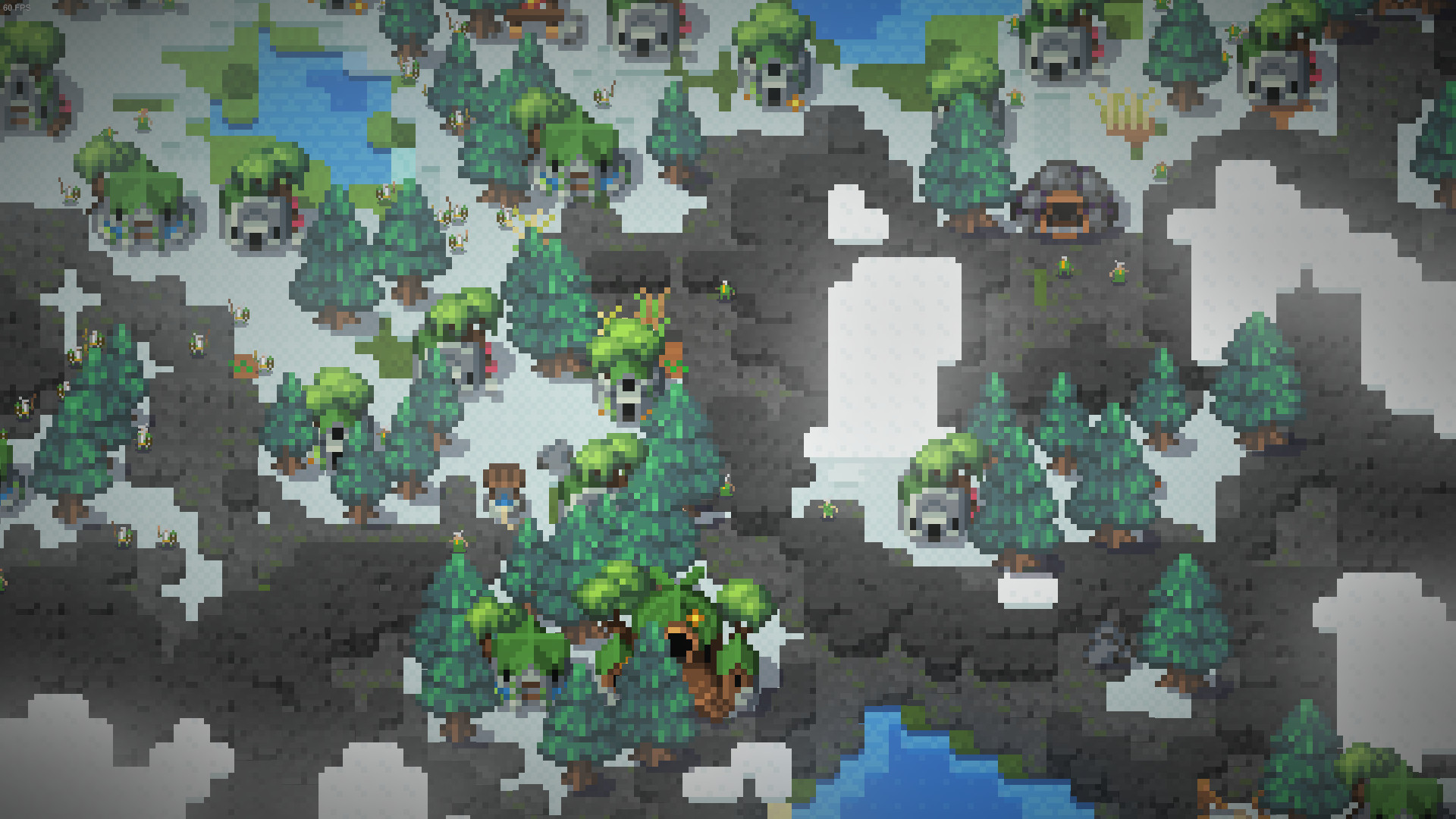
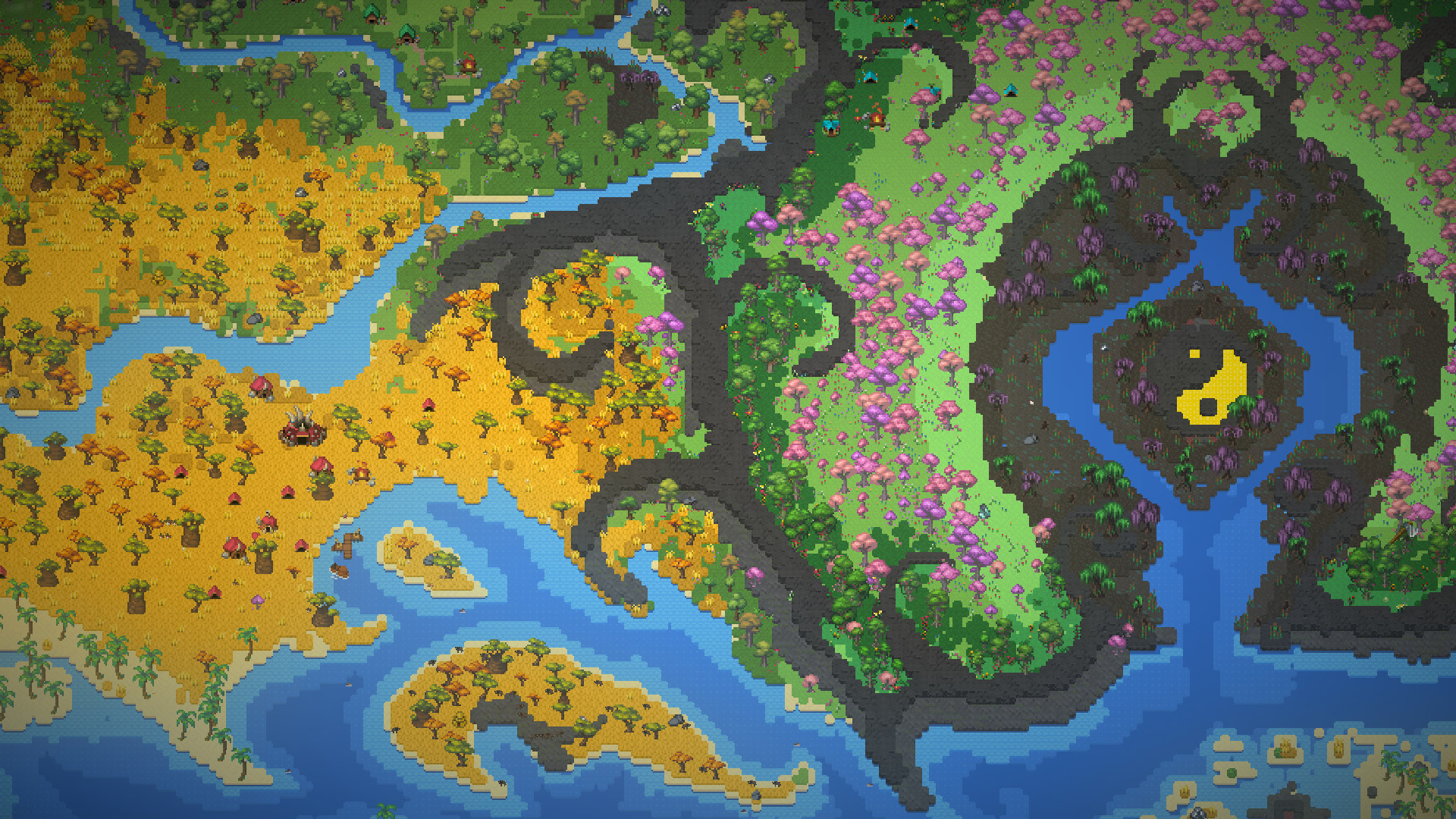
Buy WorldBox - God Simulator cheap — offline account
What you get
You get login access to a Steam account that already owns WorldBox - God Simulator, delivered the moment your crypto payment confirms. There is no key to redeem and no activation code — the game is already in the library, ready to install. You install Steam (or use a copy you already have), enter the credentials we send, download the game, and switch the client to Offline Mode to play. Your worlds, civilizations, and saved maps all stay on that profile, so you can keep building the same sandbox across many sessions. The flat price is $9.99 instead of the usual $12.33.
The offer is simple: one price, one account, full single-player access to the sandbox. This is a worldbox - god simulator offline account, not a Steam key, gift, or subscription — nothing to activate and no recurring charge. Because the game is already owned on the account, you skip card checkout and regional pricing completely. If you have searched for the worldbox - god simulator cheapest price or a worldbox - god simulator account for sale, this is the practical version of that — a ready-to-play profile rather than a code you redeem.
How a WorldBox - God Simulator offline account works
After payment you receive the account login details by automated delivery. Open Steam, sign in, and let WorldBox - God Simulator download to your PC. Once it has installed, open the Steam menu and choose Go Offline — this puts the client into worldbox - god simulator offline mode so the game runs without an active server connection. Then launch it like any other game and start shaping worlds with your full toolbox of powers. The single-player sandbox, world generation, and all the creation and destruction tools play fully offline.
Offline Mode is the intended way to use the account, and it keeps the session local to your machine. You generate worlds of different sizes, populate them with humans, orcs, elves and dwarves, watch kingdoms rise and wars break out, then step in with lightning, tornadoes, dragons or worse whenever you feel like it — all from the supplied profile. Saves and your created maps live locally and on the account, so a long-running world is never lost when you close the game. Use the credentials purely as access to the game and leave the account settings alone, and the worldbox - god simulator steam account keeps serving the single-player sandbox you bought.
Cheaper than a Steam key
A Steam key for WorldBox - God Simulator still depends on seller and regional pricing, and you pay by card. The bonege offline account is a flat $9.99 — about 19% under the $12.33 Steam listing — for the same game in your library. You are not hunting for a worldbox - god simulator cheap key or comparing worldbox - god simulator price steam across grey markets, because the price is fixed and shown before you buy. For a sandbox you will pour endless solo hours into, that predictable cost is the draw.
The honest trade-off: a key activates on your own profile, while this is a shared offline account you play in Offline Mode. If you mainly want the sandbox at a low, fixed price and don't need it on your personal account, the offline route is the better value. Players searching worldbox - god simulator cheap or worldbox - god simulator price pc are usually after exactly that — the full game for less, paid in crypto, delivered instantly, with no card and no region wall to clear.
Is it safe?
We are upfront about what this is: a shared Steam offline account, not an official key and not a personal license. You play in Offline Mode, which keeps the session on your PC and off constant server contact. Every order is backed by a free replacement guarantee, so if access ever stops we replace the account. That guarantee is the core of how we keep the offline model reliable for buyers who just want to play the game.
For the smoothest experience, sign in, install, switch to Offline Mode, and play — do not change the password, email, or other settings, since those keep the shared access stable. Pay with USDT (TRC20), BTC, ETH, or LTC; there is no card form and no regional block at any step. Keep the credentials we send to yourself. One note: WorldBox is an Early Access game, so it is still being updated and expanded by its developer over time.
About WorldBox - God Simulator
WorldBox - God Simulator is a sandbox where you hold every power over a tiny living world. You generate a map with procedural tools, then sculpt it with brushes — raise land, carve oceans, and seed continents for civilizations to discover. The four civilized races, humans, orcs, elves and dwarves, each carry their own traits, forming kingdoms, colonizing new lands, and sailing to far-off continents you create. Creatures have needs and behaviors of their own, so animals hunt for food and greedy kings push for more territory whether or not you intervene.
The fun is in choosing how godlike you want to be. A diplomacy system lets kingdoms fight, towns rebel, and empires collapse on their own, or you can tip the balance with disasters like lightning, tornadoes, acid rain, plague, meteorites, nukes, and even UFOs. You can spawn demons, skeletons, zombies, dragons, or a controllable giant Crabzilla, and reach into the world directly with the divine magnet to start wars or stir chaos. Maps can be shared with the wider WorldBox community, and every power works without mana or resource costs. The Very Positive rating reflects an open-ended Early Access toy box that rewards experimentation, creation, and the occasional total wipeout.
// pros
- $9.99 — about 19% below the ~$12.33 Steam price
- Instant, automated delivery after crypto payment
- Full single-player sandbox god simulator in Offline Mode
- Pay in crypto — no card and no region lock
- Free replacement if access ever stops
// good to know
- · Single-player / offline only — no online features
- · You play in Steam Offline Mode on a shared account, not your own profile
Playing WorldBox - God Simulator offline
Pay with crypto
Checkout in USDT, BTC, ETH or LTC — no card needed.
Get the login
We deliver the account that owns the game, automatically, in minutes.
Play offline
Sign in, switch Steam to Offline Mode with our guide, and enjoy the full game.
WorldBox - God Simulator — questions
Can you play WorldBox - God Simulator offline?
Yes. You sign in, install the game, then switch Steam to Offline Mode and play the full single-player sandbox without staying connected to Steam servers.
How much is WorldBox - God Simulator on bonege?
It is $9.99 as a one-time payment, about 19% below the regular Steam price of around $12.33.
How fast is delivery?
Delivery is instant and automated. The account login details are sent to you as soon as your crypto payment confirms.
How do I pay?
Payment is in crypto only — USDT (TRC20), BTC, ETH, or LTC. There is no card checkout and no region restriction.
What's the difference vs a Steam key?
A key activates on your own account; this is a shared offline account you play in Offline Mode. It is the same game for less, but it lives on the supplied profile rather than yours.
Is it safe?
It is a shared offline account played in Offline Mode, and every order includes a free replacement guarantee if access ever stops. Sign in and play, but don't change the account settings.



