 offline access
Buy Wallpaper Engine Steam Offline Account
A Wallpaper Engine Steam offline account already owns the software, so you log in, set Steam to Offline Mode and run live animated wallpapers on your desktop. The price is a flat $9.99. Delivery is instant and automated, you pay with crypto, and it works worldwide with no region lock.
Key facts
- Price on bonege
- $9.99 — one-time
- What it is
- Offline Steam account that already owns Wallpaper Engine
- How you play
- Steam Offline Mode — run and create live desktop wallpapers
- Delivery
- Instant & automated
- Payment
- Crypto — USDT (TRC20), BTC, ETH, LTC
- Region
- Worldwide, no region lock
- Guarantee
- Free replacement if access stops
What you get
- Steam account that already owns the game
- Step-by-step offline-mode guide
- Instant automated delivery after payment
- Replacement guarantee if access stops
Screenshots
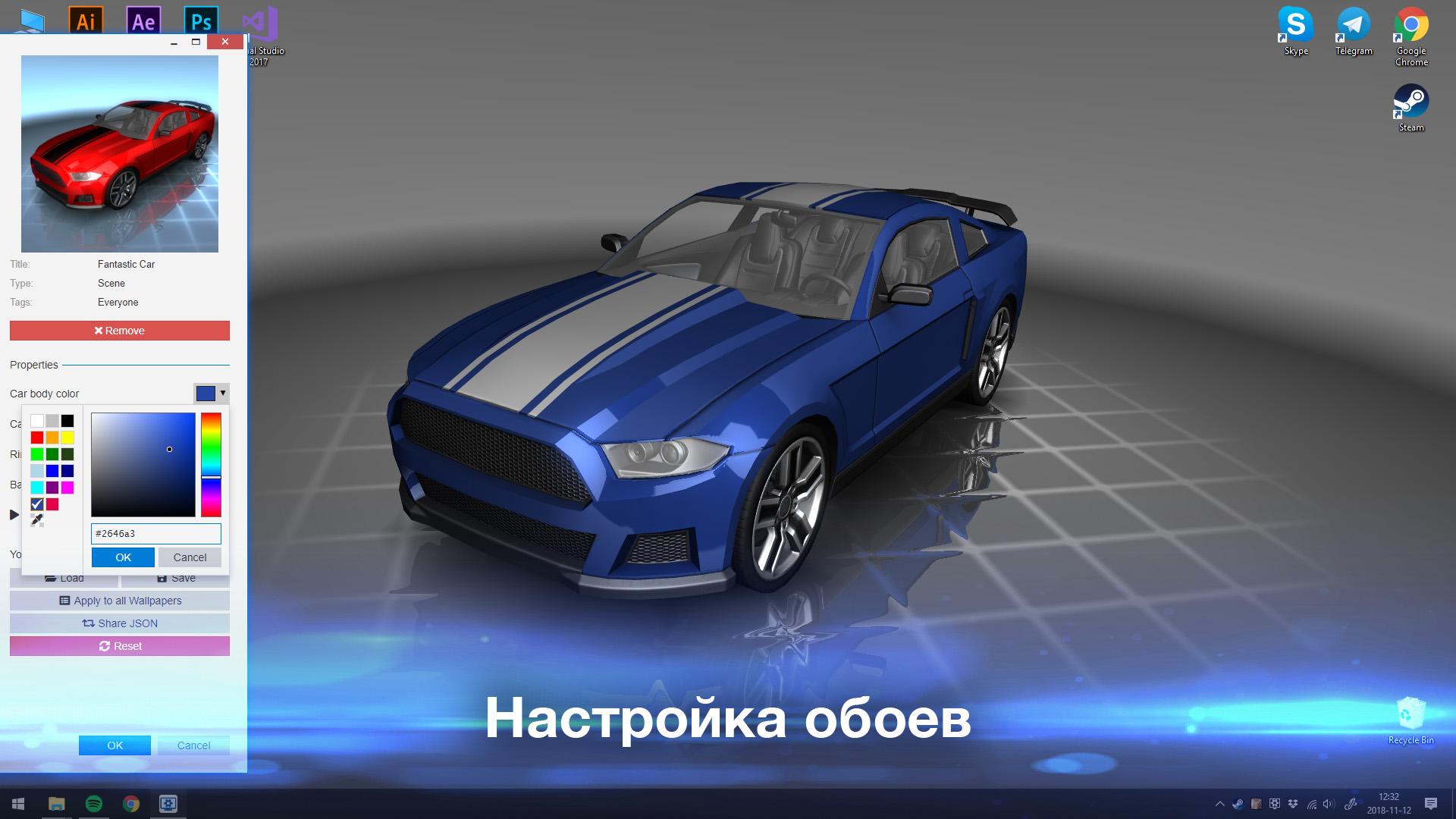
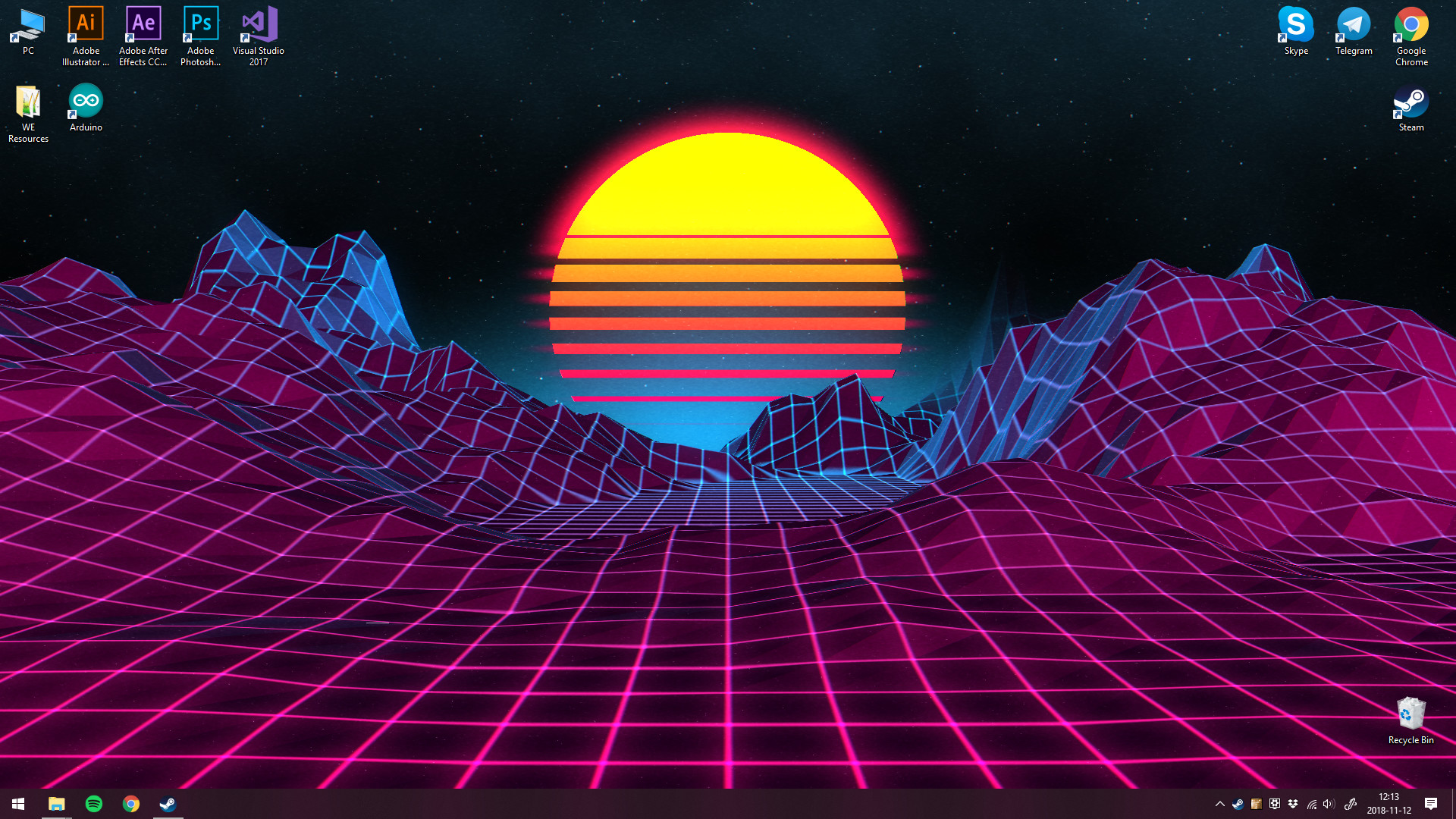

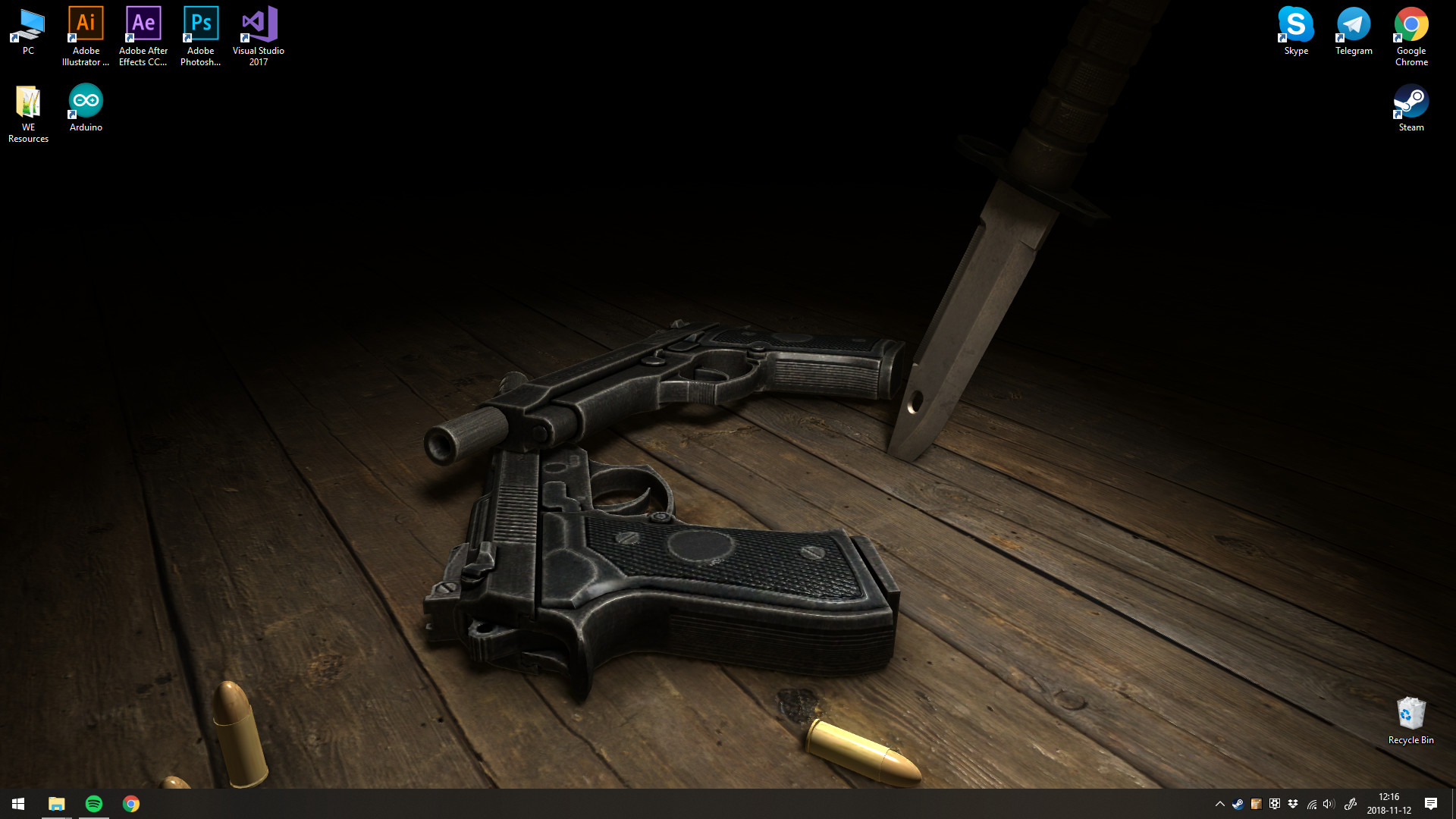

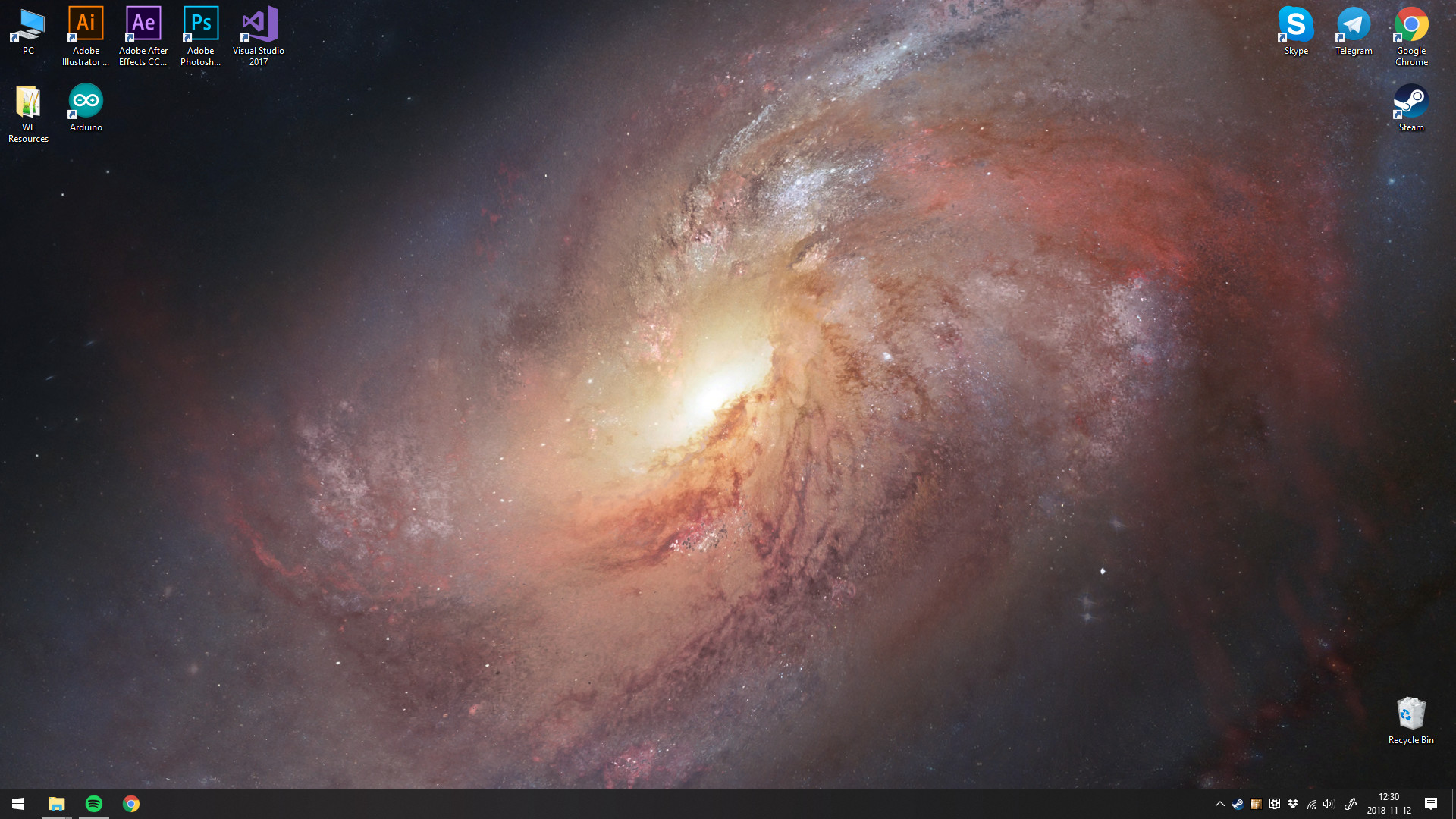
Buy Wallpaper Engine cheap — offline account
What you get
You get login access to a Steam account that already owns Wallpaper Engine. After purchase the account details arrive in your inbox, you sign in to the Steam client, switch to Offline Mode and run the app on your own PC. There is no key to redeem and no gift to accept, because the software is already sitting in the library, ready to download. The first download is small by modern standards — the base app is roughly a gigabyte before you add any community content — so most people are up and running within a few minutes of installing Steam.
Note that Wallpaper Engine is a desktop wallpaper utility, not a game. This is a Wallpaper Engine offline account, not a CD key, a gift or a subscription. For a flat $9.99 you can set animated, video, web and interactive wallpapers as your desktop background, run different scenes on different monitors, and use the built-in editor to make your own. It is single-PC software meant to run on the machine you install it on, and everything you create or apply locally stays on that machine.
How a Wallpaper Engine offline account works
Install Steam, log in with the details we send, and let the client sync once over the internet. That single online sign-in registers the app to the session and pulls down the files; after that, you open Steam, choose Go Offline from the top-left menu, and launch Wallpaper Engine. From there you can apply any wallpapers already in the account's library, adjust playback speed and quality, set per-monitor backgrounds, and use the editor to build or tweak your own scenes — all without staying connected.
Offline Mode keeps the account stable and avoids login conflicts with other people who use the same shared profile. Local wallpapers, the editor and the core settings all work offline, including particle effects, audio response and the screensaver options. The one thing that needs a live connection is the Steam Workshop: browsing and downloading new community creations fetches files over the internet, so you would briefly go back online to grab fresh content, then return to Offline Mode to keep running it.
Why buy the offline account
For a flat $9.99 you get ready-to-use access with no card required and no region restrictions. The account already owns the app, so there is nothing to redeem or activate — you log in and start customizing your desktop the same day. Payment goes through in crypto, the handoff is automated, and the credentials reach your inbox within minutes of the transaction confirming, at any hour.
If you have been searching for a Wallpaper Engine account, a cheap way to get it on PC, or a Wallpaper Engine offline option, this is a flat-rate route: one crypto payment, instant access, and the same software you would download from Steam directly. Buyers in the US, UK, Canada, Australia and the EU all set it up the same way, since there is no region lock to work around and no local billing checks to pass.
Is it safe?
Run it in Offline Mode and keep the credentials private. Because this is a shared offline account rather than your own personal profile, treat it as a dedicated way to run Wallpaper Engine and avoid storing other purchases, payment methods or personal data on it. Do not change the email or password, since those details are shared and altering them breaks access for everyone and voids the free replacement.
If access ever stops, our free replacement guarantee covers you — message support and we will get you a working account. We are upfront about what this is: an offline Steam account that already owns the software, plainly described. We do not claim the service is official or endorsed by Wallpaper Engine Team or Kristjan Skutta, and we do not pretend it is your own license. It is access to run a tool you would otherwise pay full price to add to your own account.
About Wallpaper Engine
Wallpaper Engine is a desktop customization tool that turns your background into something alive. Instead of a static image, it can run animated 2D and 3D scenes, looping videos, web-based wallpapers, and even interactive backgrounds that react to your mouse or to audio playing on your system. It supports multi-monitor setups, so each screen can show its own wallpaper, and it is built to keep resource use low — pausing playback automatically when another program is running fullscreen, which means it gets out of the way the moment you start a game or a video call.
The app includes a full editor for creating your own wallpapers from images, video and effects, with support for particle systems, layered scenes, depth maps and audio response. You can fine-tune frame rate, resolution and performance settings to match your hardware, from a low-power laptop to a high-end desktop. Its real strength comes from the huge community library on the Steam Workshop, where users share millions of free creations you can browse and apply once you are online. With a Very Positive rating and a reputation as one of the most popular desktop tools on PC, Wallpaper Engine is a flexible, lightweight way to personalize your setup — and the local app and editor run fine on an offline account.
// pros
- $9.99 flat — no card and no region lock
- Instant, automated delivery after payment
- Local wallpapers and the editor run in Offline Mode
- Pay with crypto — fast and private
- Free replacement if access ever stops
// good to know
- · Browsing and downloading new Steam Workshop wallpapers needs an online session
- · You run it in Steam Offline Mode on a shared account, not your own profile
Playing Wallpaper Engine offline
Pay with crypto
Checkout in USDT, BTC, ETH or LTC — no card needed.
Get the login
We deliver the account that owns the game, automatically, in minutes.
Play offline
Sign in, switch Steam to Offline Mode with our guide, and enjoy the full game.
Wallpaper Engine — questions
Can you use Wallpaper Engine offline?
Yes. Wallpapers already in the library and the built-in editor run in Steam Offline Mode. Downloading new Workshop creations needs an online session.
How much is Wallpaper Engine on bonege?
A flat $9.99 one-time for a ready-to-use offline account.
How fast is delivery?
Instant and automated. Account details are sent right after your crypto payment is confirmed.
How do I pay?
With cryptocurrency — USDT (TRC20), BTC, ETH or LTC. No cards are used.
What's the difference vs a Steam key?
A key must be redeemed into your own account. Here the app already sits on the account, so you just log in and run it offline — no redeem step.
Is it safe?
Yes, when you use Offline Mode and keep the credentials private. If access stops, our free replacement guarantee covers you.



