 offline access
Buy VEGAS Pro 18 Edit Steam Edition Steam Offline Account
This is a VEGAS Pro 18 Edit Steam Edition offline account on bonege for $9.99, versus the full Steam price of about $69.99 — roughly 86% less. VEGAS Pro 18 Edit is desktop video-editing software, not a game: you sign into the account, switch Steam to Offline Mode, and run the full editor on one PC to capture, cut, and export your videos. Delivery is instant and automated, payment is crypto only, and it works worldwide with no region lock.
Key facts
- Price on bonege
- $9.99 — one-time
- Full Steam price
- ~$69.99 (save ~86%)
- What it is
- Shared Steam account that already owns this video-editing app
- How you play
- Steam Offline Mode — run the full editor on one PC, no internet needed once set up
- Use
- Desktop software for single-PC video editing
- Delivery
- Instant & automated
- Payment
- Crypto — USDT (TRC20), BTC, ETH, LTC
- Region
- Worldwide, no region lock
- Guarantee
- Free replacement if access stops
What you get
- Steam account that already owns the game
- Step-by-step offline-mode guide
- Instant automated delivery after payment
- Replacement guarantee if access stops
Screenshots


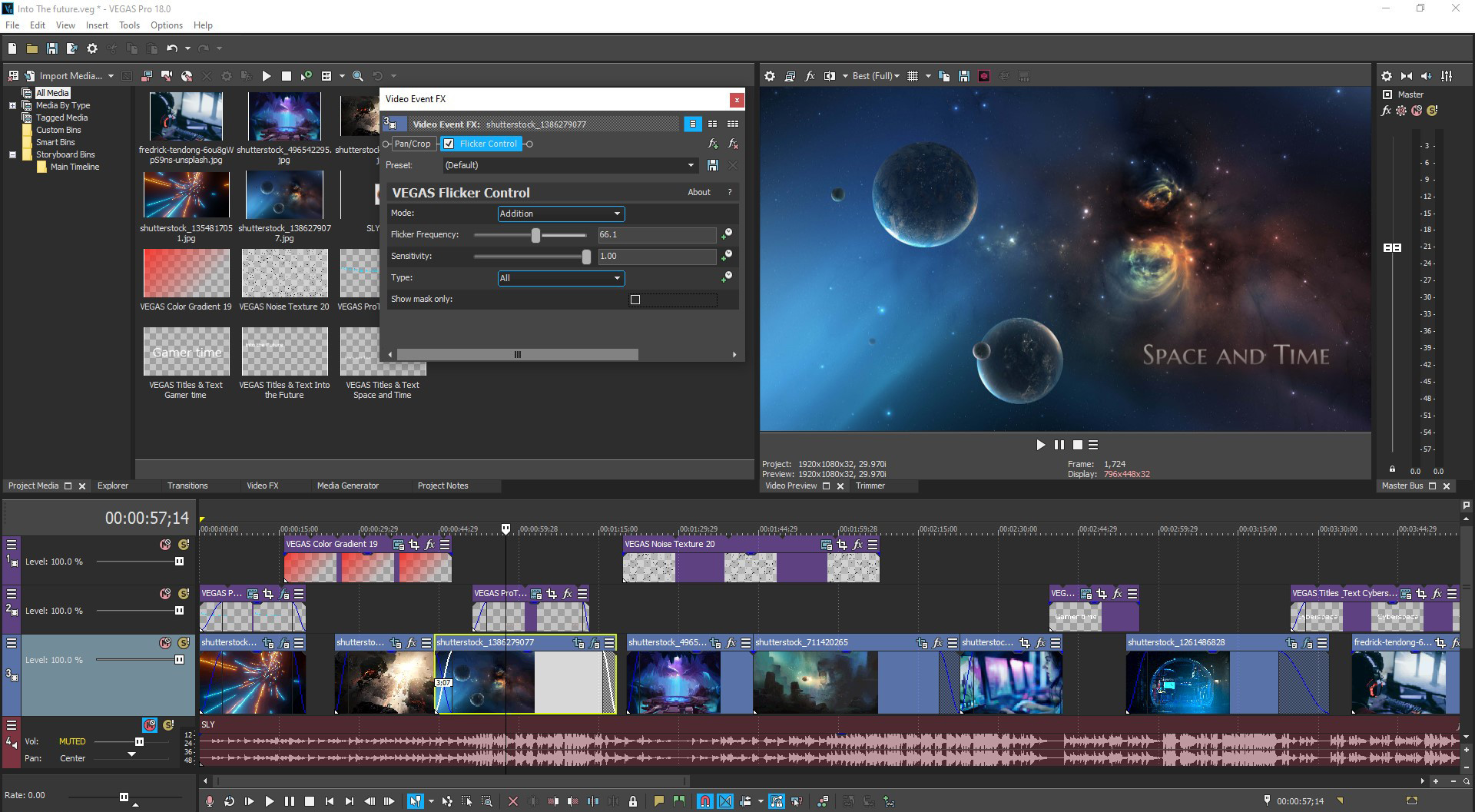
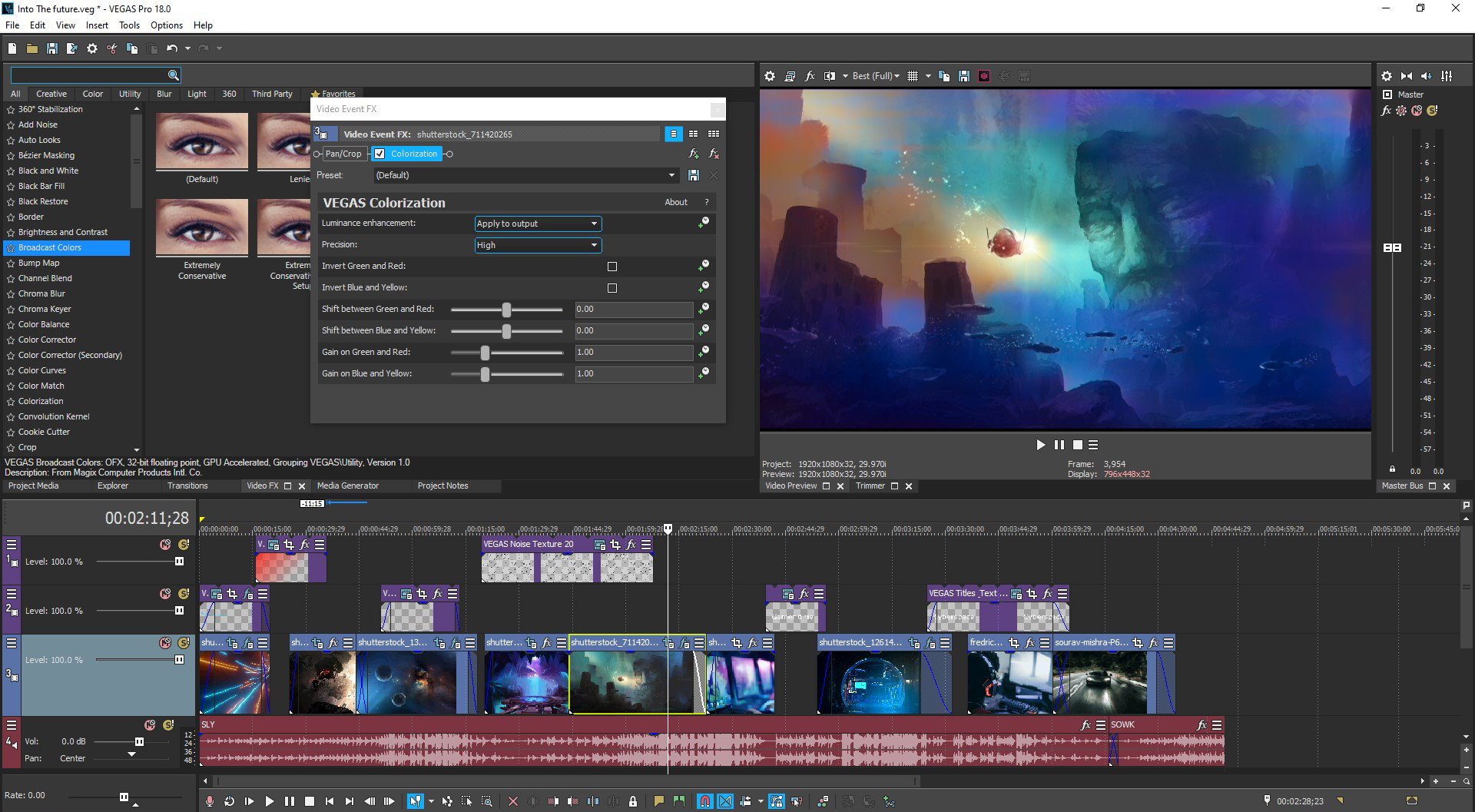

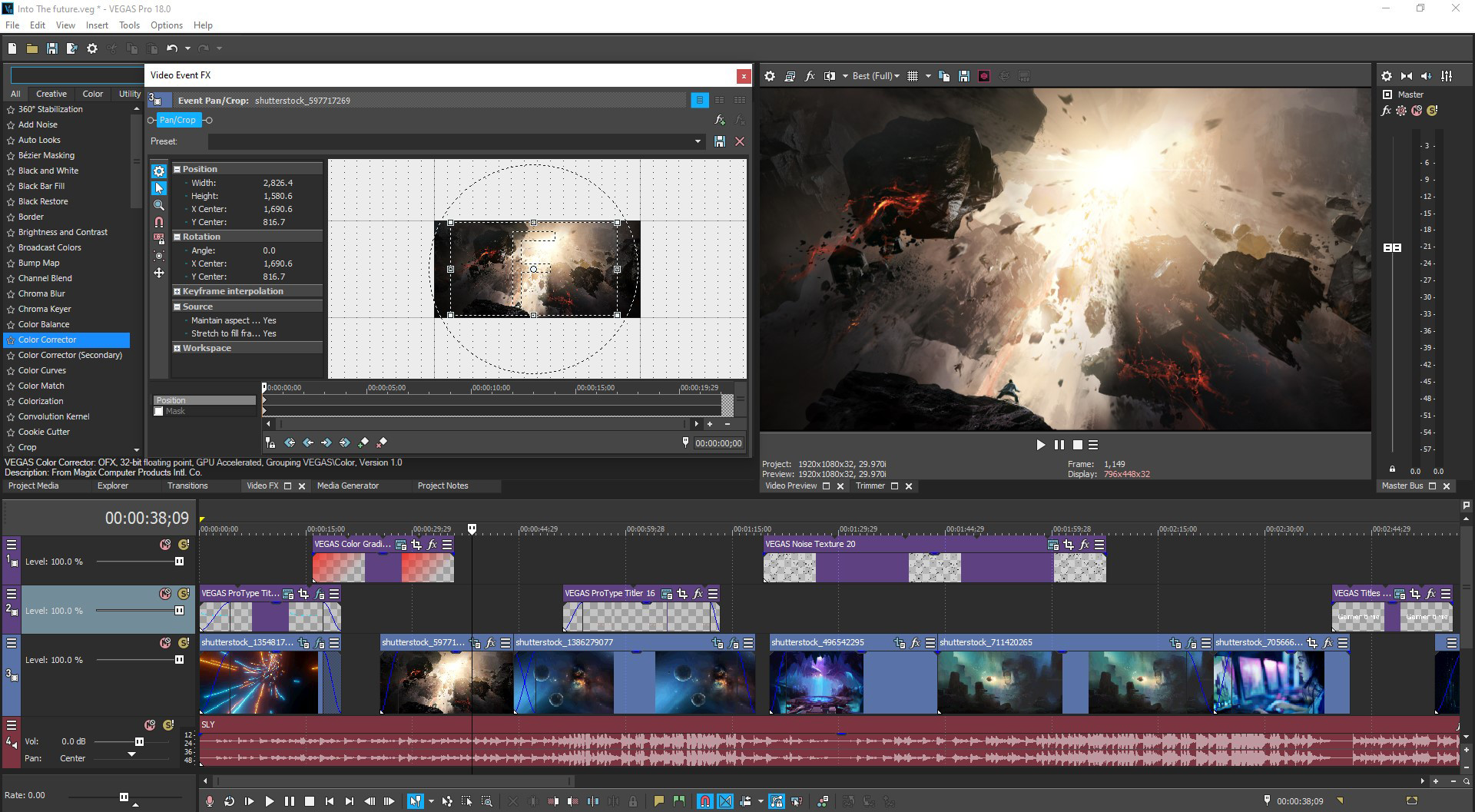
Buy VEGAS Pro 18 Edit Steam Edition cheap — offline account
What you get
You get login access to a Steam account that already owns VEGAS Pro 18 Edit Steam Edition. This is an application, not a game — a full desktop video editor. Once you sign in with the credentials we send and set Steam to Offline Mode, you can install it on one PC and use the complete toolset: timeline editing, the built-in screen-capture tool, multicam audio sync, color grading, effects, and export up to 8K. There's no key to redeem and nothing to activate, since the software already sits in the account's library ready to download.
This is a VEGAS Pro 18 Edit offline account — not a key, not a gift, not a subscription. The software installs from the account's existing library and you start editing once the download finishes. Everything the Edit edition includes is available to you: the capture utility, the editing timeline, the GPU-accelerated rendering, the audio tools, and the AI-driven effects. At $9.99 instead of about $69.99, it's a low-cost way to get a professional-grade editor onto your machine, and you save roughly 86% versus the full Steam price for the same application.
How a VEGAS Pro 18 Edit Steam Edition offline account works
You receive the account credentials right after your payment clears. Sign into the Steam client, let VEGAS Pro 18 Edit install on your PC, then switch Steam to Offline Mode from the menu. After that the editor runs locally on that one computer — no active connection is required to capture footage, cut your timeline, apply effects, or render out a finished video. Set-up takes only a few minutes, and once it's done you can work on your projects whenever you like without depending on internet access.
Offline Mode is the supported, stable way to use a shared account, and it works well for editing software because all the real work happens on your own machine anyway. This is intended for single-PC use: install it where you actually edit and the full feature set is available, from GPU-accelerated decoding and encoding to the professional audio plug-ins. Because the program runs locally rather than streaming anything, an offline setup has no impact on performance — your render speed and timeline responsiveness come down to your own hardware.
Cheaper than a Steam key
A standard Steam copy of VEGAS Pro 18 Edit Steam Edition runs about $69.99. On bonege the offline account is a flat $9.99, so you save roughly 86% on the same software. People searching for a VEGAS Pro 18 Edit cheap key or the cheapest price usually choose an offline account here, because a key still costs near full retail as a fresh, ownable copy, while this account gets the editor onto your PC for under ten dollars.
We're clear about the trade-off so you can decide with full information. A key is a copy you own outright on your own profile; an offline account gives you the same application to run in Offline Mode on one PC at a fraction of the price. If you want a capable editor for Let's Plays and gaming videos without paying full Steam price, the account is the value choice — you're paying for the use of the software on your machine rather than for a permanent, transferable license.
Is it safe?
Yes, with normal care. You run the software in Steam Offline Mode on a shared account, so the one thing to avoid is changing the account's password, email, or other login details — that would break access for everyone using it. The routine is simple: sign in, install, go offline, and edit. There's no manual delivery step and no waiting on a person, since the credentials are sent automatically the moment your payment confirms.
Every purchase also comes with a free replacement guarantee. If access to your VEGAS Pro 18 Edit account ever stops working, contact support and we'll replace it with a working one, so your $9.99 stays protected long after checkout. Since editing software tends to be something you return to across many projects over time, that long-term coverage is worth having — you can keep producing videos without worrying about losing access to your editor.
About VEGAS Pro 18 Edit Steam Edition
VEGAS Pro 18 Edit Steam Edition is a desktop video editor built for making gaming videos and Let's Plays quickly. A built-in screen-capture tool plus audio sync for multicam editing let you record and assemble your footage fast, while hardware-accelerated decoding and encoding automatically configure your Nvidia, AMD, or Intel GPU for the best performance on your system. Built-in driver detection keeps your GPU drivers current so production stays smooth and you spend less time troubleshooting and more time editing.
The feature set runs deep for the price. You can edit natively up to 8K with drag-and-drop, lean on AI-driven tools like Style Transfer and Colorization, fine-tune footage with advanced color grading, and work with full HDR support including ACES 1.1 and HLG. There's a slow-motion tool, planar motion tracking, nested timelines for organizing large projects, and professional audio plug-ins for finishing your sound. The interface is fully customizable, so you can shape your workspace around the features you actually use and reach them without endless clicking. With a Very Positive Steam rating, it's a solid, affordable editor for creators who want professional results without a steep subscription.
// pros
- Save about 86% — $9.99 instead of roughly $69.99
- Instant, automated delivery right after payment
- Full desktop editor runs on one PC in Offline Mode
- Pay with crypto — no card and no region lock
- Free replacement guarantee if access ever stops
// good to know
- · Single-PC use only — offline software, not a multi-seat license
- · You run it in Steam Offline Mode on a shared account, not your own account
Playing VEGAS Pro 18 Edit Steam Edition offline
Pay with crypto
Checkout in USDT, BTC, ETH or LTC — no card needed.
Get the login
We deliver the account that owns the game, automatically, in minutes.
Play offline
Sign in, switch Steam to Offline Mode with our guide, and enjoy the full game.
VEGAS Pro 18 Edit Steam Edition — questions
Can you use VEGAS Pro 18 Edit offline?
Yes. It's desktop editing software. You sign into the account, install it on one PC, switch Steam to Offline Mode, and run the full editor with no connection needed.
How much is VEGAS Pro 18 Edit Steam Edition on bonege?
A flat $9.99 — a one-time payment. The full Steam price is about $69.99, so you save roughly 86%.
How fast is delivery?
Instant and automated. The account credentials are sent right after your crypto payment is confirmed.
How do I pay?
Crypto only — USDT (TRC20), BTC, ETH, or LTC. No credit cards are needed.
What's the difference vs a Steam key?
A key is a copy you activate and own; this is a shared account that already owns the software, run in Offline Mode on one PC. The account is far cheaper — $9.99 versus close to full retail for a key.
Is it safe?
Yes, if you don't change the account's login details. You only sign in and run the editor in Offline Mode, and every purchase comes with a free replacement guarantee.



