 offline access
Buy Sword of the Sea Steam Offline Account
A Sword of the Sea offline account costs $9.99 on bonege, down from the usual ~$17.78 on Steam, so you save about 44%. You get an existing Steam account that already owns the game; you log in, switch Steam to Offline Mode, and play the full single-player surfing adventure. Delivery is instant and automated, payment is crypto only, and it works worldwide with no region lock. If access ever stops, you get a free replacement.
Key facts
- Price on bonege
- $9.99 — one-time
- Full Steam price
- ~$17.78 (save ~44%)
- What it is
- Steam offline account that already owns Sword of the Sea
- How you play
- Steam Offline Mode — full single-player campaign
- Delivery
- Instant & automated
- Payment
- Crypto — USDT (TRC20), BTC, ETH, LTC
- Region
- Worldwide, no region lock
- Guarantee
- Free replacement if access stops
What you get
- Steam account that already owns the game
- Step-by-step offline-mode guide
- Instant automated delivery after payment
- Replacement guarantee if access stops
Screenshots



Buy Sword of the Sea cheap — offline account
What you get
You get login details for a Steam account that already owns Sword of the Sea, ready to use the moment your crypto payment confirms. There is no waiting for a key to be typed in and no store activation step to fumble through. Sign in with the credentials we send, let Steam load the library, and the game is already there waiting for you. The price is a flat $9.99, which is about 44% under the ~$17.78 Steam normally charges. That difference is the whole point: same game, far less money, paid in crypto without a card.
This is an offline account, not a Steam key, a gift, or a subscription, and we say that plainly so there are no surprises. The account is shared, meaning you play in Steam's Offline Mode rather than treating it as your personal profile. Sword of the Sea is a single-player adventure, so Offline Mode covers the entire experience from the first wave to the final tomb. You keep your save progress locally as you play. Everything is built around getting you surfing the dunes quickly and cheaply.
How a Sword of the Sea offline account works
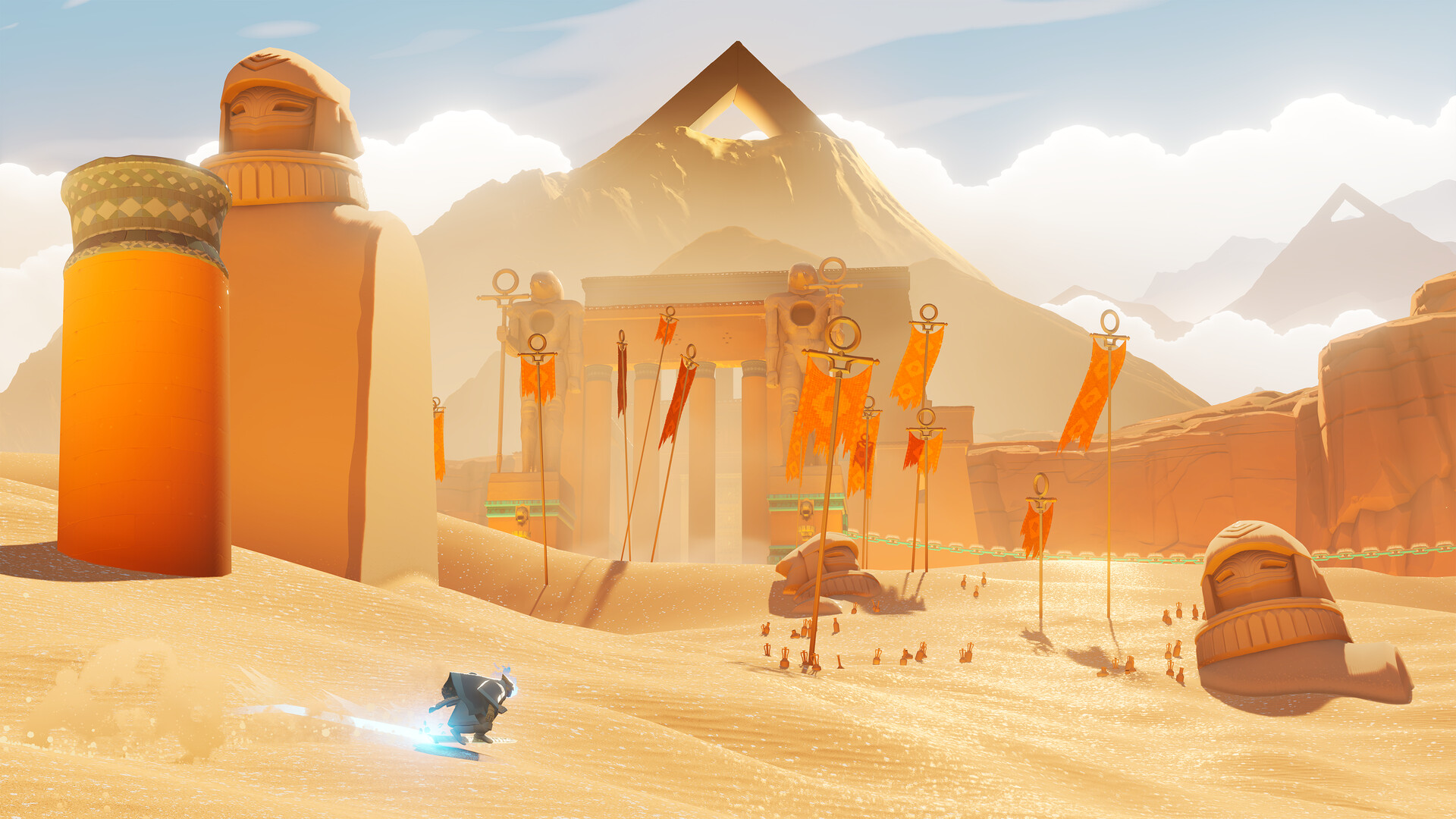
After checkout you receive the account login and a short set of steps. You install the Steam client if you do not have it, sign in with the details provided, and then set Steam to Offline Mode from the menu. Once you are offline, launch Sword of the Sea and play as the Wraith carving across the shifting sea of sand. Because the game is fully single-player, Offline Mode is exactly where it is meant to be played. Your tricks, your high-speed Hoversword runs, and your progress through the Necropolis all happen locally on your machine.
Offline Mode also keeps your session calm and stable, since you are not relying on a live connection while you play. The first sign-in needs to be online briefly so Steam can verify the account, after which you flip to offline and stay there. If you ever get logged out or the access stops working, message support and we will sort a free replacement. This is the standard way a shared offline account works, and it is the same flow buyers use for every offline title on bonege. Nothing about it is exotic; it is just a cheaper route to a game you want.
Cheaper than a Steam key
A Sword of the Sea Steam key from a typical store sits near the full ~$17.78, sometimes with extra fees on top. Our offline account is a flat $9.99, which is roughly 44% less for the same single-player adventure. People searching for the cheapest Sword of the Sea price, a cheap key, or a Sword of the Sea account for sale usually land on the same conclusion: the offline account is the lowest realistic way in. You are paying for access to play, not for a resellable license, and that is what keeps the price down.
The trade-off is honest and worth understanding. With a key you own the activation on your own profile; with an offline account you play a game someone already bought, in Offline Mode. For a single-player title like this one, that distinction barely affects how you actually experience it. You still get the complete game, the full soundtrack by Austin Wintory, and every environment from desert to glacier. If your priority is the cheapest Sword of the Sea price on PC without compromising the game itself, this is the route.
Is it safe?
We are upfront that this is a shared offline account, not an official key and not your own personal profile. Payment runs through crypto, so you never hand over card numbers or banking details to anyone. The handover is automated, meaning the credentials come straight to you without manual messaging delays that leave you wondering if your order went through. Thousands of offline accounts move through this exact pipeline, and the process is the same every time. You are buying a known, repeatable product, not a one-off favor.
The practical safety net is the free replacement guarantee. If the account access ever stops, you contact support and we issue a working replacement rather than leaving you stuck. Sticking to Offline Mode as instructed keeps your session clean and avoids conflicts with how the account is used. We do not promise online multiplayer here because Sword of the Sea is single-player to begin with, so there is nothing online to lose. What you get is exactly what is described: a cheap, fast, offline way to play the game.
About Sword of the Sea
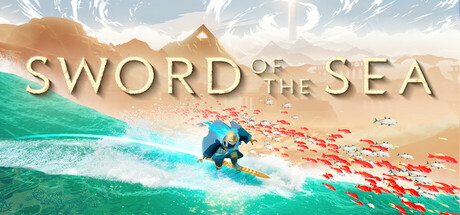
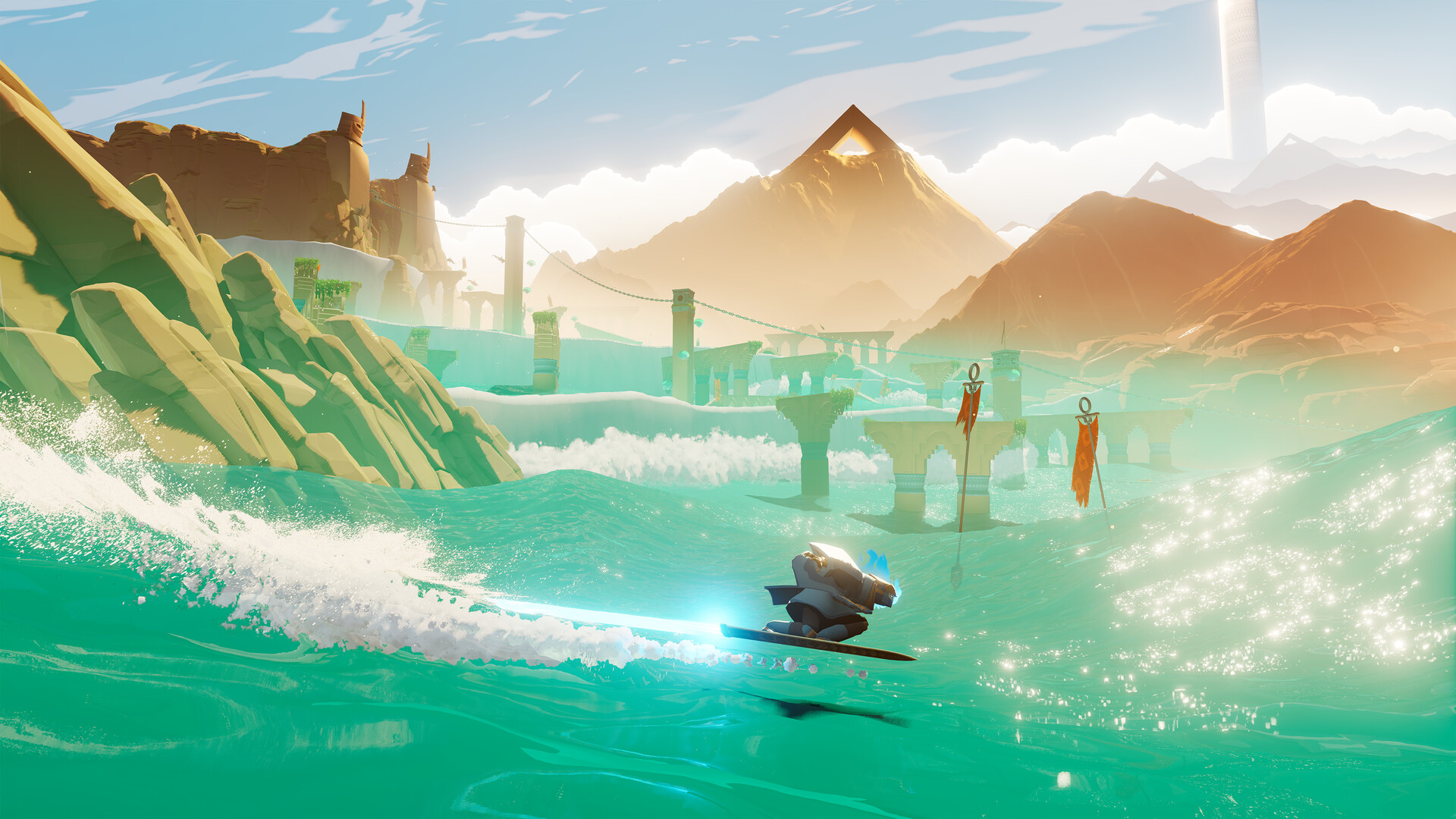
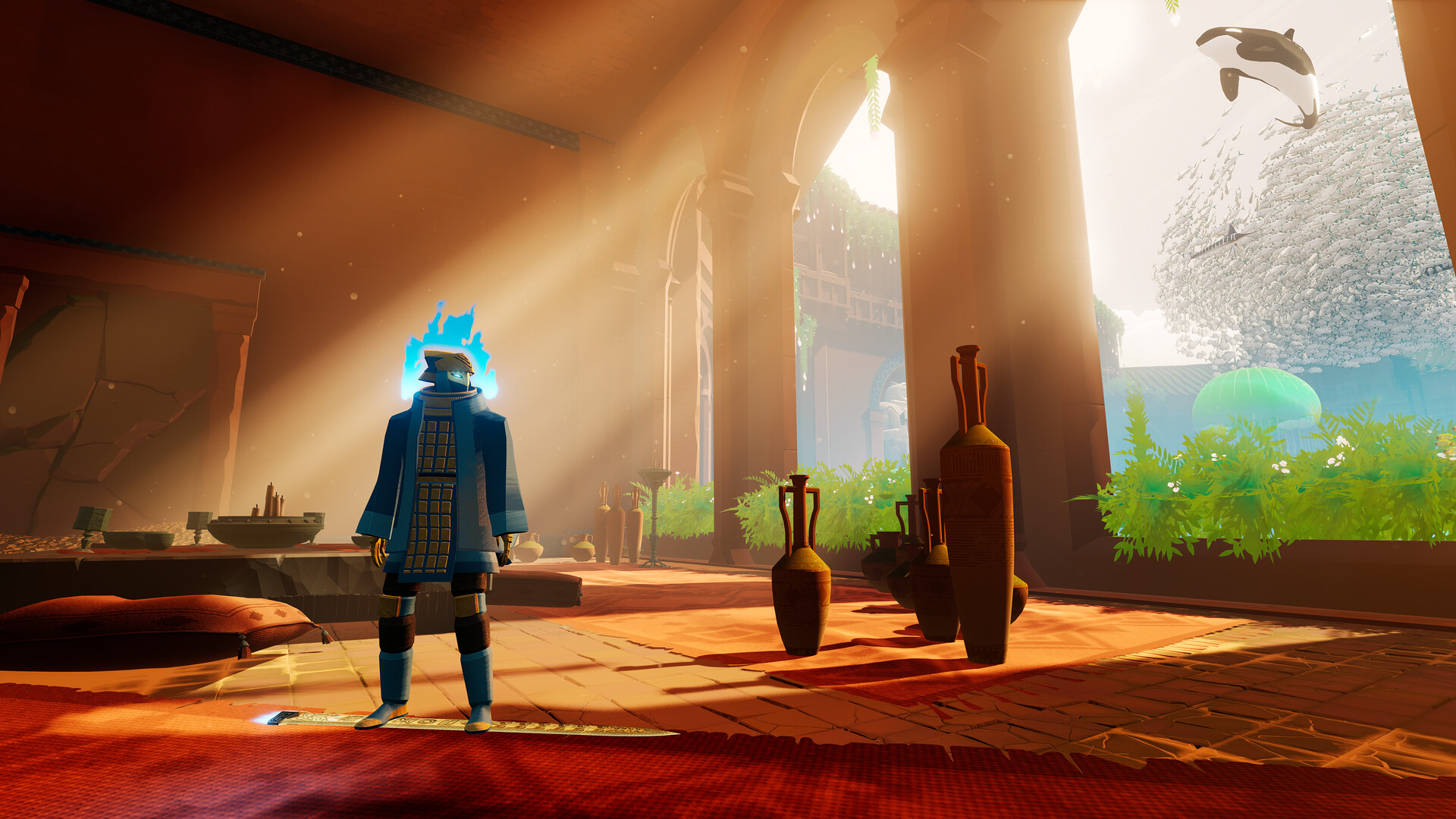
Sword of the Sea is an atmospheric surfing adventure from Giant Squid, the team behind ABZÛ, The Pathless, and Journey. You play the Wraith, resurrected in a desolate Necropolis on a quest to bring back an ocean buried beneath the land. Movement is the heart of it: the ancient Hoversword glides like a snowboard, skateboard, and surfboard at once, letting you build momentum, catch big air off cresting waves of sand, and pull off flips and grabs across ramps and ruins. It blends fast, exhilarating action with a fluid, almost meditative rhythm.
The world flows in constant waves, from sweeping tides of dune to the smallest ripples, rendered with the striking art direction of Matt Nava and scored by Grammy winner Austin Wintory. As you surf across deserts, glacial peaks, and other shifting landscapes, you uncover the remnants of a lost culture and transform barren sand into glittering emerald water teeming with returning sealife. There is wonder here, but also darkness lurking beneath the waves. With a Very Positive Steam rating, it is a short, beautiful journey that rewards exploration and pure motion, and the offline account lets you experience all of it for $9.99.
// pros
- Save ~44% — $9.99 instead of ~$17.78 on Steam
- Instant, automated delivery after crypto payment
- Full single-player adventure playable in Offline Mode
- Crypto payment — no card, no banking details, no region lock
- Free replacement if account access ever stops
// good to know
- · Single-player / offline only — Sword of the Sea has no online mode anyway
- · You play in Steam Offline Mode on a shared account, not your own profile
Playing Sword of the Sea offline
Pay with crypto
Checkout in USDT, BTC, ETH or LTC — no card needed.
Get the login
We deliver the account that owns the game, automatically, in minutes.
Play offline
Sign in, switch Steam to Offline Mode with our guide, and enjoy the full game.
Sword of the Sea — questions
Can you play Sword of the Sea offline?
Yes. Sword of the Sea is a single-player game, and this account is made to run entirely in Steam Offline Mode. The whole adventure works offline after the first sign-in.
How much is Sword of the Sea on bonege?
It is $9.99 as a one-time payment, compared to the usual ~$17.78 on Steam — about 44% off. That is one of the cheapest Sword of the Sea prices you will find on PC.
How fast is delivery?
Instant and automated. As soon as your crypto payment confirms, the account login is delivered to you with no manual wait.
How do I pay?
Crypto only — USDT (TRC20), BTC, ETH, or LTC. There are no card payments, so you never share banking details.
What's the difference vs a Steam key?
A key activates on your own profile; this is a shared offline account that already owns the game, played in Offline Mode. For a single-player title like this, the experience is the same — only cheaper.
Is it safe?
It is a shared offline account, delivered automatically and paid via crypto. If access ever stops, you get a free replacement through support.



