 offline access
Buy Styx: Shards of Darkness Steam Offline Account
A Styx: Shards of Darkness Steam offline account costs $9.99 on bonege, about 11% below the usual Steam price of ~$11.22. You log into a Steam account that already owns the game, switch Steam to Offline Mode, and play the full solo stealth campaign. Delivery is instant and automated, payment is crypto only (no card), and there is no region lock. Note: the single-player campaign plays offline — online co-op is not included.
Key facts
- Price on bonege
- $9.99 — one-time
- Full Steam price
- ~$11.22 (save ~11%)
- What it is
- Shared Steam account that owns Styx: Shards of Darkness
- How you play
- Steam Offline Mode — solo stealth campaign
- Delivery
- Instant & automated
- Payment
- Crypto — USDT (TRC20), BTC, ETH, LTC
- Region
- Worldwide, no region lock
- Guarantee
- Free replacement if access stops
What you get
- Steam account that already owns the game
- Step-by-step offline-mode guide
- Instant automated delivery after payment
- Replacement guarantee if access stops
Screenshots
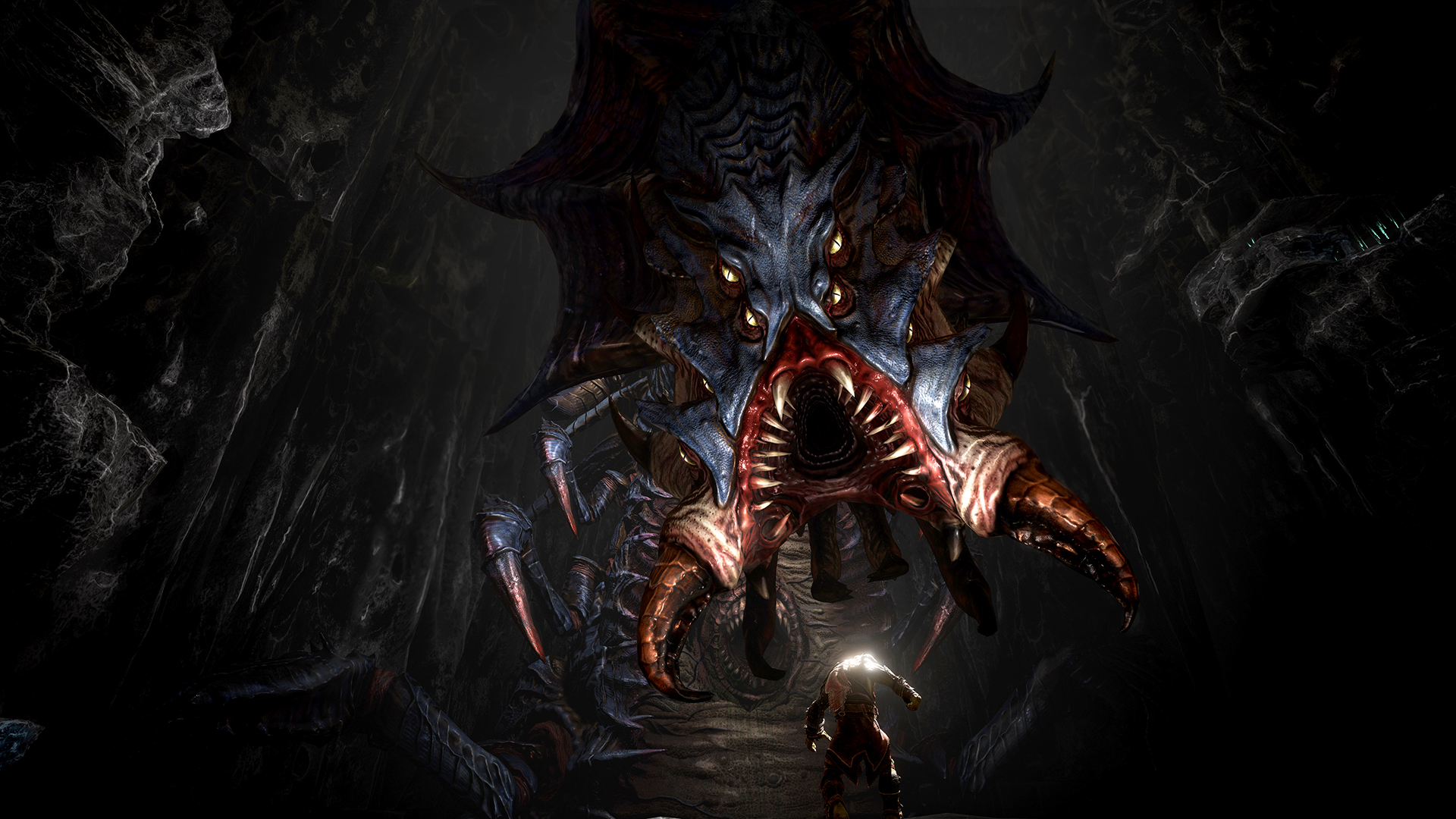
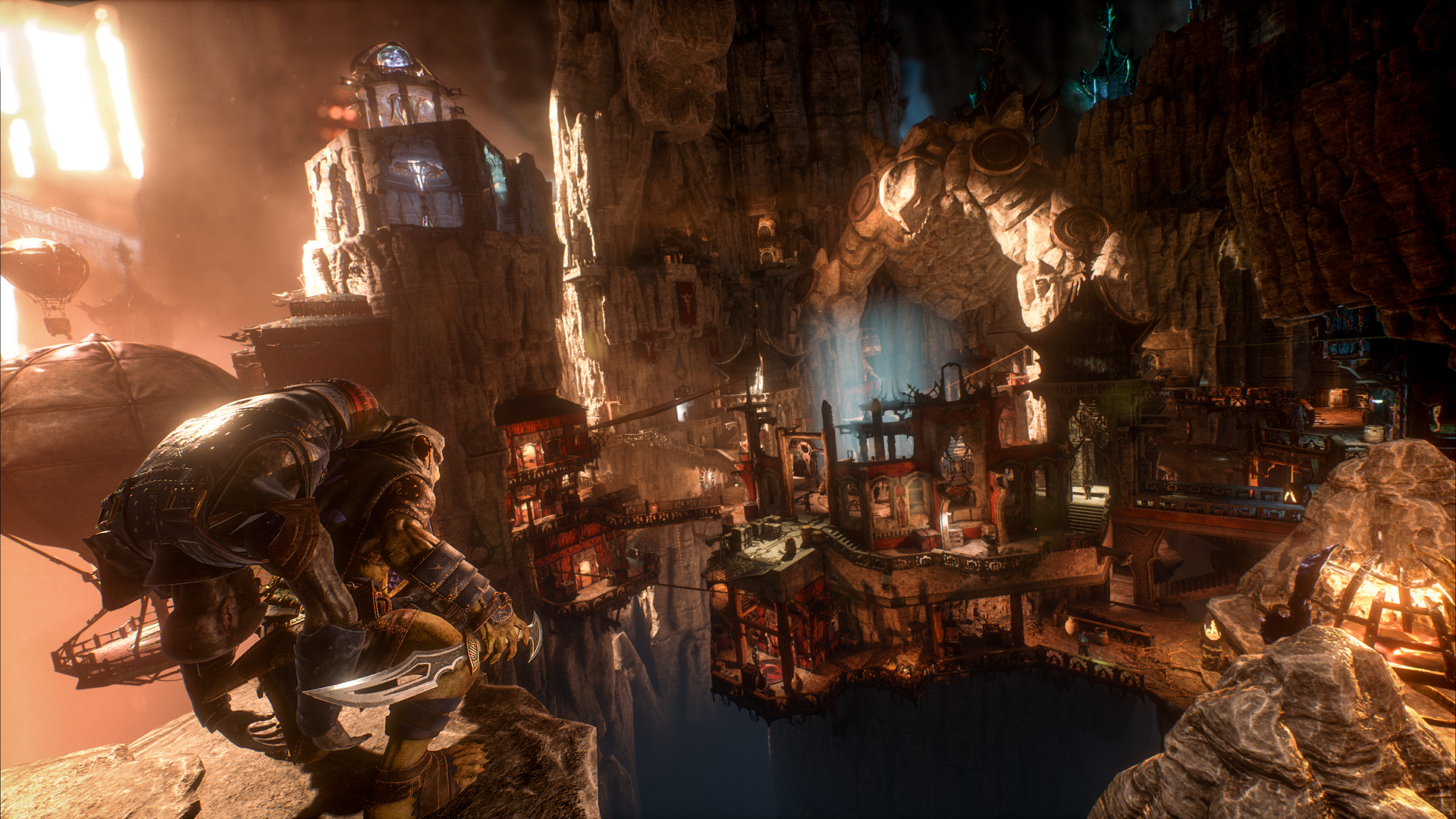
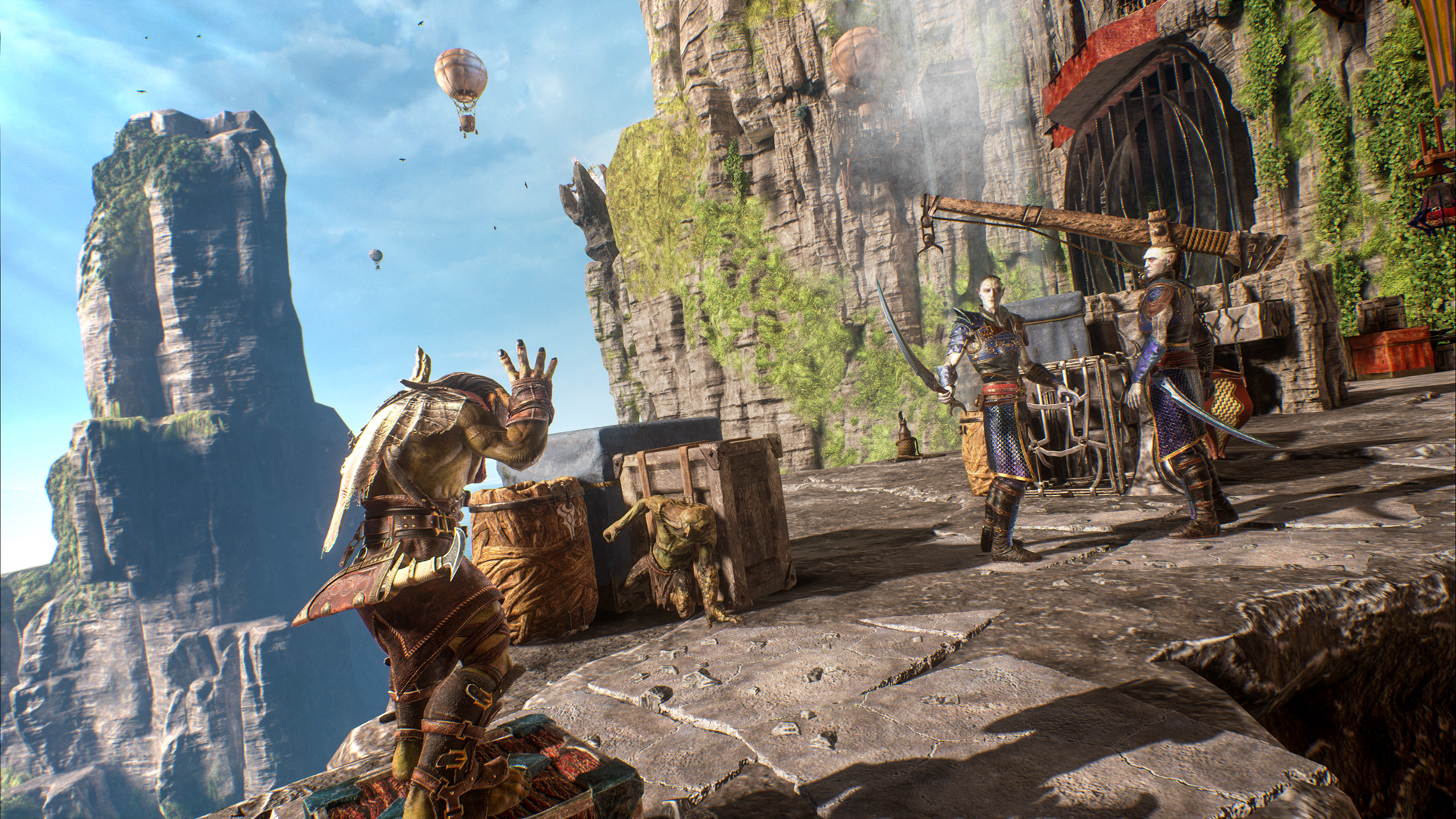
Buy Styx: Shards of Darkness cheap — offline account
What you get
You get login access to a shared Steam account that already owns Styx: Shards of Darkness, so there is no key to redeem and nothing to buy on the store page. As soon as your crypto payment confirms, the account details arrive in your order automatically, usually within a couple of minutes. You sign in with the standard Steam client on your own PC, open the library, and install Styx straight away. The game is already on the account, so you go directly to downloading instead of purchasing. This is the fastest way to get a Styx: Shards of Darkness account without paying full price on Steam.
The $9.99 you pay is a flat, one-time cost — no subscription, no recurring charge, and no surprise upsell at checkout. Compared with the regular Steam price of around $11.22, that is roughly 11% cheaper, a real saving rather than a marketing trick. You also keep our replacement guarantee: if access ever stops, we swap in a fresh account at no charge. Everything the solo stealth campaign needs is already on the account, ready to install. If you have been hunting for a Styx: Shards of Darkness account for sale at the cheapest price, this is the offer.
How a Styx: Shards of Darkness offline account works
After delivery, you open Steam, log in with the credentials we send, and download Styx: Shards of Darkness. Once installed, you open the Steam menu in the top-left corner and choose Go Offline, which puts the client into Offline Mode. From there the game runs fully from your machine and you do not need to stay connected to keep playing. This is the intended way to use the account, and it keeps your stealth runs and saves stable throughout the campaign. The whole setup takes only a few minutes once the account arrives.
The entire single-player campaign plays in Offline Mode: climbing the Elven city, sneaking through Dwarven territory, assassinating guards, planting traps and spending experience on infiltration and magic skills. Styx's tools — cloning yourself to deceive enemies, hiding in shadows, scaling multi-layered environments — all work exactly as designed offline. You can take your time mastering each open level without any connection. The one honest limitation: the two-player co-op mode runs over the internet and is not included with an offline account. For the solo stealth experience the game is best known for, this account covers everything from start to finish.
Cheaper than a Steam key
A Styx: Shards of Darkness key usually sits at the full price of around $11.22, and card-based stores often add processing fees on top of that. Our offline account is a flat $9.99, roughly 11% less, and you pay in crypto with no card surcharge. There is no sale to wait for and no coupon to find — the price stays the same every day. For a story-driven stealth game you mostly play solo, that is a clean saving with nothing to chase.
We will be clear about the difference between a key and an account. A key redeems onto your own Steam profile and is yours permanently; an offline account is one you log into and play in Offline Mode, which is why it ships instantly and costs less. If permanent ownership on your personal profile is your priority, a key is the right pick. If you want the cheapest fast way to start sneaking through Styx today, the offline account is the stronger value.
Is it safe?
Yes, with sensible expectations. You install Styx: Shards of Darkness on your own PC, switch to Offline Mode, and play the campaign without keeping the account online — the standard pattern for these shared offline accounts. We never ask for your personal Steam credentials and we never touch your main profile; you simply use the separate account we provide. This same delivery model serves thousands of offline accounts and is dependable for single-player play.
If access ever stops for any reason, our replacement guarantee covers you — contact support with your order and we issue a fresh working account at no cost. Paying in crypto keeps the transaction private, since no card data is exchanged at any point. To keep things smooth, stay in Offline Mode as instructed and leave the account settings untouched. Used as a dedicated Styx play account, it runs reliably through the whole stealth campaign.
About Styx: Shards of Darkness
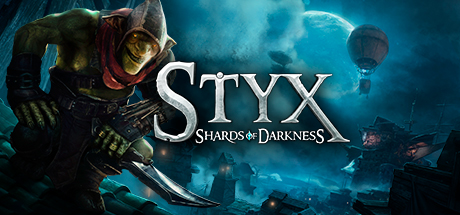
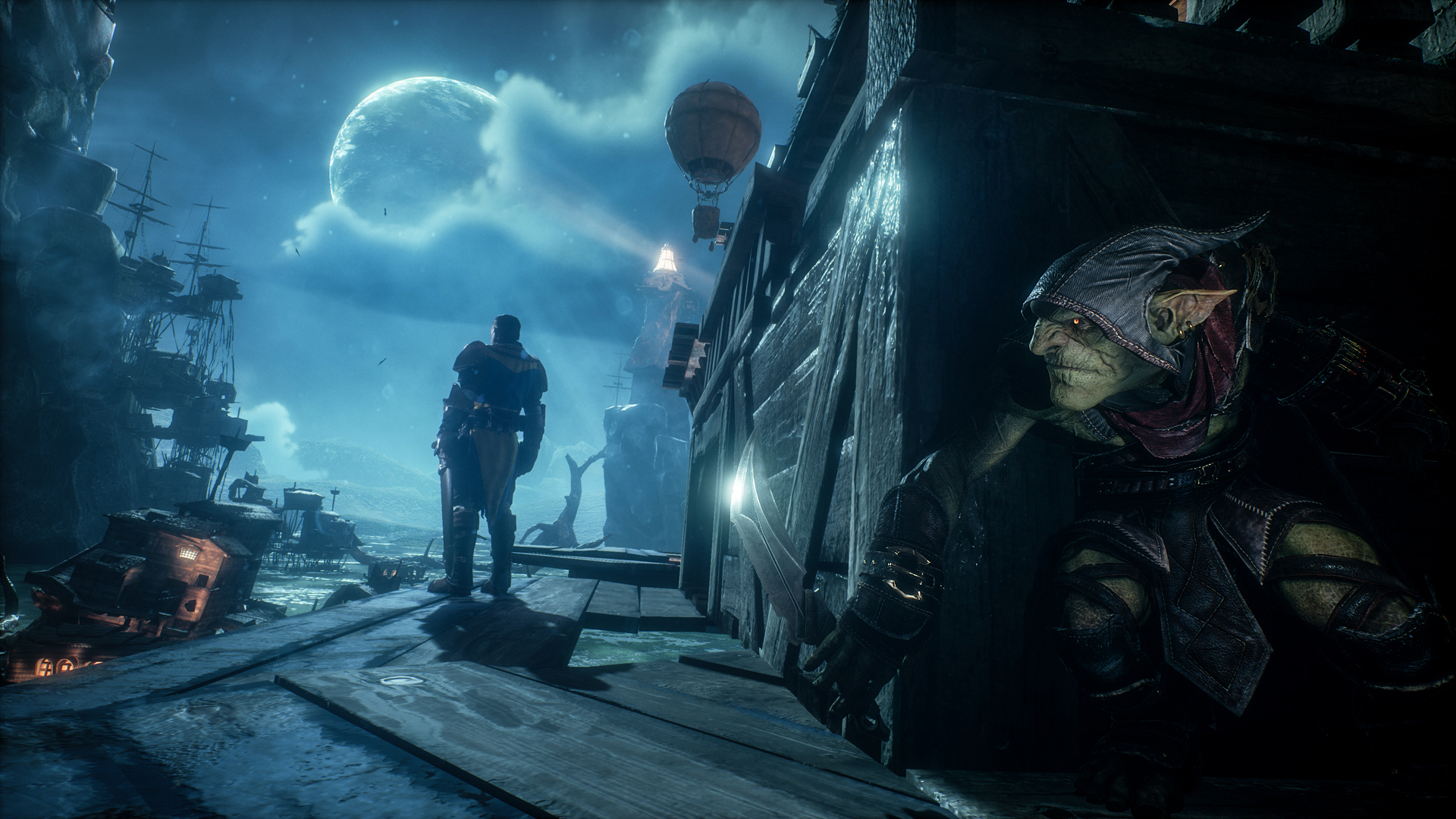
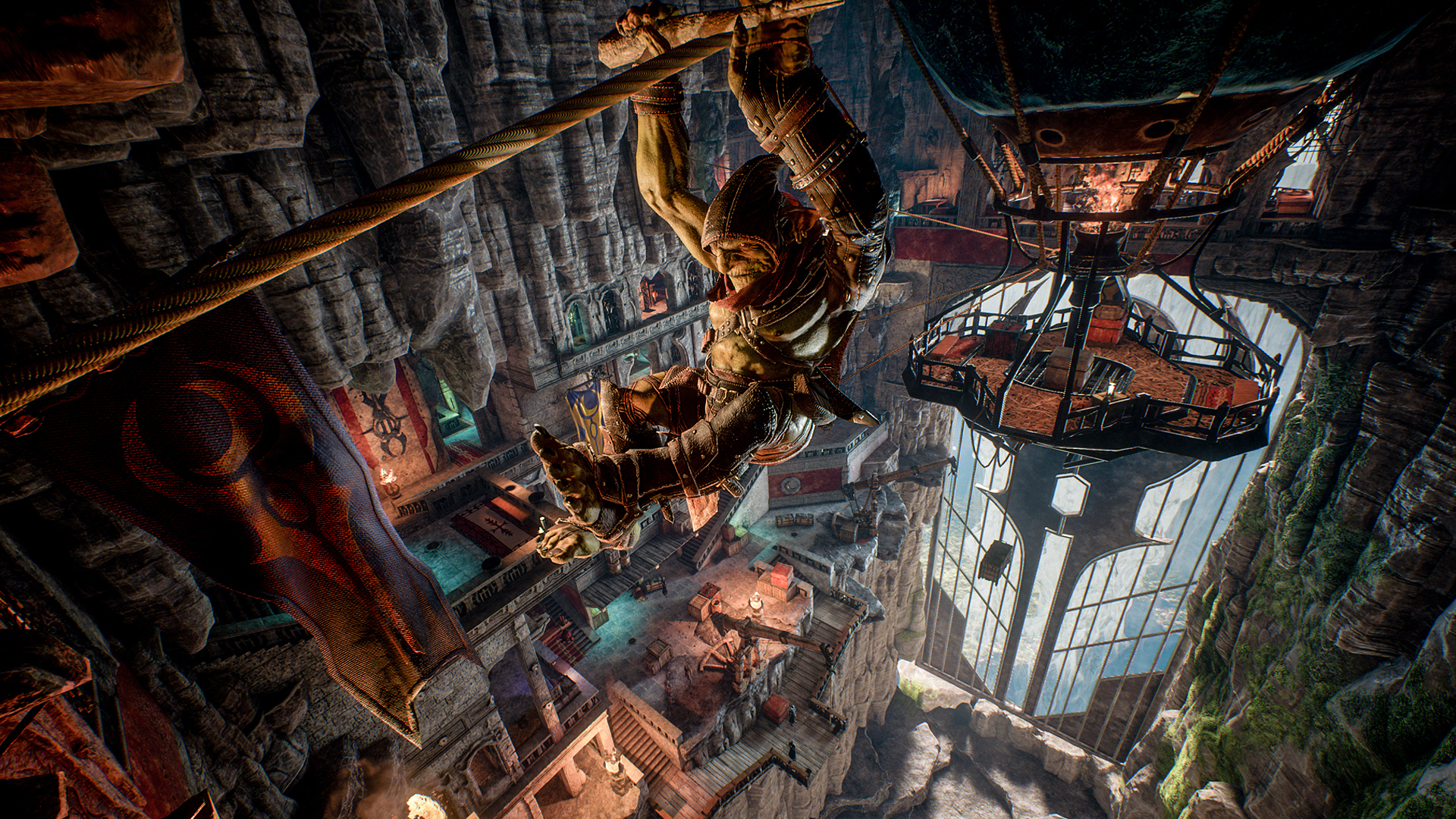
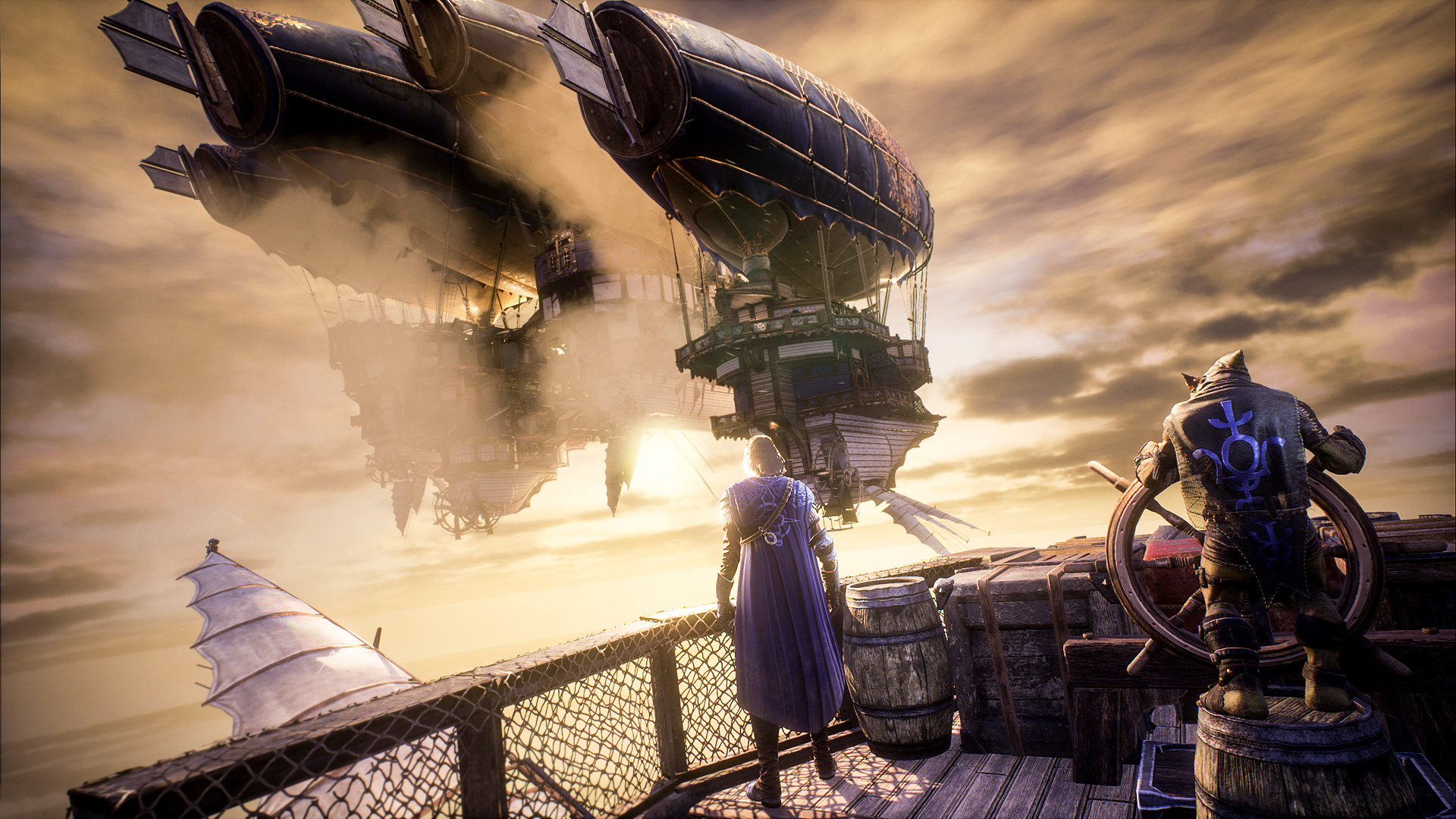
Styx: Shards of Darkness is a stealth-action adventure starring a sharp-tongued goblin assassin sneaking through huge, vertical levels. Built on Unreal Engine 4, it gives you tall, multi-layered environments to climb, swing and hang across while you slip past guards or take them down quietly. You creep through shadows, reach high vantage points to avoid detection, and pick your approach — pure infiltration or selective assassination. The fantasy setting sends you up a dizzying Elven city and through the perilous lands of the Dwarfs on a mission that carries real stakes for Styx's kin.
Progression rewards careful play: you spend experience points across assassination, infiltration and magic to learn new abilities, and you craft deadly traps and useful items from ingredients you scavenge. Styx's signature trick is creating clones of himself to distract and deceive enemies, opening up creative routes through each sandbox. Exploration matters too, with valuable artifacts hidden across the world for players who probe every corner. Its Very Positive Steam rating reflects how well the level design and stealth toolkit hold together — and the full solo campaign plays exactly as intended in Offline Mode.
// pros
- Flat $9.99 — about 11% under the ~$11.22 Steam price
- Instant, automated delivery after crypto payment
- Full solo stealth campaign plays offline
- Crypto payment — no card, no region lock, worldwide
- Free replacement guarantee if access ever stops
// good to know
- · Two-player online co-op is not included — solo campaign only
- · You play in Steam Offline Mode on a shared account, not on your own profile
Playing Styx: Shards of Darkness offline
Pay with crypto
Checkout in USDT, BTC, ETH or LTC — no card needed.
Get the login
We deliver the account that owns the game, automatically, in minutes.
Play offline
Sign in, switch Steam to Offline Mode with our guide, and enjoy the full game.
Styx: Shards of Darkness — questions
Can you play Styx: Shards of Darkness offline?
Yes. You log into the account, switch Steam to Offline Mode, and play the full single-player stealth campaign without staying connected. The two-player online co-op mode is not included.
How much is Styx: Shards of Darkness on bonege?
It is a flat $9.99, one-time, versus the regular Steam price of about $11.22 — roughly 11% cheaper.
How fast is delivery?
Instant and automated. As soon as your crypto payment confirms, the account login appears in your order, usually within a couple of minutes.
How do I pay?
Crypto only — USDT (TRC20), BTC, ETH or LTC. No cards are accepted, and there is no region lock.
What's the difference vs a Steam key?
A key redeems onto your own profile for permanent ownership. An offline account is one you log into and play in Offline Mode — cheaper and instant, but not added to your personal Steam account.
Is it safe?
Yes, used as intended: install on your PC, play in Offline Mode, and we never touch your main profile. If access stops, our free replacement guarantee covers you.



