 offline access
Buy STANDBOX Steam Offline Account
This is a ready-to-use Steam offline account that already owns STANDBOX, the single-player physics sandbox where you torment a stubborn ragdoll named Stanley. The price on bonege is a flat $9.99, paid in crypto. You log in, switch Steam to Offline Mode, and play the full sandbox on your PC. Delivery is instant and automated, the account works worldwide with no region lock, and if access ever stops you get a free replacement.
Key facts
- Price on bonege
- $9.99 — one-time
- What it is
- Steam offline account that already owns STANDBOX
- How you play
- Steam Offline Mode — single-player physics sandbox
- Delivery
- Instant & automated
- Payment
- Crypto — USDT (TRC20), BTC, ETH, LTC
- Region
- Worldwide, no region lock
- Guarantee
- Free replacement if access stops
What you get
- Steam account that already owns the game
- Step-by-step offline-mode guide
- Instant automated delivery after payment
- Replacement guarantee if access stops
Screenshots
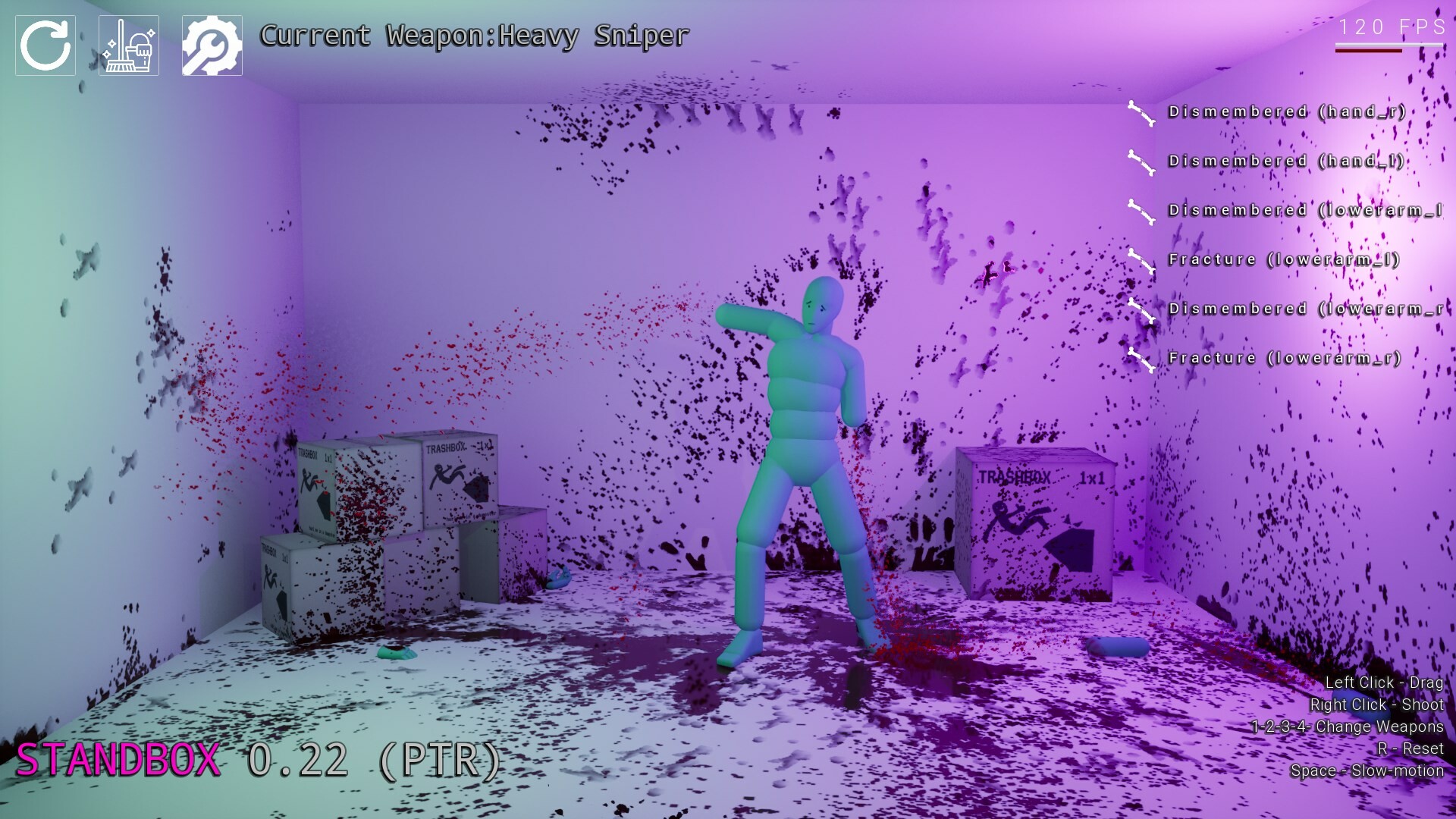
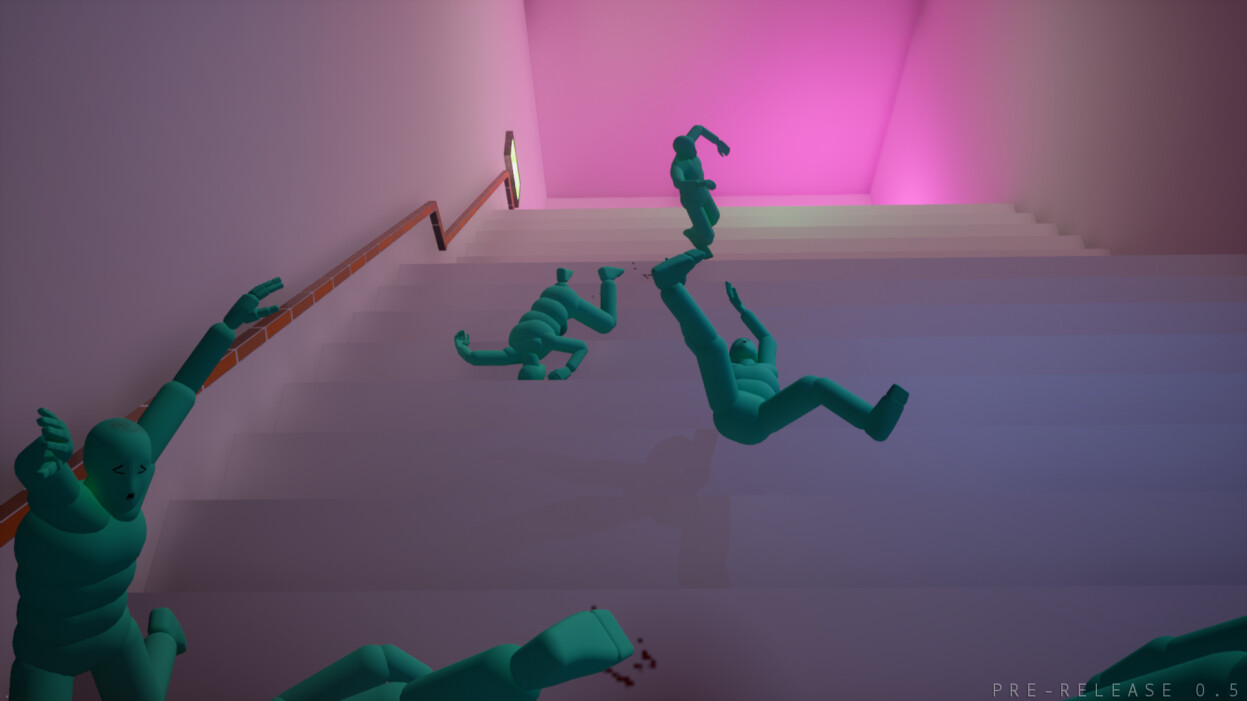
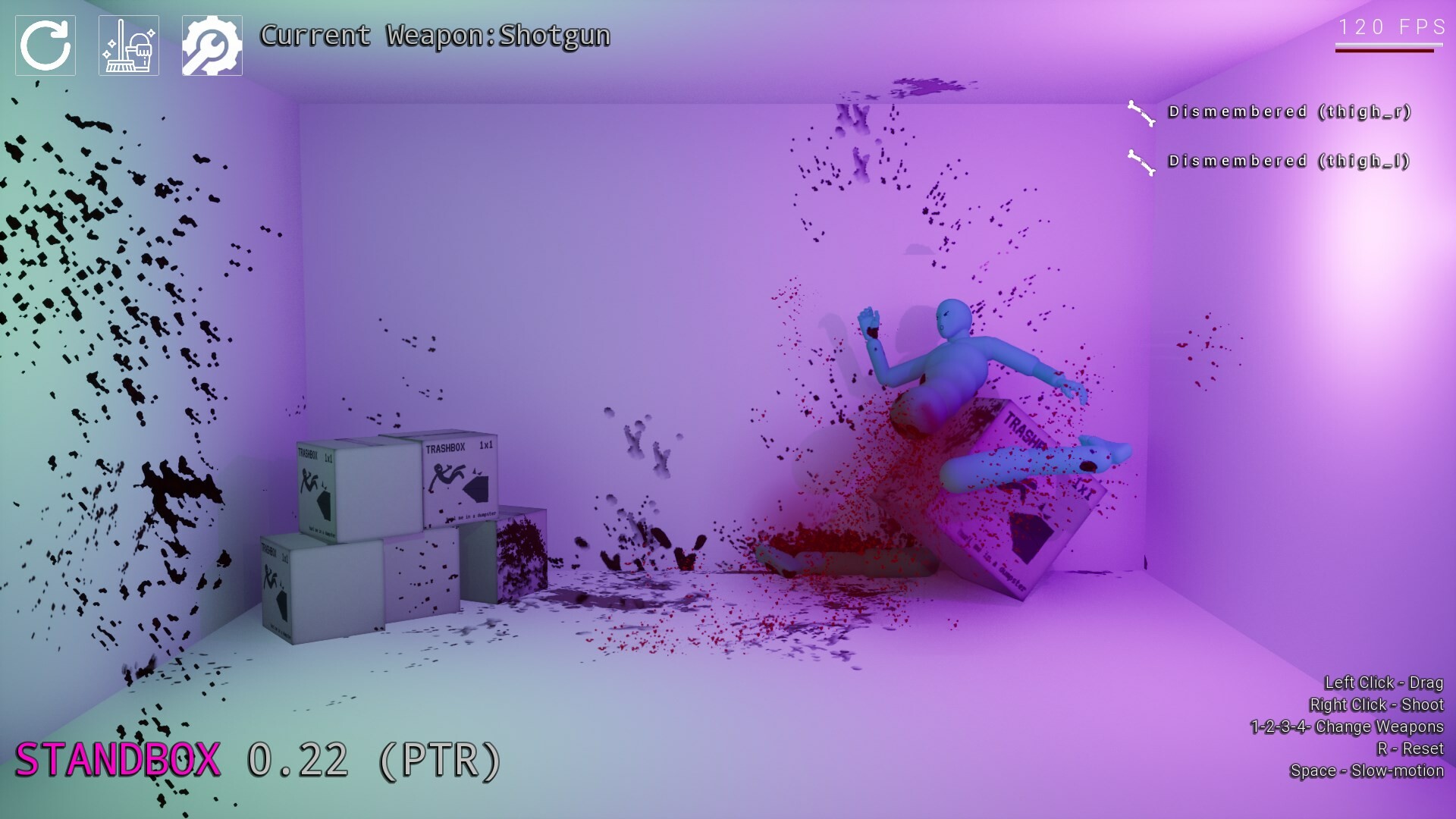
Buy STANDBOX cheap — offline account
What you get
You get login credentials for a Steam account that already has STANDBOX in its library, ready to play right away. This is a shared offline account, not a Steam key, not a gift, and not a subscription, so there is no code to redeem and nothing to activate. After payment you receive the account details automatically, sign in on your own PC, and set Steam to Offline Mode to start playing. STANDBOX is a single-player toy, so everything you need happens locally on your machine with no online requirement. The price is a flat $9.99 paid in crypto, and that is the whole transaction.
Because the game is already owned on the account, you skip the usual hassle of hunting for a working store listing or waiting on a key to land in your inbox. You download STANDBOX through Steam exactly as you would with any installed title, then launch it offline. The three maps, the tools, and Stanley the ragdoll are all there from the first session. If anything goes wrong with access down the line, the free replacement covers you, so you are never left stuck with a dead login. For a small physics sandbox like this, that low friction is most of the appeal.
How a STANDBOX offline account works
The flow is short. You buy the standbox account, you get the credentials, you log into the Steam client, and then you flip Steam into Offline Mode before you play. Offline Mode keeps the session contained to your PC and means you do not need to stay connected to a live Steam session while you mess around with Stanley. Once the game is installed, you can launch it again and again without re-downloading anything. The standbox offline experience is exactly the game you would get from any owned copy, just on an account we provide.
Treat this like the standbox steam account it is rather than your personal profile. You will not be moving the game into your own library, earning achievements on your own name, or merging it with other purchases you own. Use the supplied login purely to run STANDBOX in standbox offline mode, and keep the credentials as given. Following that simple routine is what keeps the access stable, and it is the same routine that works across every offline account we sell. If the login ever stops working, contact support and the replacement guarantee handles the rest.
Cheaper than chasing a Steam key
Buying STANDBOX as an offline account skips a lot of the friction that comes with hunting down a key. There is no scanning grey-market listings, no worrying about a regional code that will not redeem where you live, and no card-only checkout that blocks you. The standbox price here is a clean $9.99 in crypto, the account is delivered the moment payment clears, and it works anywhere in the world. For people who would rather not deal with key marketplaces, that simplicity is the point.
The trade-off is honest and worth stating plainly: you are playing on an account we provide, in Offline Mode, not building up your own personal library. If your goal is to own STANDBOX forever under your own Steam name with achievements tied to you, a key on the official store is the better fit. But if you just want to play the standbox sandbox now without the usual checkout headaches, the offline account route is faster and pays in crypto with no region lock. Either way, the standbox cheap option here is straightforward about what it is.
Is it safe?
We are upfront that this is a shared offline account, not an official key or a gift, and we do not dress it up as anything else. You play STANDBOX in Steam Offline Mode on your own PC, using the credentials we send, and you keep those credentials private. Delivery is automated, so the details reach you immediately and there is no manual back-and-forth that could expose your information. If access ever drops, the free replacement guarantee means you are not left without the game you paid for.
Keep the account login as supplied and do not try to change its email, password, or other settings, since those are what keep the offline access working for you. Because STANDBOX is single-player, there is no online lobby, no multiplayer matchmaking, and nothing that requires a constant live connection, which keeps the whole setup simple. Pay in crypto, get your details, switch to Offline Mode, and play. That is the entire safe path, and the guarantee backs it if something changes.
About STANDBOX
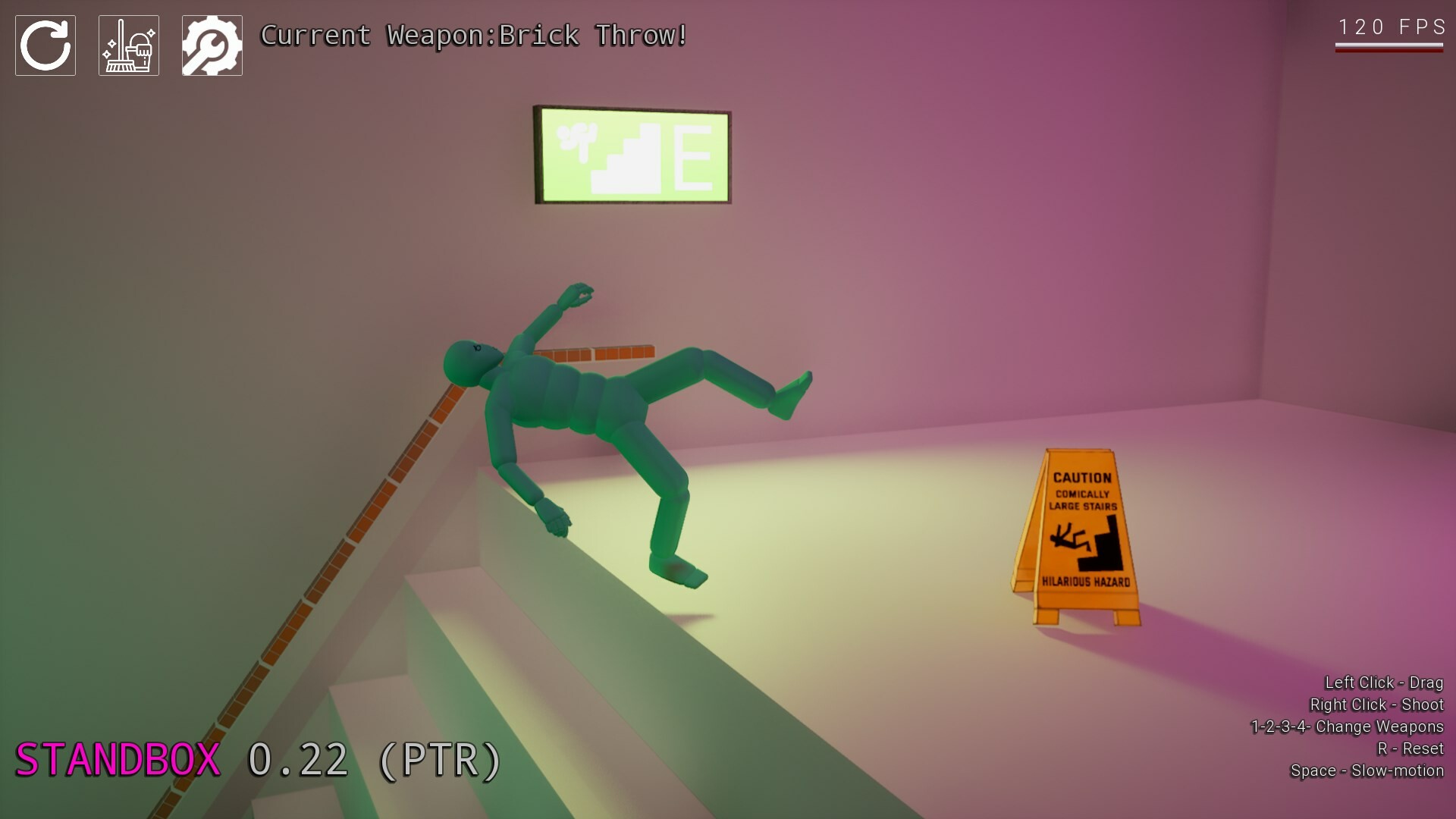
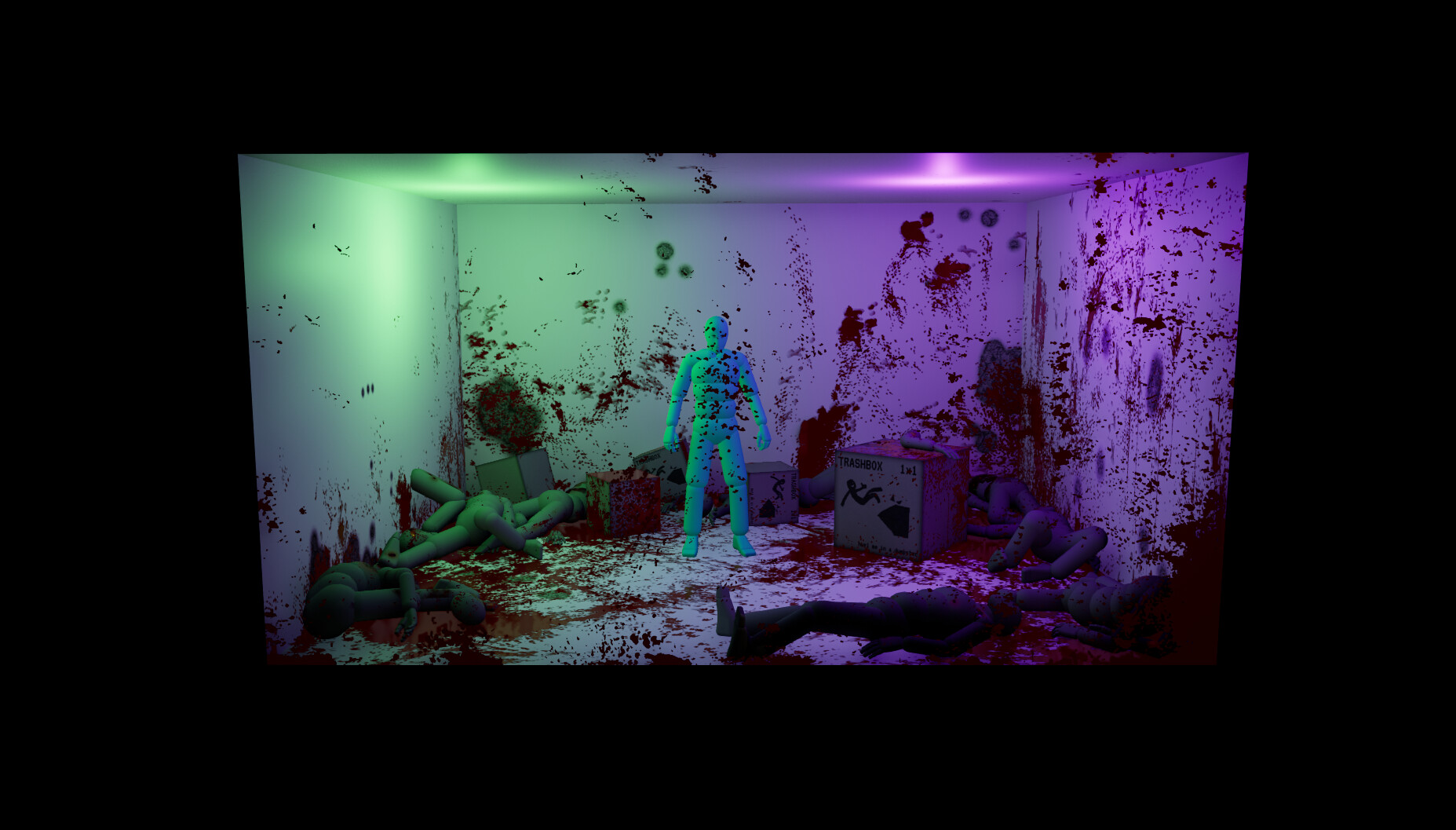
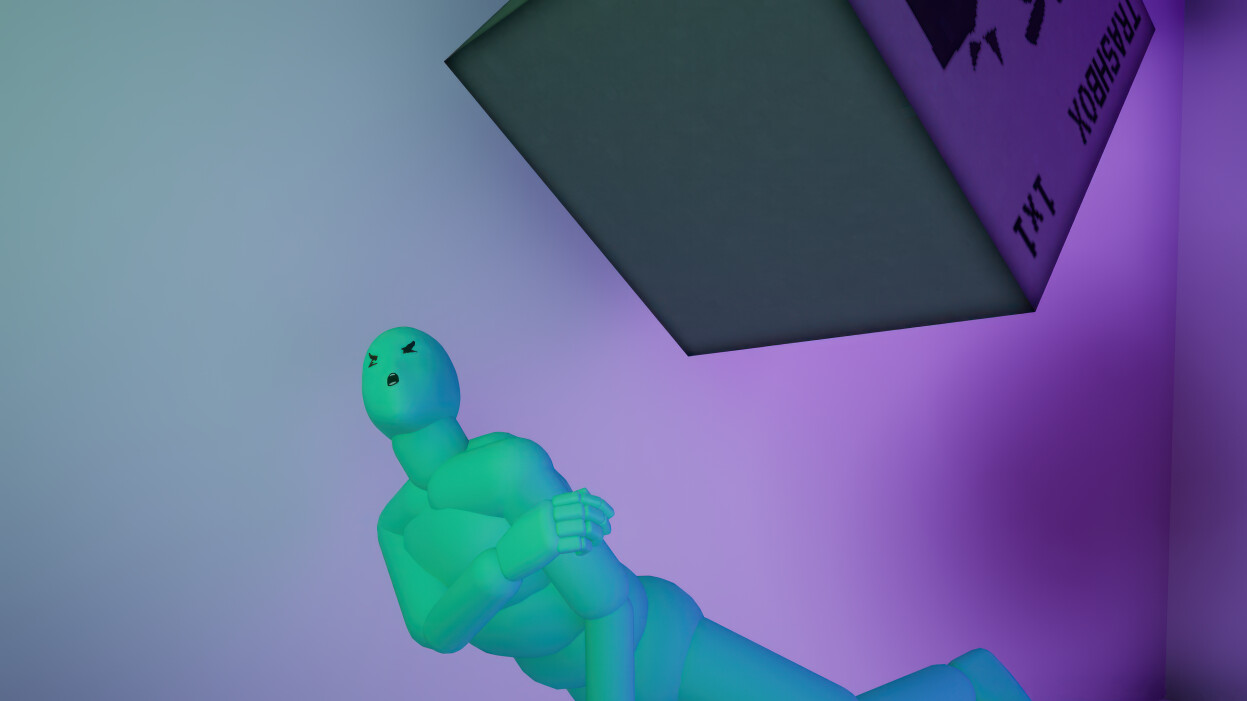
STANDBOX is a compact single-player physics sandbox built for people who always found tech demos more fun than the games around them. You interact with Stanley, a smart-ish ragdoll driven by a rough approximation of a medical system. Stanley can stand, try to balance, fall, suffer, and stubbornly try to get back up, and you can either help him or, more likely, make his day worse. He has organs you can damage, bones you can break, and a remarkable will to keep standing after you have thrown him around.
This is a physics toy, not a story-driven epic or a sprawling RPG, with three maps, a handful of tools, and one very persistent ragdoll surviving your curiosity. The developer is clear that it is a finished one-man project with a small scope and a big personality, not an early-access live-service title, so you buy it for what it is right now rather than for what it might become. If you like weird simulations, funny injuries, and seeing how much punishment a digital man can take before he stops getting up, STANDBOX delivers exactly that. Its Very Positive rating reflects players who came for that specific kind of fun.
// pros
- Flat $9.99 one-time price, paid in crypto
- Instant automated delivery — play within minutes
- Full single-player sandbox in Steam Offline Mode
- Crypto payment, no card and no region lock
- Free replacement guarantee if access stops
// good to know
- · Single-player / offline only — no multiplayer
- · You play in Offline Mode on a provided account, not your own Steam profile
Playing STANDBOX offline
Pay with crypto
Checkout in USDT, BTC, ETH or LTC — no card needed.
Get the login
We deliver the account that owns the game, automatically, in minutes.
Play offline
Sign in, switch Steam to Offline Mode with our guide, and enjoy the full game.
STANDBOX — questions
Can you play STANDBOX offline?
Yes. STANDBOX is a single-player physics sandbox, so you sign in, switch Steam to Offline Mode, and play the whole toy on your PC with no online connection required.
How much is STANDBOX on bonege?
It is a flat $9.99, paid one time in crypto. That covers the offline account that already owns STANDBOX, delivered instantly.
How fast is delivery?
Delivery is instant and automated. The account credentials are sent the moment your crypto payment is confirmed, usually within minutes.
How do I pay?
Payment is crypto only — USDT (TRC20), BTC, ETH, or LTC. There is no card checkout, and there is no region lock.
What's the difference vs a Steam key?
A key activates the game on your own account. This is a shared offline account that already owns STANDBOX, which you play in Offline Mode. There is no code to redeem and the game stays on the provided account.
Is it safe?
Yes. It is a shared offline account played in Steam Offline Mode. Keep the supplied login as given, and if access ever stops you get a free replacement.



