 offline access
Buy Pavlov Steam Offline Account
This is a ready Steam offline account that already owns Pavlov, the VR shooter, priced at a flat $9.99. A VR headset is required to play. You sign in, switch Steam to Offline Mode, and use the offline content — bots, the practice range, and the killhouse. Online multiplayer is not included with this account. Delivery is instant and automated, you pay with crypto, it works worldwide, and a free replacement is provided if access stops.
Key facts
- Price on bonege
- $9.99 — one-time
- What it is
- Steam offline account that owns Pavlov (VR shooter)
- Requirement
- VR headset required to play
- How you play
- Steam Offline Mode — offline vs bots, practice range, killhouse
- Delivery
- Instant & automated
- Payment
- Crypto — USDT (TRC20), BTC, ETH, LTC
- Region
- Worldwide, no region lock
- Guarantee
- Free replacement if access stops
What you get
- Steam account that already owns the game
- Step-by-step offline-mode guide
- Instant automated delivery after payment
- Replacement guarantee if access stops
Screenshots
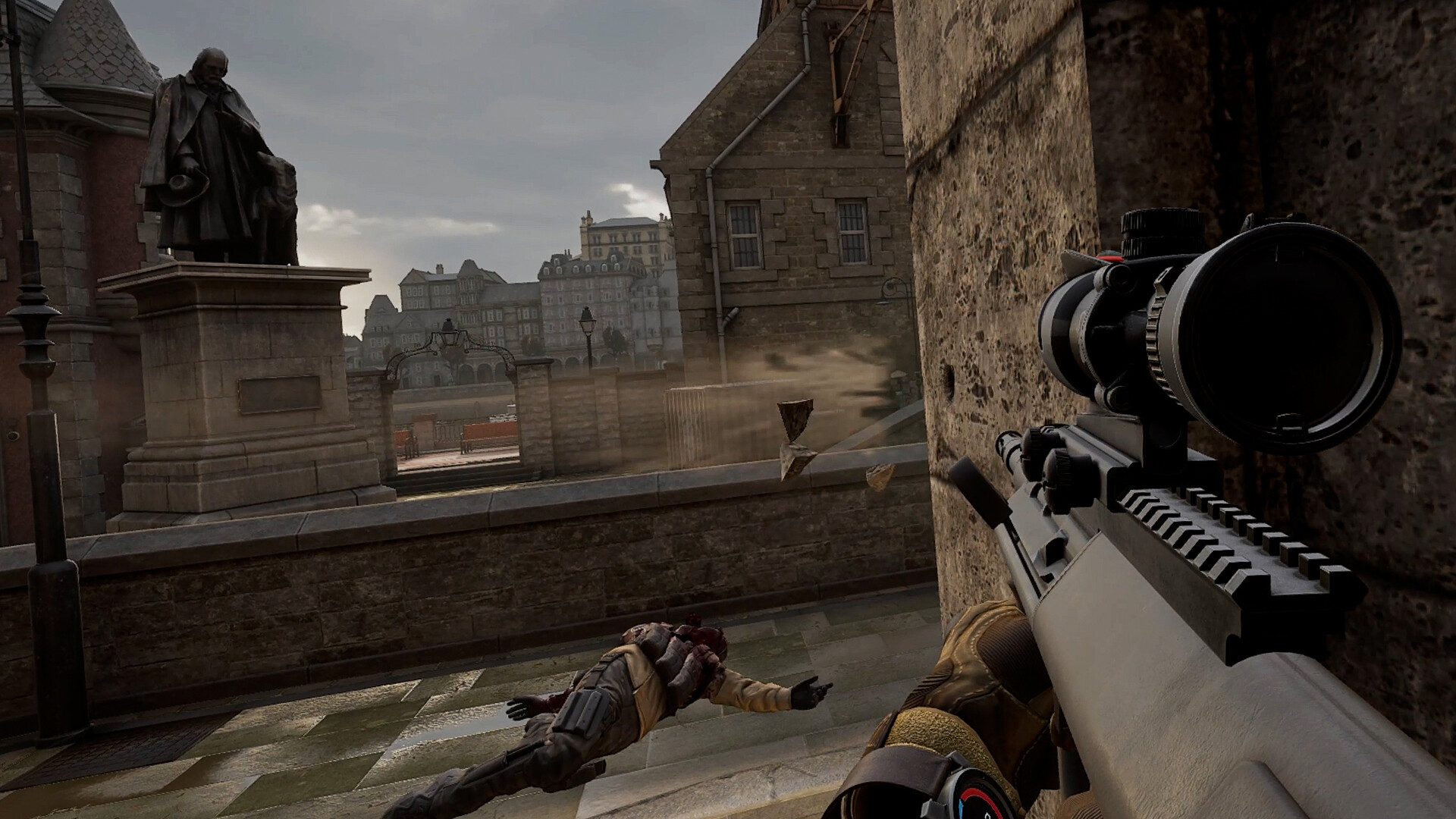
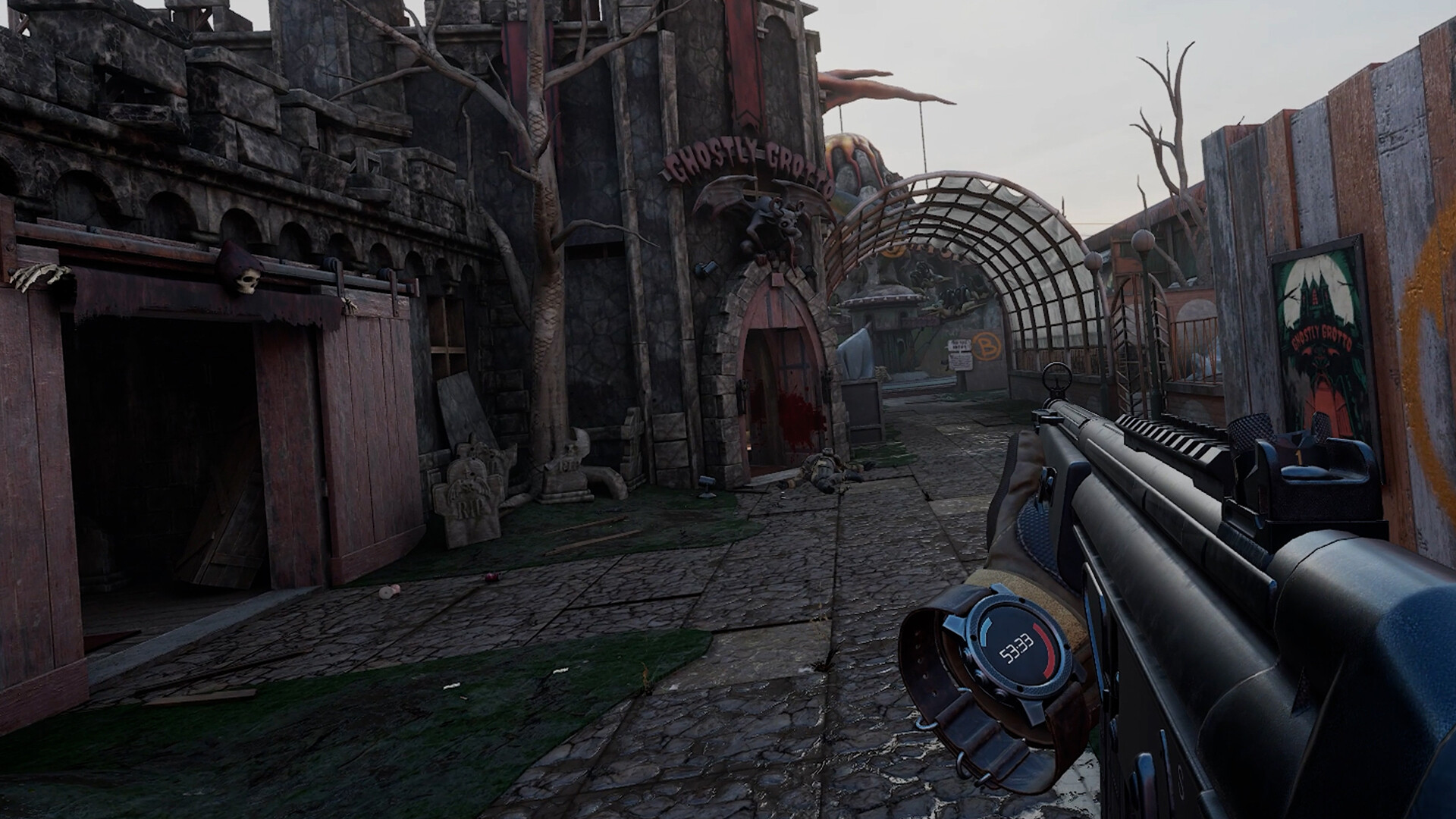
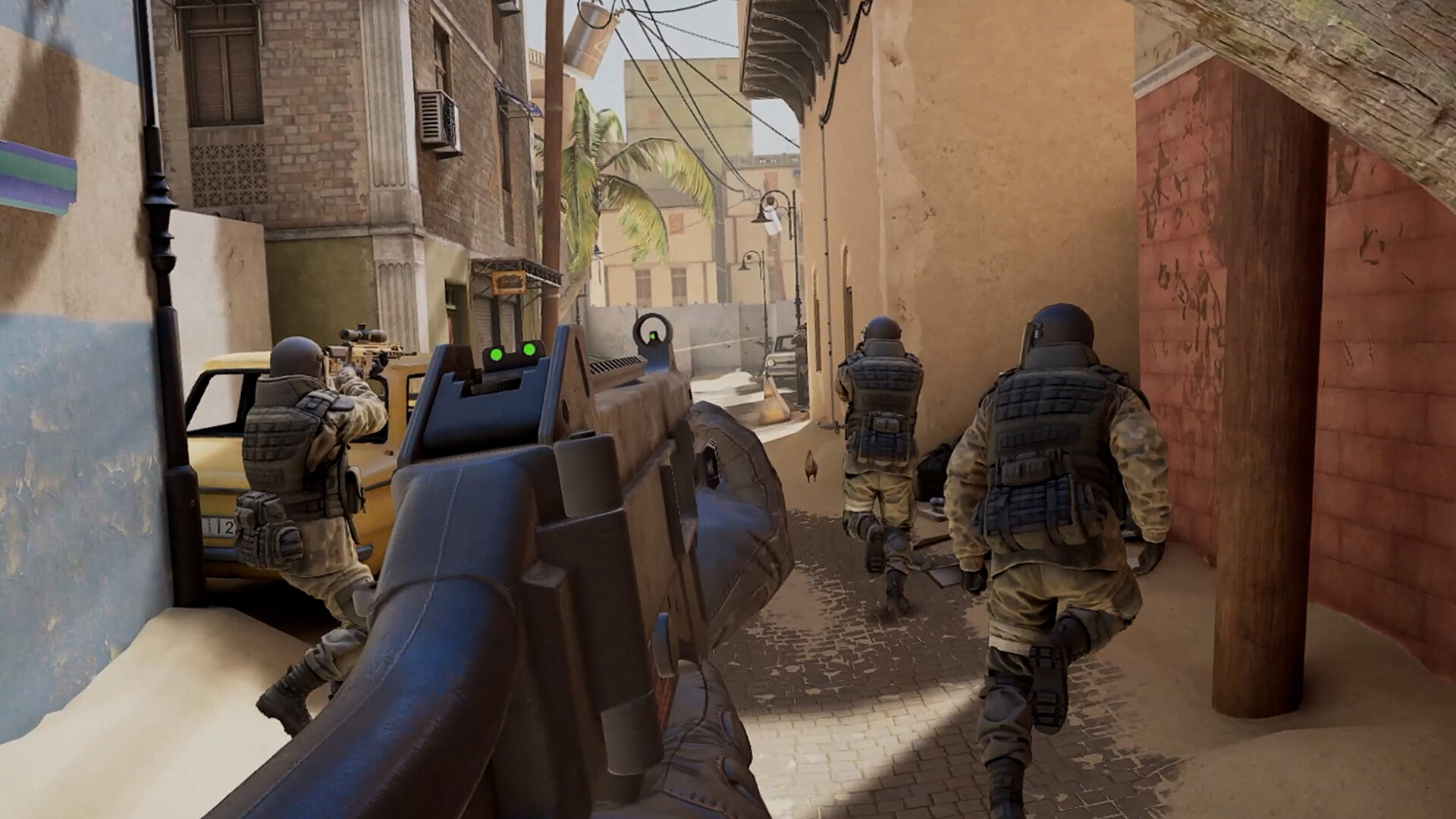
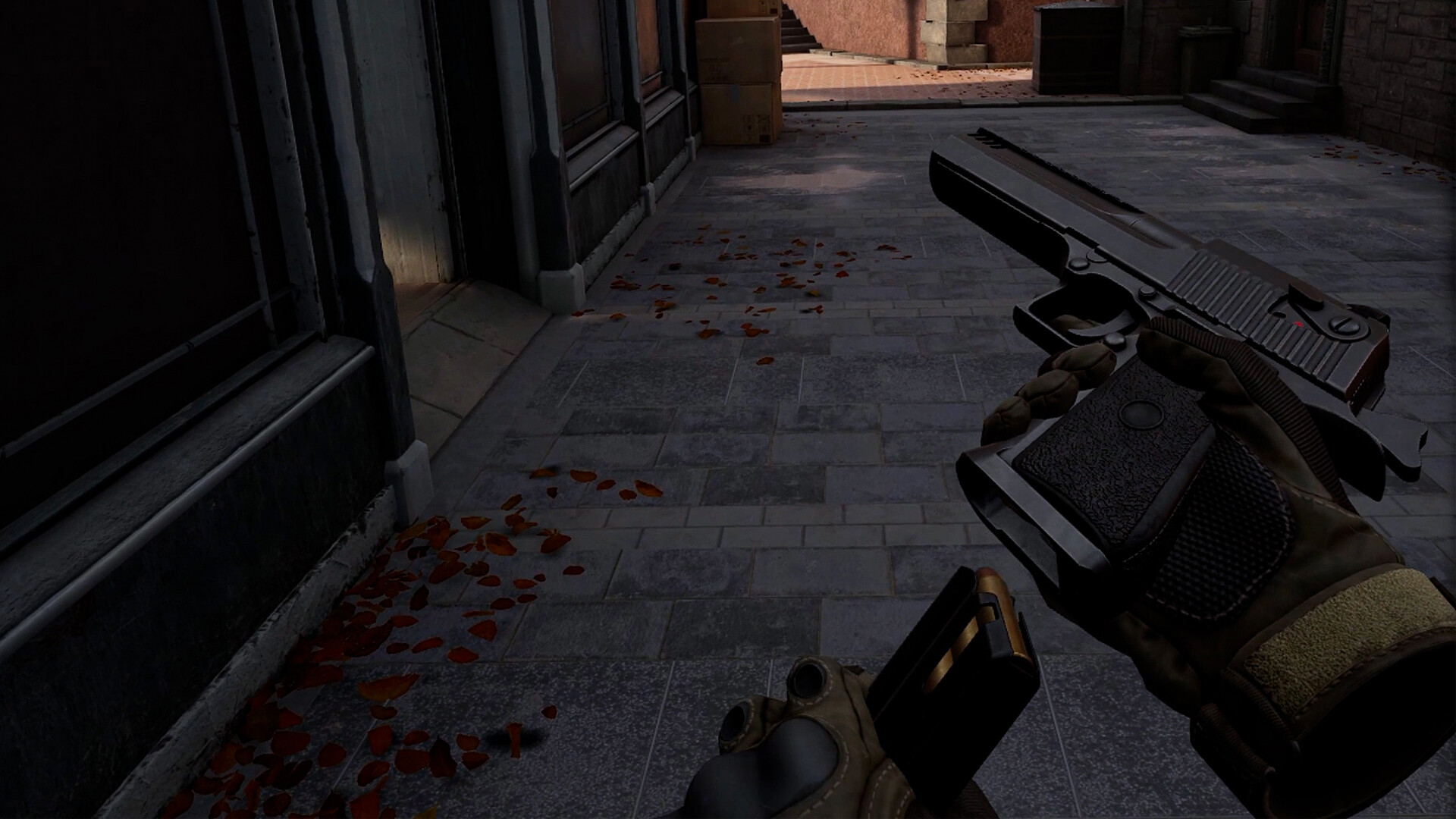
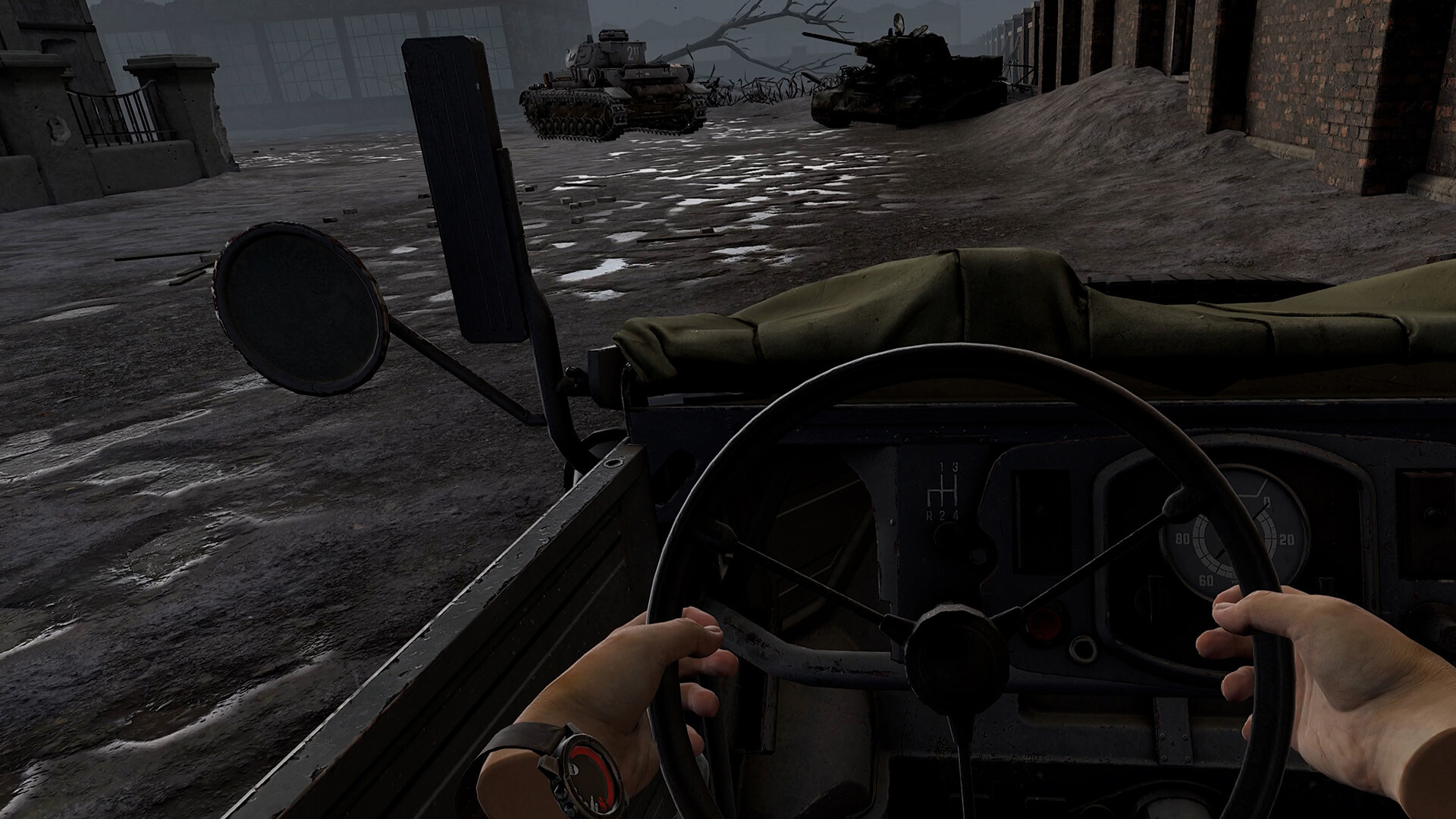
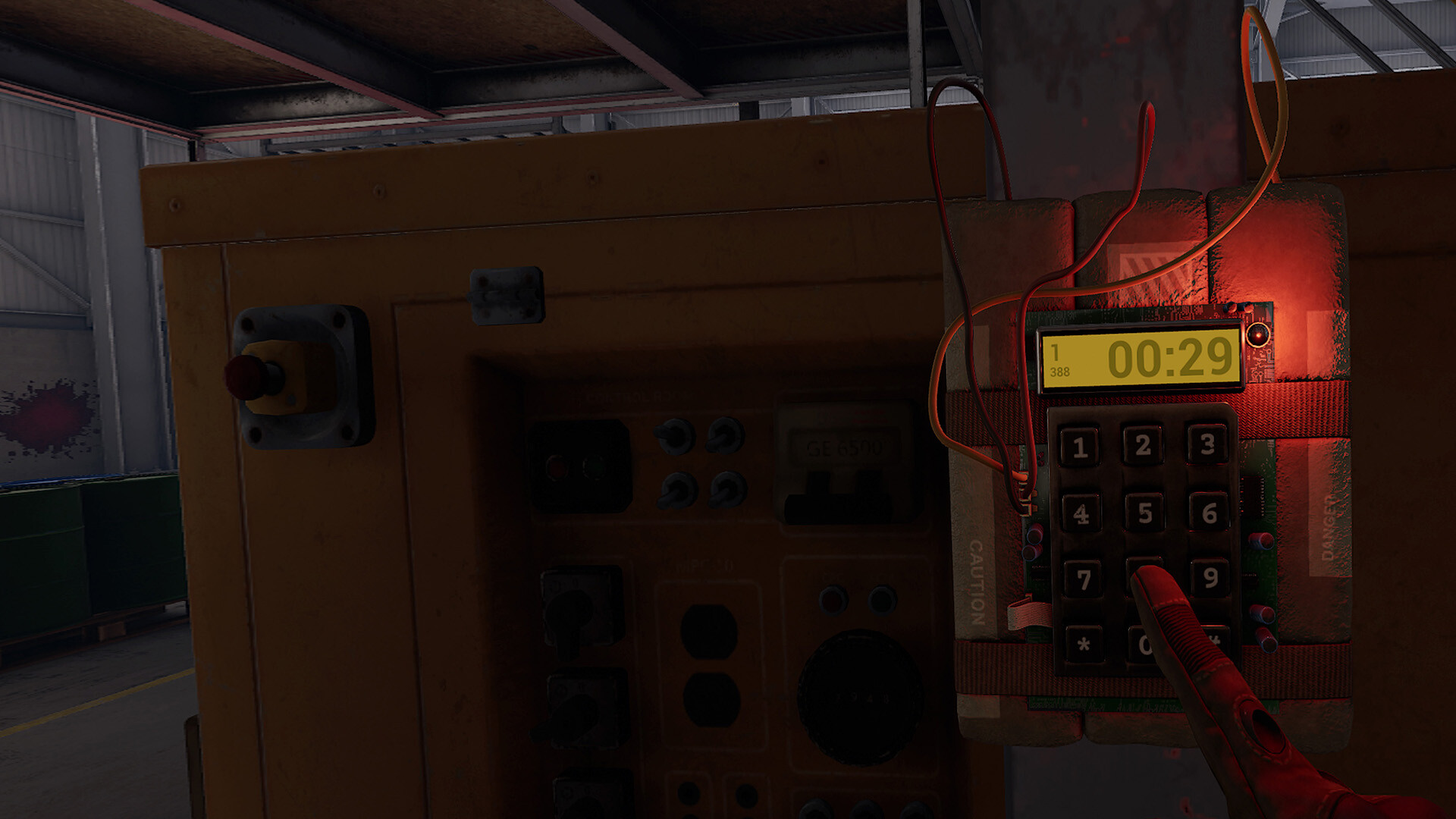
Buy Pavlov cheap — offline account
What you get
You get login access to a Steam account that already owns Pavlov, the popular VR shooter set across modern and WWII-era scenarios. The game itself is on the account and ready to launch in Steam with nothing to redeem. Pavlov is a virtual reality title, so you need a VR headset connected to your PC to actually play it — there is no flat-screen mode. After payment the credentials arrive automatically, you sign in, and the game is in the library waiting.
Be clear on what this pavlov account is for: it covers the offline portions of the game. That includes the bot matches, the practice range, and the killhouse, all of which run locally in Steam Offline Mode. Online multiplayer — the community-hosted dedicated servers, public lobbies, and ranked play — is not included with this account. We say that upfront so there are no surprises. For a flat $9.99, this is a way to own and play Pavlov's offline content on your own VR setup.
How a Pavlov offline account works
The setup uses Steam's own Offline Mode. You log into the account we send, let Steam verify once while connected, then switch the client to Offline Mode for the session. With a VR headset plugged in, you launch Pavlov and jump into bot matches, the practice range, or the killhouse to drill reloads, weapon handling, and movement. This pavlov offline mode flow keeps the local content playable without needing a live server connection.
It is important to set expectations honestly: Pavlov is primarily a multiplayer game, and its online side is what most players talk about. That online multiplayer is not part of what you are buying here, because it depends on your own connected Steam profile. What you do get is the realistic shooting, the operable tanks against bots where supported, and the offline drills — solid practice and solo play in VR. If your interest is the offline modes against bots, this pavlov steam account delivers them at a low flat price.
Cheaper than chasing a Steam key
Looking for a pavlov cheap key usually means scanning grey-market sellers, checking region locks, and gambling on whether the code activates. An offline account keeps it flat: pay $9.99, get working access, and start using the offline content on your headset. There is no activation lottery and no risk of paying for a code that was already redeemed. For anyone after the cheapest price on Pavlov's offline modes, a ready account removes that uncertainty.
A Steam key ties the game to whatever account redeems it, and a dead or region-locked key leaves you with nothing. This account sidesteps that because the game is already owned and verified before it reaches you. You are paying for guaranteed access to the offline side of Pavlov, not a code that might fail. Just remember the honest scope: this covers offline play in VR, not online matches, so a pavlov steam account fits players who want bots and practice rather than ranked lobbies.
Is it safe?
Yes, within the clear limits we have spelled out. You play in Steam Offline Mode, which keeps the session local, and you treat the account as a way to access the game rather than as your own personal profile. We do not ask you to attach payment methods or personal data to it, and you should not. The honest scope here is offline content only, with a VR headset required, and we never imply this unlocks online multiplayer.
If access to the account ever stops working, the free replacement guarantee covers you, so a single issue does not end your purchase. We state plainly that this is a shared offline account, not an official store key and not your own forever-account, and not a path to online play. Knowing exactly what you are buying is the safest part of the deal. For VR bot matches and practice, this is a low-cost, straightforward way in.
About Pavlov
Pavlov is a community-driven VR shooter built around realistic gunplay, manual reloading, and fast, tactical combat in virtual reality. It spans both modern and WWII settings and offers a stack of modes, including Search and Destroy, Deathmatch, King of the Hill, and Gun Game, plus realistically operated multi-crew tanks. It is widely cited as one of the most popular VR shooters on PC, with a heavy community focus and strong support for custom maps and game modes through its modkit. Proximity voice chat and radio communication add to the immersion.
Alongside its multiplayer reputation, Pavlov ships with offline content: bot matches, a practice range, and a killhouse for honing your aim and reload speed in VR. Those offline modes are what this account is scoped to, since online play depends on your own connected profile. The game holds a Very Positive rating from players who praise its weapon feel and the depth of its community content. If you have a VR headset and want to drill the mechanics or fight bots offline, Pavlov delivers a sharp, hands-on shooter experience.
// pros
- Flat $9.99 — one payment, no storefront markup
- Instant, automated delivery after crypto payment
- Offline VR content — bots, practice range, and killhouse in Offline Mode
- Pay with crypto — no card and no region lock
- Free replacement guarantee if access stops
// good to know
- · VR headset is required — there is no flat-screen mode
- · Offline vs bots only — online multiplayer is not included, and you play in Offline Mode on a shared account
Playing Pavlov offline
Pay with crypto
Checkout in USDT, BTC, ETH or LTC — no card needed.
Get the login
We deliver the account that owns the game, automatically, in minutes.
Play offline
Sign in, switch Steam to Offline Mode with our guide, and enjoy the full game.
Pavlov — questions
Can you play Pavlov offline?
Yes, the offline content works: bots, the practice range, and the killhouse run in Steam Offline Mode. A VR headset is required, and online multiplayer is not included with this account.
Do I need a VR headset?
Yes. Pavlov is a VR-only game with no flat-screen mode, so a VR headset connected to your PC is required to play.
How much is Pavlov on bonege?
It is a flat $9.99 for the offline account, paid once, with no subscription and nothing else to buy.
How fast is delivery and how do I pay?
Delivery is instant and automated. You pay with crypto only — USDT (TRC20), BTC, ETH, or LTC. No cards and no region lock.
What's the difference vs a Steam key?
A key must be redeemed and can be region-locked or already used. This account already owns the game, so you get verified access to the offline content for a flat price.
Is it safe?
Yes, for offline VR play. You play in Offline Mode on a shared account, you don't add personal data, and a free replacement is provided if access ever stops.



