 offline access
Buy Moving Out 2 Steam Offline Account
This is a Moving Out 2 Steam offline account that already owns the game, priced at a flat $9.99 instead of the ~$17.78 full Steam price — a 44% saving. You sign in, switch Steam to Offline Mode, and play solo or with friends on the same screen in local couch co-op. Honesty note: solo and local couch co-op work offline, but online co-op is NOT included. Delivery is instant, you pay with crypto, and it works worldwide with no region lock.
Key facts
- Price on bonege
- $9.99 — one-time
- Full Steam price
- ~$17.78 (save ~44%)
- What it is
- Steam offline account that owns Moving Out 2
- How you play
- Steam Offline Mode — solo & local couch co-op
- Delivery
- Instant & automated
- Payment
- Crypto — USDT (TRC20), BTC, ETH, LTC
- Region
- Worldwide, no region lock
- Guarantee
- Free replacement if access stops
What you get
- Steam account that already owns the game
- Step-by-step offline-mode guide
- Instant automated delivery after payment
- Replacement guarantee if access stops
Screenshots


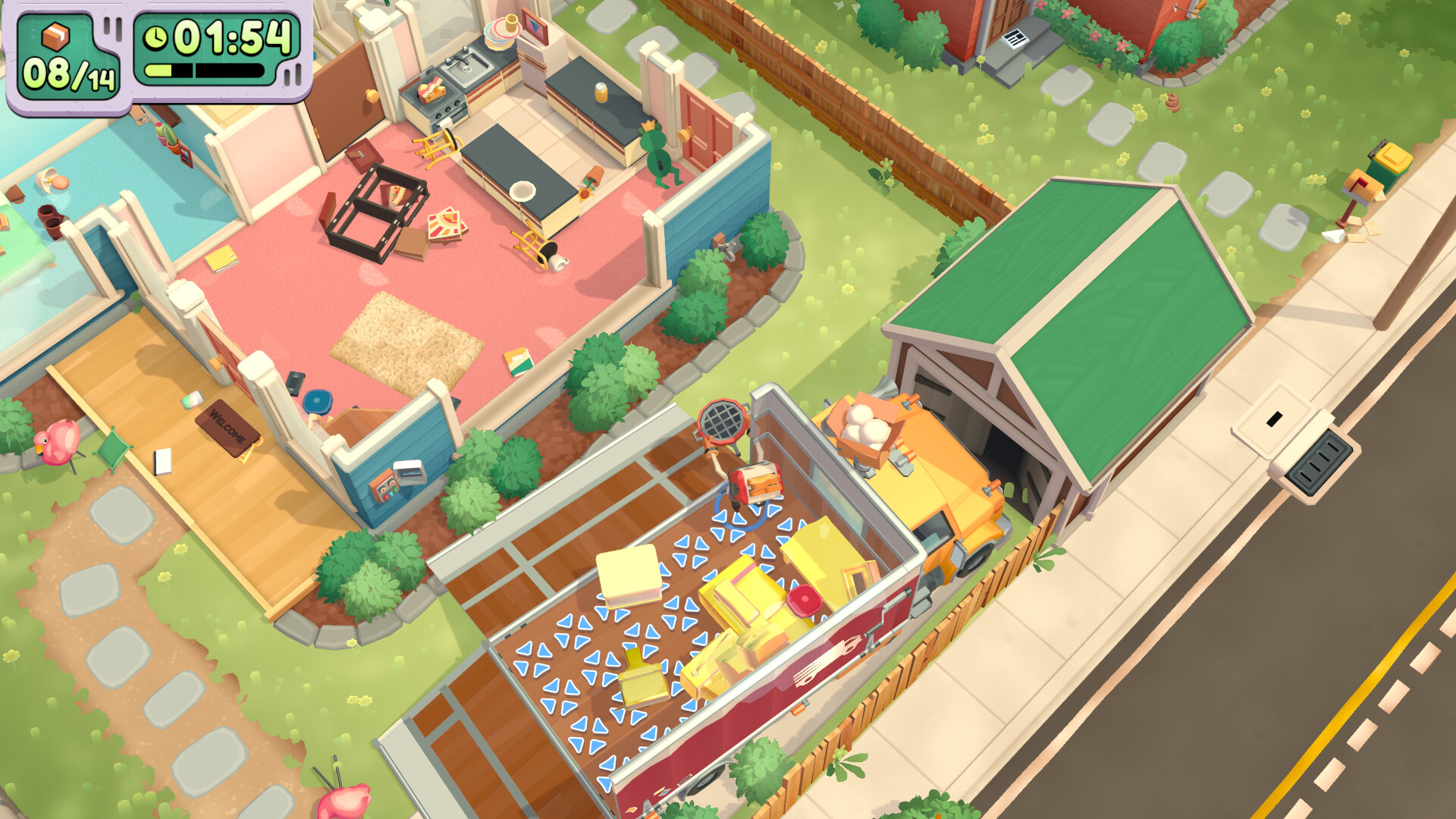
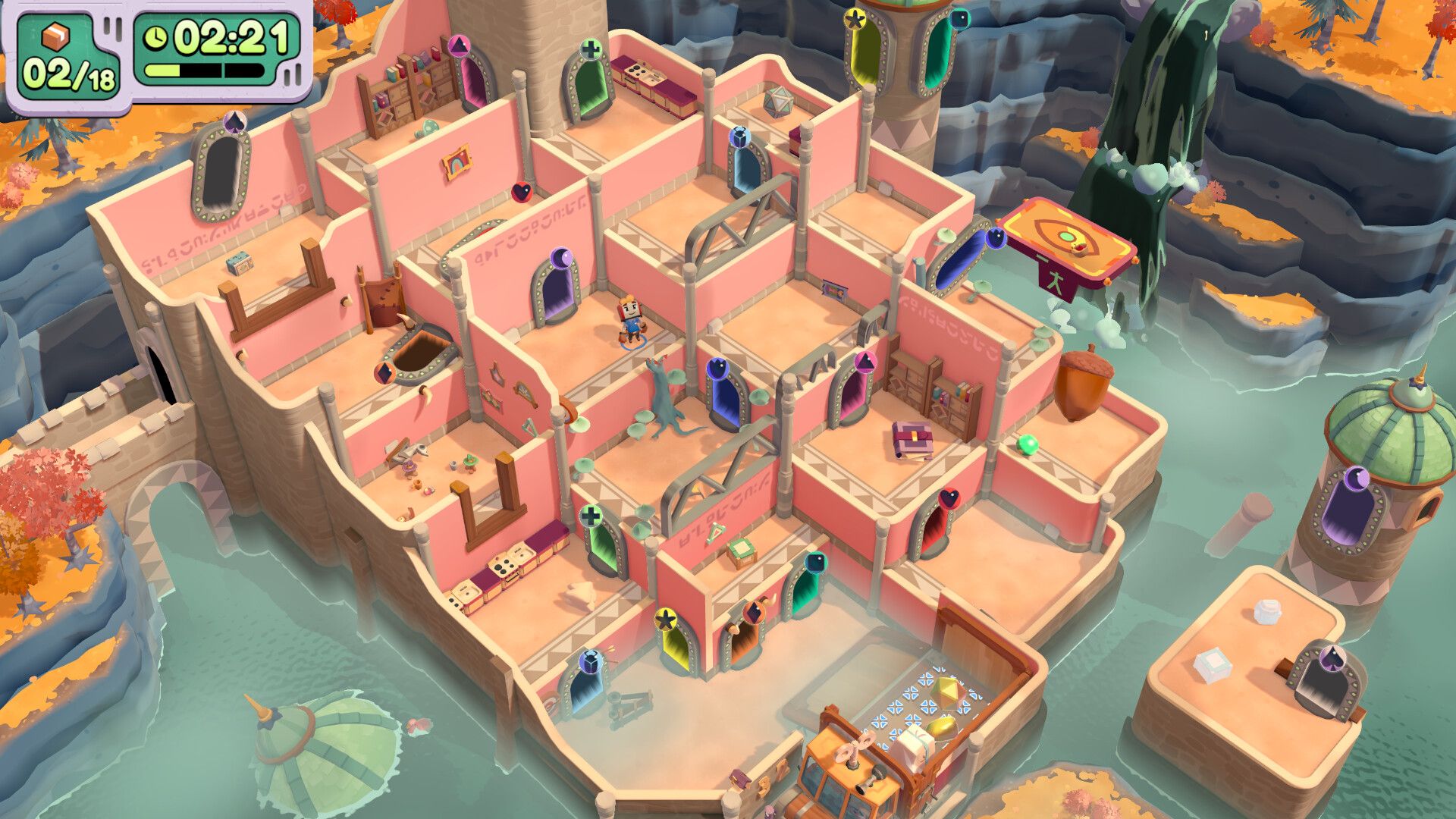
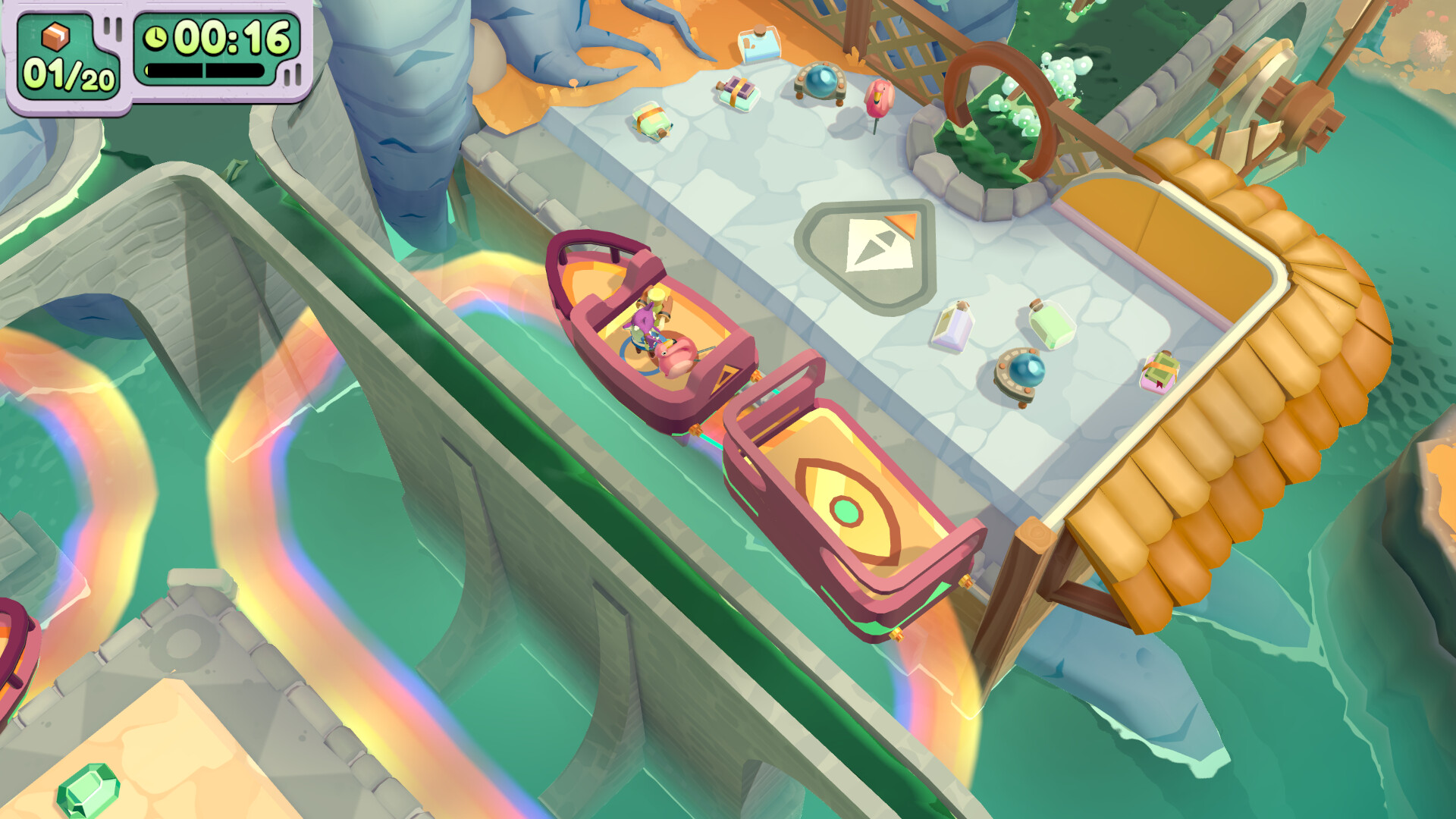
Buy Moving Out 2 cheap — offline account
What you get
You get login access to a Steam account that already owns Moving Out 2, ready to play for a flat $9.99. After payment the credentials arrive automatically, you sign in to Steam on your own PC, and you set the client to Offline Mode. From there the full campaign opens: you slip into your Smooth Moves uniform as a F.A.R.T. recruit and help the residents of Packmore and beyond pack up and ship out through inter-dimensional portals. You can play the whole adventure solo, or hand controllers to up to three friends for local couch co-op on the same screen.
Here's the honest scope: solo play and local couch co-op both work in Offline Mode, but the game's online and cross-play multiplayer is NOT included with this account. So if you want chaotic moving mayhem on one couch, this is perfect; if you specifically want to play online with distant friends, this offline account won't cover that. This is a real account that holds the license, not a key or a gift code, so the game stays installed and playable as long as you keep it in Offline Mode, with all the new worlds, characters, and accessibility options intact.
How a Moving Out 2 offline account works
Setup is quick. You buy the account, the login details land automatically, and you sign in to the Steam desktop app. Before launching, open the Steam menu and choose Go Offline — this moving out 2 offline mode step lets you play without staying tied to the account's online session. Once Steam is offline, you start the game and play solo or pass controllers to friends in the same room for local co-op, with save data living on your own computer.
Because this is a shared account played in Offline Mode, your personal Steam profile and friends stay on your own account, and the moving out 2 account you bought is used only for running the game. Local couch co-op needs everyone on the same machine, which works fully offline; online co-op needs a live connection and is outside what this account provides. If access ever stops working, our free replacement covers you — message support and we issue a fresh, working moving out 2 account at no extra cost.
Cheaper than a Steam key
A Steam key for Moving Out 2 usually sits at the full ~$17.78. Our offline account is a flat $9.99 — about 44% below that — which makes it one of the cheapest ways to get the game for solo and couch co-op nights. If you have searched for a moving out 2 cheap key or the cheapest price, this skips the higher key cost and the card-only checkout most key shops require, and you pay with crypto instead.
The trade-off is worth stating clearly. A full Steam key gives you a copy you own outright with online and cross-play multiplayer; this $9.99 account is for offline play, which covers solo and local couch co-op but not online sessions. If your group plays together on one screen, you get the full experience for far less than the standard moving out 2 steam price. If your friends are remote and you need online co-op, a full key is the better fit — we'd rather tell you straight than have you buy the wrong thing.
Is it safe?
Yes, with honest expectations. You play in Steam Offline Mode, a built-in Steam feature, so the setup is not a hack or a client workaround. Accounts are tested before delivery and the handoff is automated, so you can be moving furniture within minutes of paying. Every order includes a free replacement: if access stops working, you contact support and we provide a fresh account at no extra cost.
Keep the account in Offline Mode and don't change its login details, since it is a shared account meant for offline solo and couch co-op use. We do not claim this is an official store copy and we do not promise online multiplayer — it is a moving out 2 steam account for affordable offline play, described exactly as it is. As long as you understand it covers solo and local co-op but not online sessions, it does what it says without surprises.
About Moving Out 2
Moving Out 2 is the wacky sequel to the physics-based moving simulator, where you and up to three friends take on jobs as Furniture Arrangement & Relocation Technicians. The comedy comes from the chaos: sofas wedged in doorways, fragile cargo flung onto the truck, and everyone tripping over each other to beat the clock. This time the team travels through inter-dimensional portals to explore brand-new worlds packed with silly challenges, alongside familiar faces like Rye Yu and Sidney from the original.
The sequel leans hard into accessibility and variety, with an assist mode, a wide range of accessibility options, and loads of characters and outfits to unlock so anyone can join the fun. Local couch co-op is the heart of it — gathering friends on one screen for rib-tickling, controller-fumbling teamwork — and that side plays fully offline. With a Very Positive rating, fresh recruits, returning favourites, and an attitude of pure good-natured silliness, Moving Out 2 is one of the best party games to share on a couch, and this account is a cheap way to bring it home.
// pros
- Flat $9.99 — about 44% under the ~$17.78 full Steam price
- Instant, automated delivery — playing within minutes
- Full solo campaign and local couch co-op in Offline Mode
- Pay with crypto — no card and no region lock
- Free replacement if access ever stops
// good to know
- · Solo and local couch co-op only offline — online co-op is NOT included
- · You play in Steam Offline Mode on a shared account, not your own profile
Playing Moving Out 2 offline
Pay with crypto
Checkout in USDT, BTC, ETH or LTC — no card needed.
Get the login
We deliver the account that owns the game, automatically, in minutes.
Play offline
Sign in, switch Steam to Offline Mode with our guide, and enjoy the full game.
Moving Out 2 — questions
Can you play Moving Out 2 offline?
Yes — solo play and local couch co-op (friends on the same screen) both work in Steam Offline Mode. Online co-op is not included with this account.
How much is Moving Out 2 on bonege?
It is a flat $9.99 for the offline account, versus the ~$17.78 full Steam price — a saving of about 44%.
How fast is delivery?
Instant and automated. The login details are sent right after payment confirms, so you can be playing within minutes.
How do I pay?
With cryptocurrency only — USDT (TRC20), BTC, ETH, or LTC. There is no card payment and no region lock.
What's the difference vs a Steam key?
A key is a copy you own with online co-op. This offline account is cheaper and covers solo and local couch co-op only — online sessions are not included. Buy a key if you need online.
Is it safe?
Offline Mode is a standard Steam feature, accounts are tested before delivery, and every order includes a free replacement if access stops. Keep it in Offline Mode and don't change the login.



