 offline access
Buy Moonlighter Steam Offline Account
A Moonlighter Steam offline account costs $9.99 as a one-time payment. You receive login details for a Steam account that already owns Moonlighter, switch Steam to Offline Mode, and play the full single-player action RPG. Delivery is instant and automated, payment is crypto only, and it works worldwide with no region lock.
Key facts
- Price on bonege
- $9.99 — one-time
- What it is
- Shared Steam account that already owns Moonlighter
- How you play
- Steam Offline Mode — full single-player action RPG
- Delivery
- Instant & automated
- Payment
- Crypto — USDT (TRC20), BTC, ETH, LTC
- Region
- Worldwide, no region lock
- Guarantee
- Free replacement if access stops
What you get
- Steam account that already owns the game
- Step-by-step offline-mode guide
- Instant automated delivery after payment
- Replacement guarantee if access stops
Screenshots
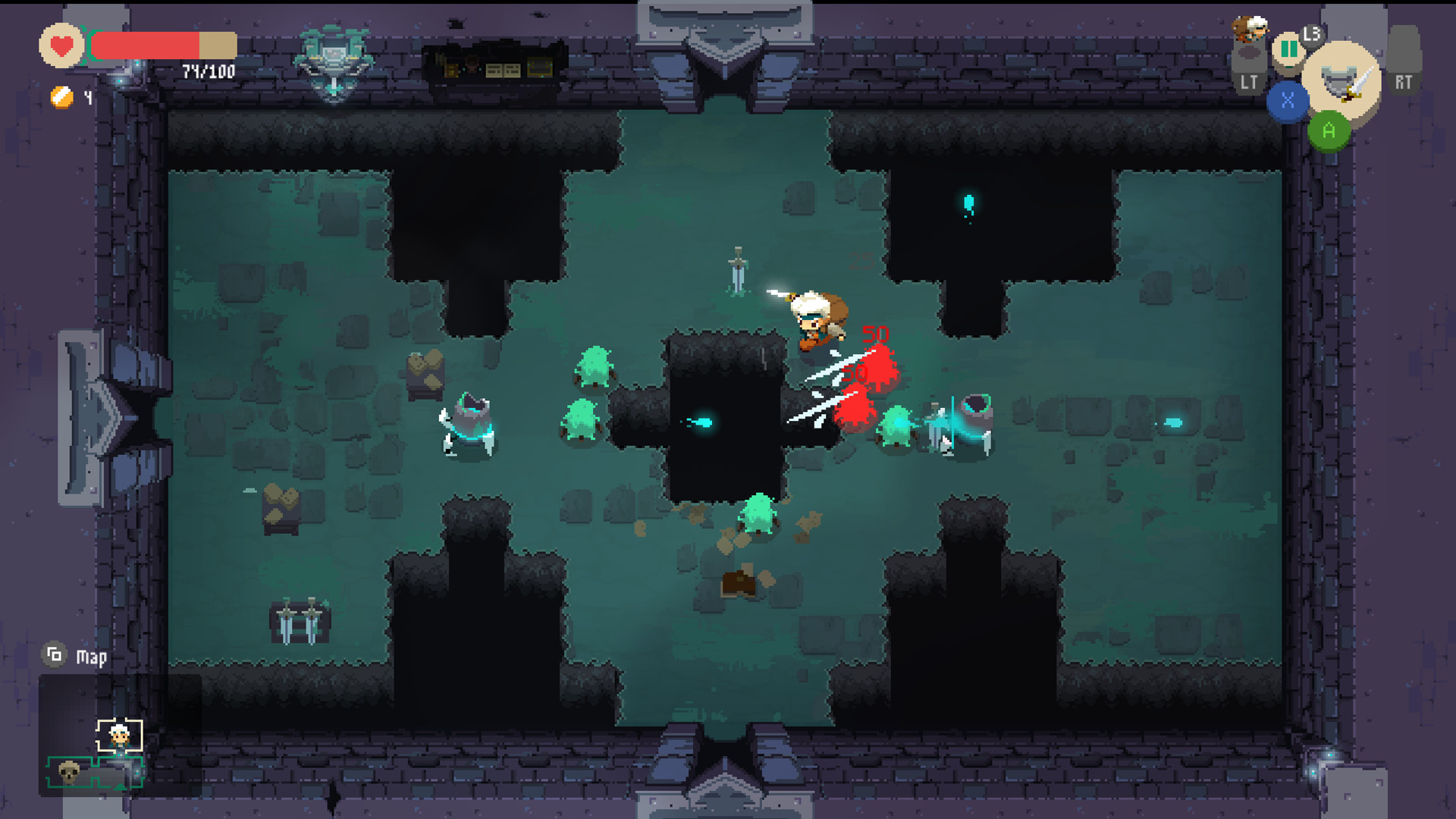
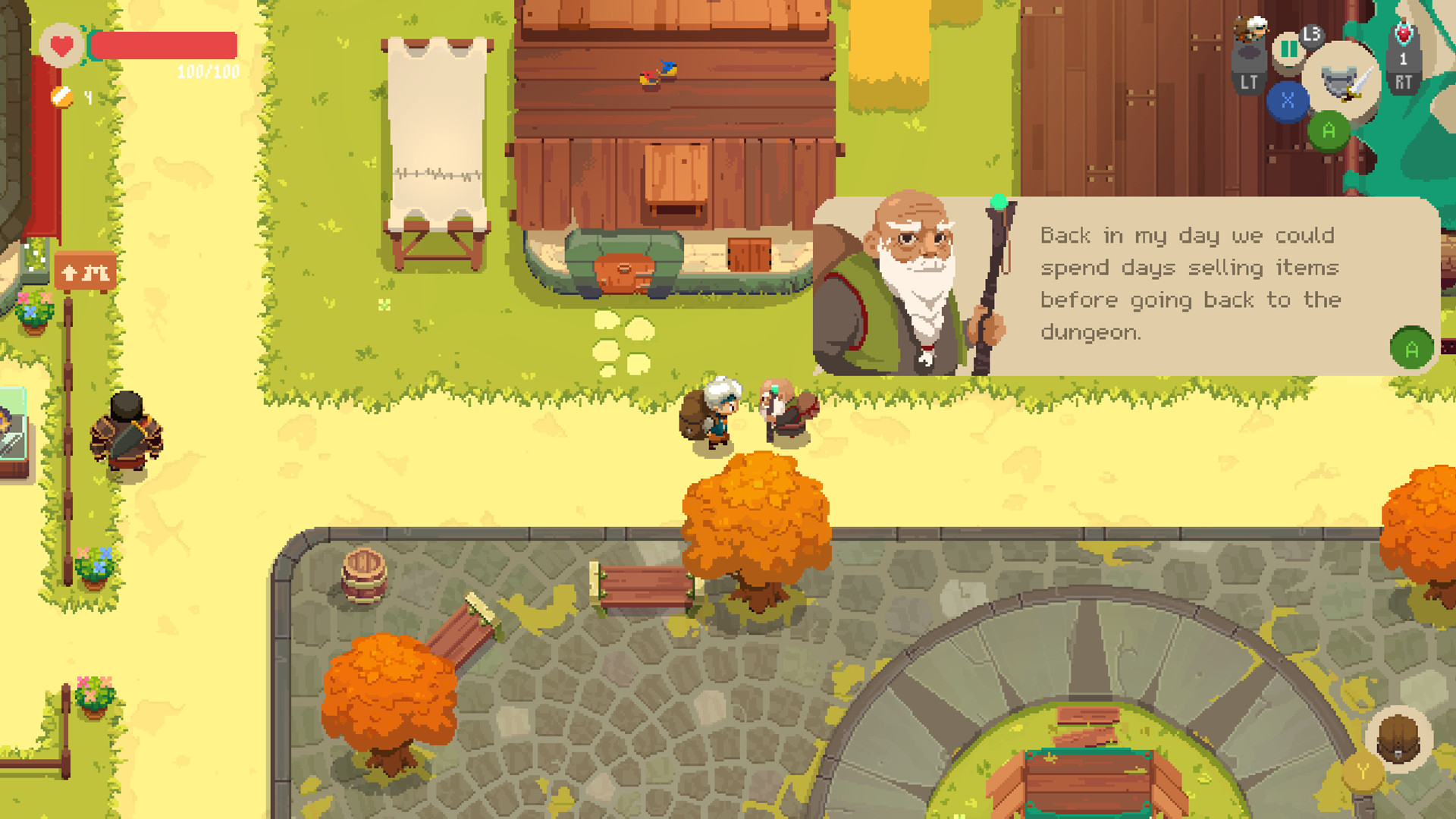
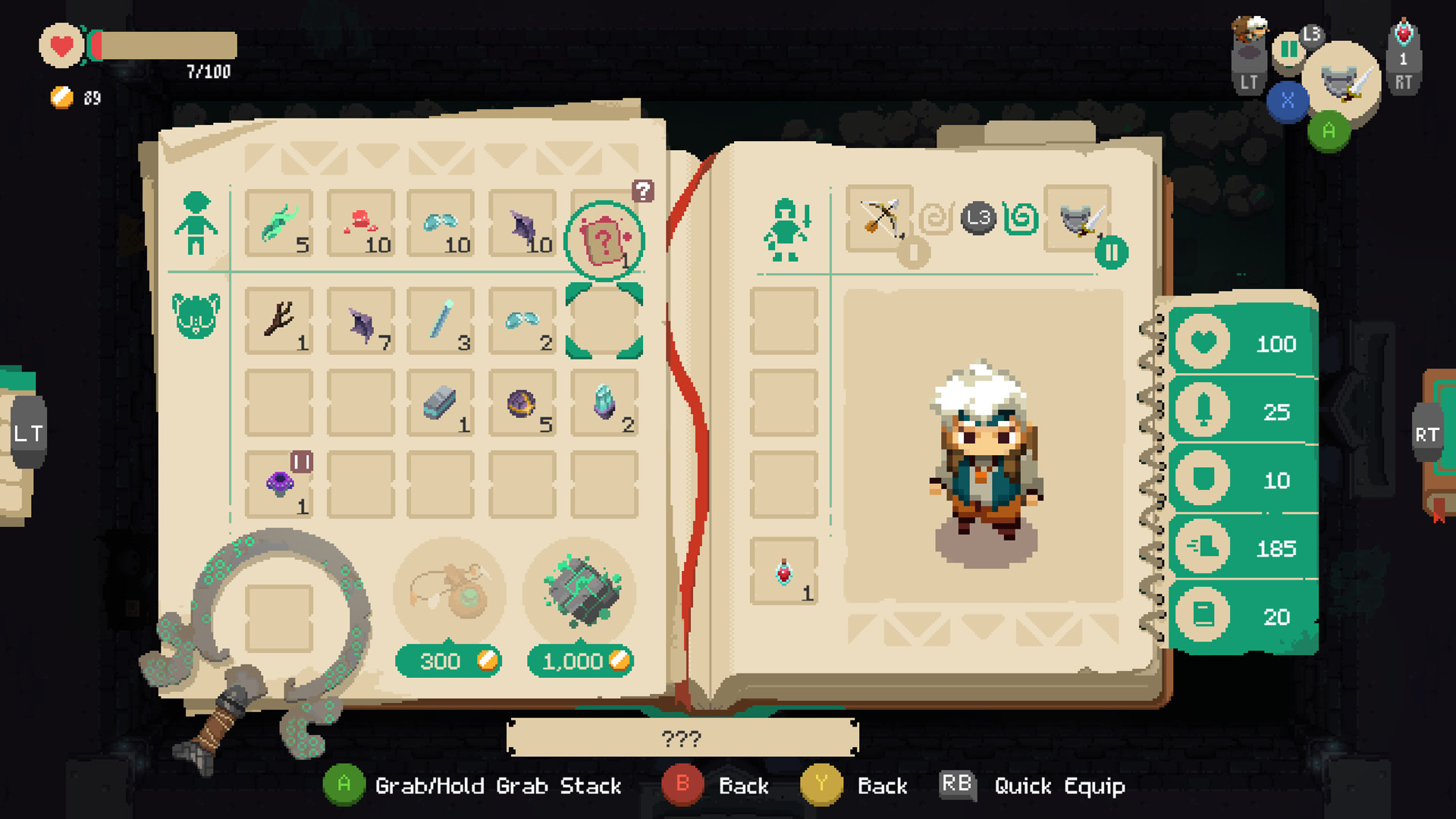
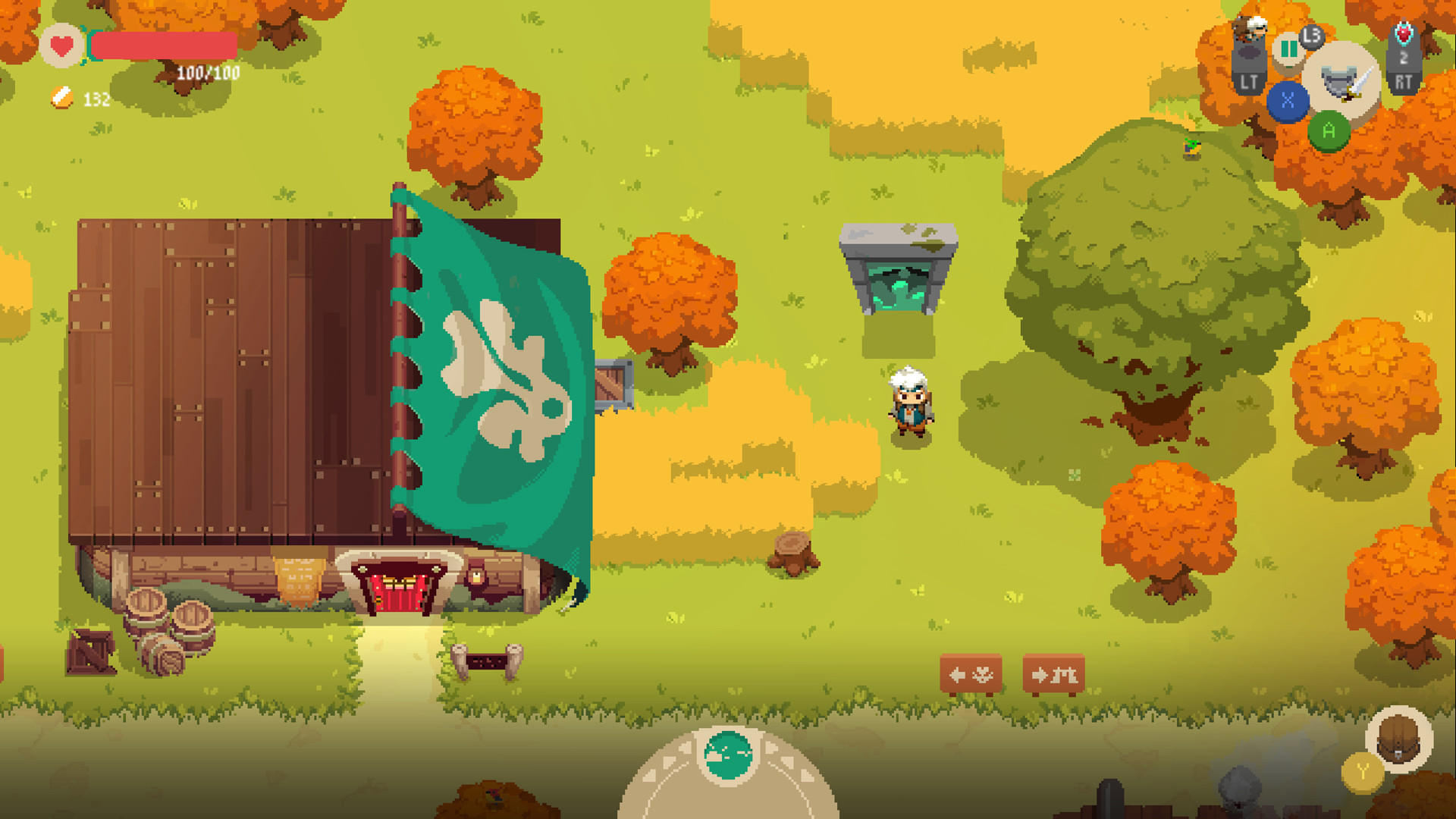
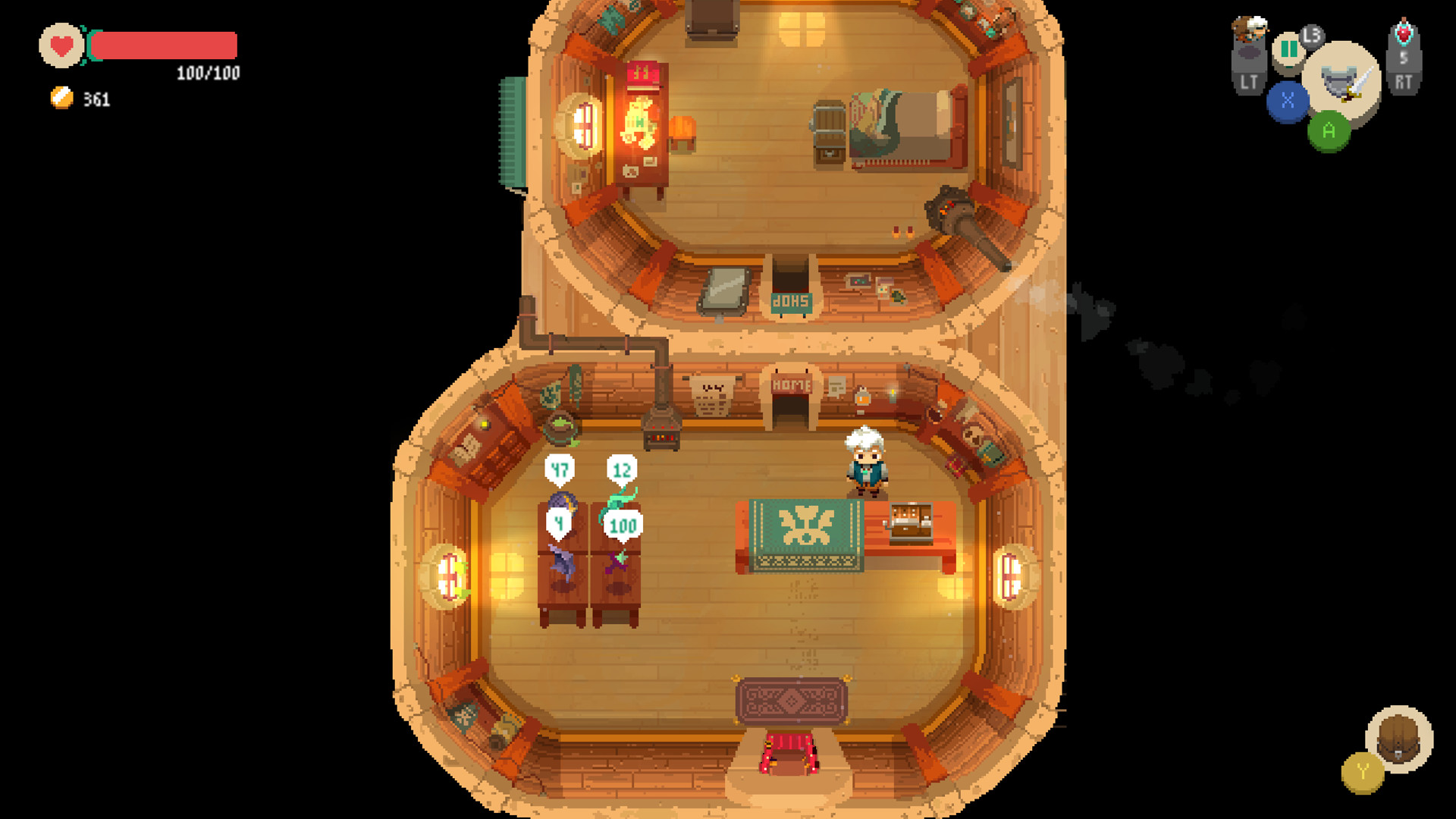
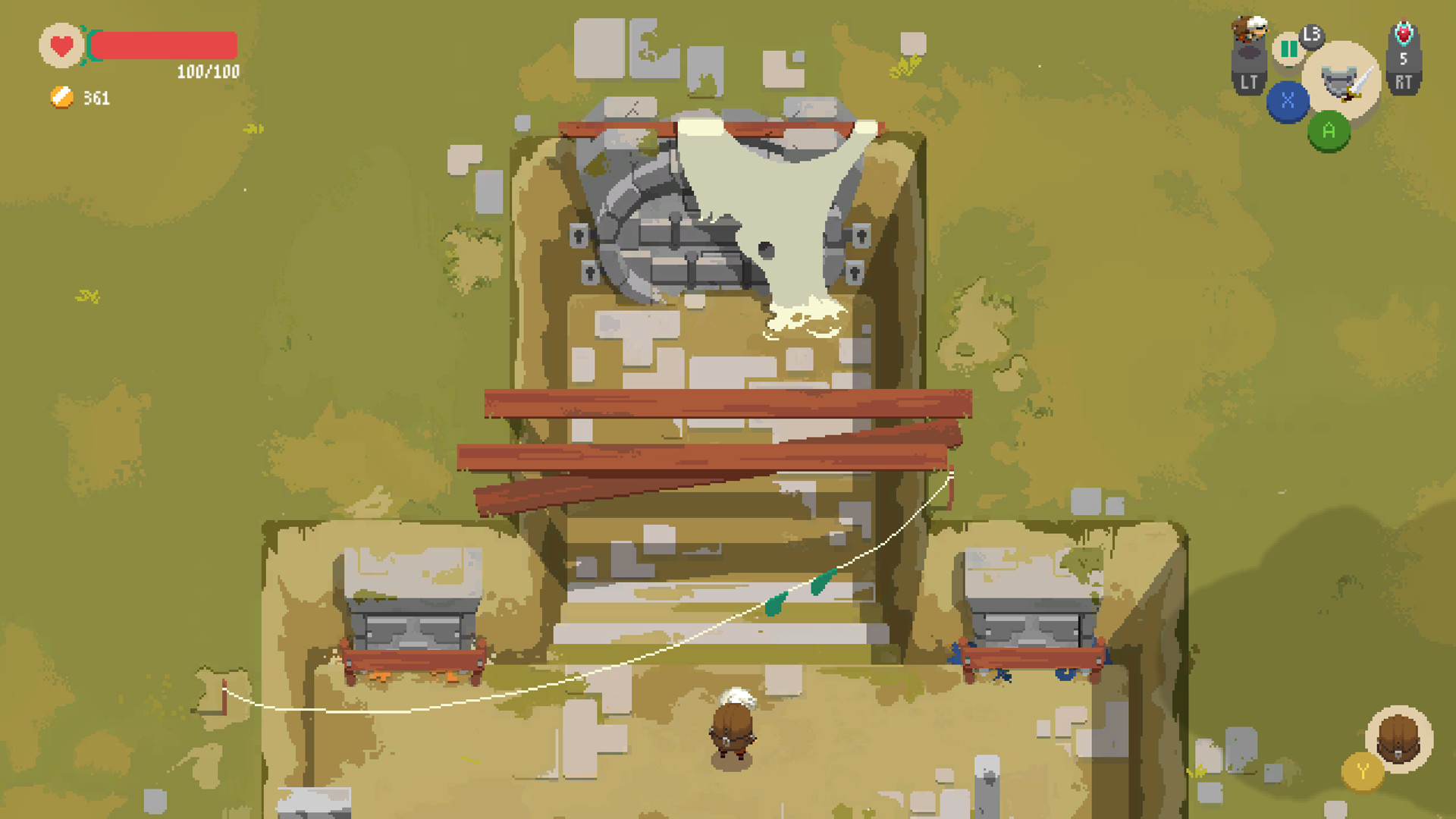
Buy Moonlighter cheap — offline account
What you get
You get login credentials for a Steam account that already owns Moonlighter, ready to use as soon as your crypto payment confirms. This is a shared offline account, not a Steam key, not a gift, and not a subscription. You sign in to Steam, set the client to Offline Mode, and the game launches from the library like any installed title. The current version of the game is included, which means the original adventure plus the long list of free updates: new mini-bosses, extra gear, over a hundred new room layouts, Companions, expanded lore, and a New Game+ mode for players who finish the story and want more.
Everything is a flat $9.99, paid once, with no card and no Steam account of your own required upfront. The handover is automated, so you are not waiting on a person before you can open the shop and start running dungeons. Because it runs through Offline Mode, there is no regional storefront to navigate and nothing tied to where you live. If access ever stops working, the free replacement guarantee has you covered. For anyone who wants to try this beloved shopkeeping action RPG without paying full retail, the offline account is a clean, low-friction way in.
How a Moonlighter offline account works
After payment you receive a Steam username and password through automated delivery. You log into the Steam client, then choose Steam > Go Offline so the client stays disconnected, and Moonlighter runs entirely on your PC. This suits the game perfectly, since it is a single-player action RPG with no multiplayer mode to miss. Your saves stay local on your machine, so you can keep alternating between dungeon runs and shop days, building up Rynoka at whatever pace you enjoy.
A few habits keep the setup reliable. Install the game while online once, then switch to Offline Mode before each session and stay there. Treat this as an offline account rather than your personal profile: do not change the password, email, or other login data attached to it. Keep your own library, friends, and achievements on your own Steam account, because this one exists purely to run Moonlighter. Used that way, the moonlighter offline mode setup is stable and gives you the complete game, updates included, without the cost or hassle of chasing a discounted copy elsewhere.
Cheaper than chasing a Steam key
Tracking down a cheap Moonlighter Steam key usually means comparing grey-market resellers, waiting for a wishlist sale, and watching out for region pricing or activation locks. The bonege offline account replaces all of that with a single flat $9.99 price and instant access. There is no waiting for a seasonal discount, no key that might be region-restricted, and no card needed since payment is crypto. You see the price, pay, and play.
The trade-off is straightforward and worth being clear about: you play on a shared offline account rather than adding the game to your own permanent library. For a single-player title like Moonlighter, where the value is the campaign and its addictive shop-and-dungeon loop, that trade is easy to accept. You get the full adventure, every free content update, and the New Game+ mode without paying retail and without sorting through key marketplaces. If your goal is simply to start playing Moonlighter now at a known price, this is the direct path in.
Is it safe?
Honesty first: this is a shared Steam offline account, so it is not the same as owning the game on your personal profile, and we do not pretend otherwise. What we guarantee is that the account works for playing Moonlighter in Offline Mode and that you are covered if access ever stops. Payment runs through crypto, which keeps your card details out of the transaction entirely, and delivery is automated so your credentials arrive immediately rather than passing through extra hands.
To keep things smooth, use the account the way it is meant to be used. Sign in, set Offline Mode, play the game, and avoid editing any of the login details. Do not attach your own payment methods or personal information to it. If something goes wrong on our side and the account loses access, the free replacement guarantee means you contact support and get a working account back. That covers the realistic risk for an offline single-player setup like this one.
About Moonlighter
Moonlighter is an action RPG with rogue-lite elements that follows Will, a shopkeeper in the small village of Rynoka who secretly dreams of becoming a hero. The setup is clever: ancient Gates discovered near the village lead to different realms full of treasure, and Will spends his nights braving those dungeons, then his days selling the loot he hauls back. That double life is the heart of the game, splitting your time between risky combat runs and the careful business of running a shop.
Shopkeeping is more than flavor; you set prices, watch customer reactions, manage gold, hire assistants, and upgrade the store, all while keeping an eye out for the occasional thief. Combat rewards timing, positioning, and weapon mastery, with bosses that test how well you have learned the dungeons. Crafting and enchanting let you reshape your gear, adding flexibility to how you fight, and the free updates have stacked on Companions, more room layouts, and a New Game+ for a fresh challenge. With a Very Positive Steam rating, Moonlighter has earned lasting affection as one of the standout single-player indie RPGs of its kind.
// pros
- Flat $9.99 one-time price, no card needed
- Instant automated delivery after crypto payment
- Full single-player action RPG plus free updates and New Game+, playable offline
- Crypto payment (USDT TRC20, BTC, ETH, LTC), no region lock worldwide
- Free replacement guarantee if access stops
// good to know
- · Single-player only — Moonlighter has no multiplayer, so nothing online is missed
- · You play in Steam Offline Mode on a shared account, not your own Steam profile
Playing Moonlighter offline
Pay with crypto
Checkout in USDT, BTC, ETH or LTC — no card needed.
Get the login
We deliver the account that owns the game, automatically, in minutes.
Play offline
Sign in, switch Steam to Offline Mode with our guide, and enjoy the full game.
Moonlighter — questions
Can you play Moonlighter offline?
Yes. Moonlighter is a single-player action RPG, and this account is built for Steam Offline Mode. You log in, set the client to Offline, and play the full game with no live connection required.
How much is Moonlighter on bonege?
Moonlighter is $9.99 on bonege as a one-time payment. That flat price gets you a Steam offline account that already owns the game, delivered instantly.
How fast is delivery?
Delivery is instant and automated. As soon as your crypto payment confirms, the account login details are issued to you automatically.
How do I pay?
Payment is crypto only — USDT (TRC20), BTC, ETH, or LTC. There is no card option, which also means no regional card restrictions.
What's the difference vs a Steam key?
A key activates on your own account; this is a shared offline account that already owns Moonlighter and runs in Offline Mode. It avoids region locks and key-marketplace hunting at a flat $9.99.
Is it safe?
It is a shared offline account, used in Offline Mode for single-player. Pay with crypto, do not change the login details, and if access ever stops, the free replacement guarantee covers you.



