 offline access
Buy Mall Simulator Steam Offline Account
A Mall Simulator Steam offline account is $9.99, one-time. You log into a Steam account that already owns the game, switch Steam to Offline Mode, and play the solo tycoon sim offline. Delivery is instant and automated, you pay with crypto, and it works worldwide with no region lock. Note that this covers solo offline play; the game's online co-op is not included. A free replacement is included if access ever stops.
Key facts
- Price on bonege
- $9.99 — one-time
- What it is
- Steam offline account that already owns Mall Simulator
- How you play
- Steam Offline Mode — solo tycoon sim (online co-op not included)
- Delivery
- Instant & automated
- Payment
- Crypto — USDT (TRC20), BTC, ETH, LTC
- Region
- Worldwide, no region lock
- Guarantee
- Free replacement if access stops
What you get
- Steam account that already owns the game
- Step-by-step offline-mode guide
- Instant automated delivery after payment
- Replacement guarantee if access stops
Screenshots
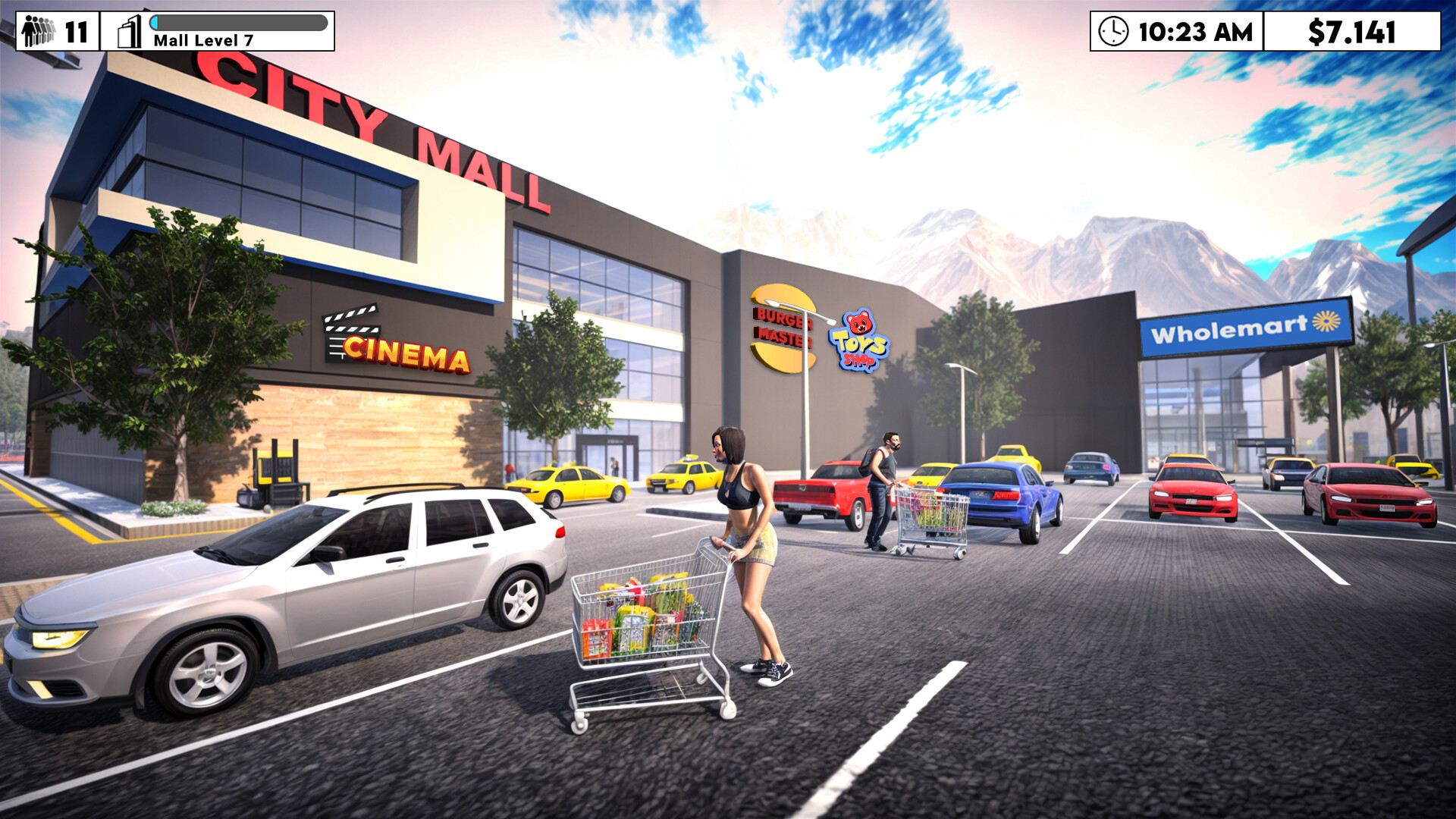
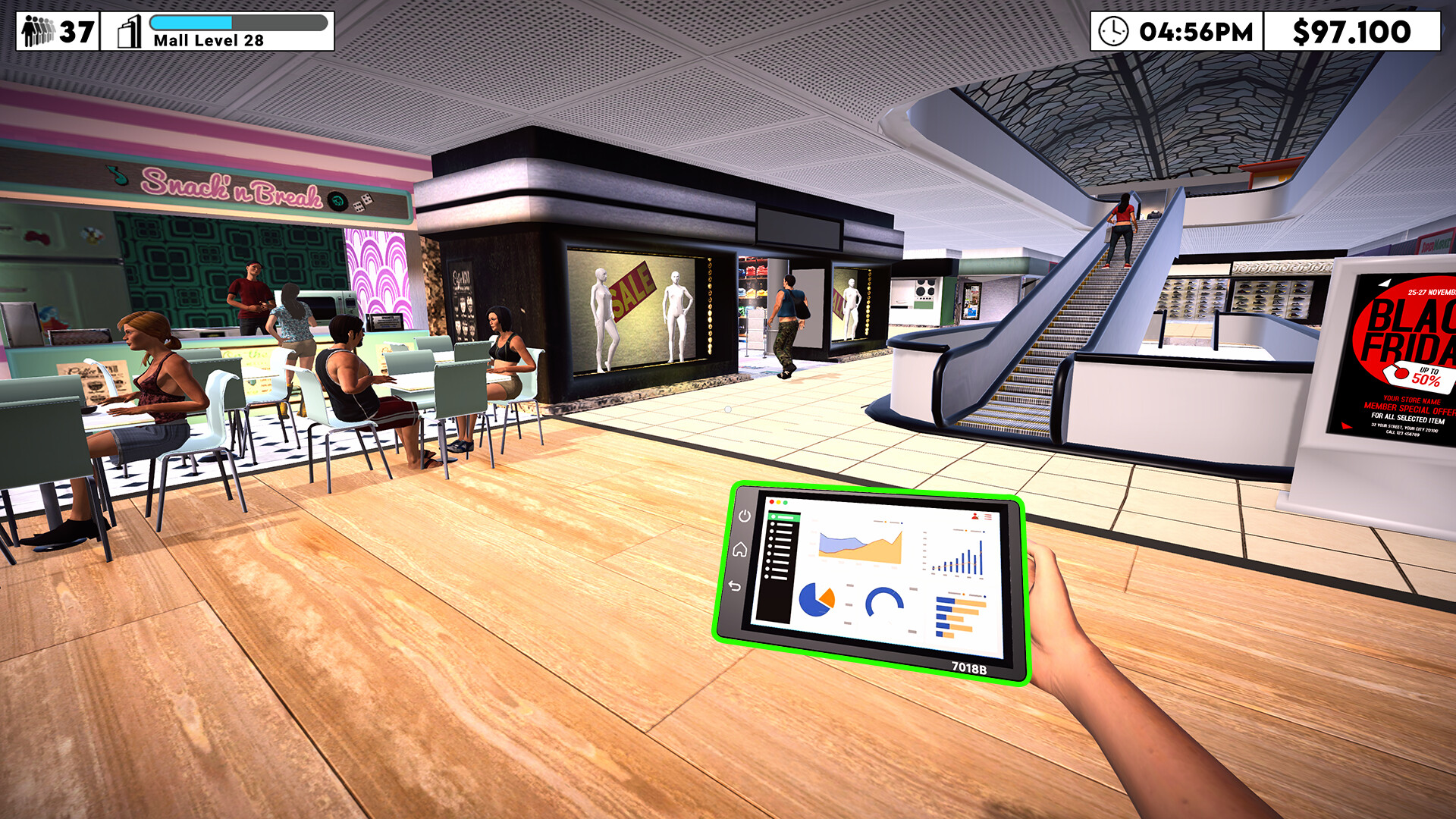
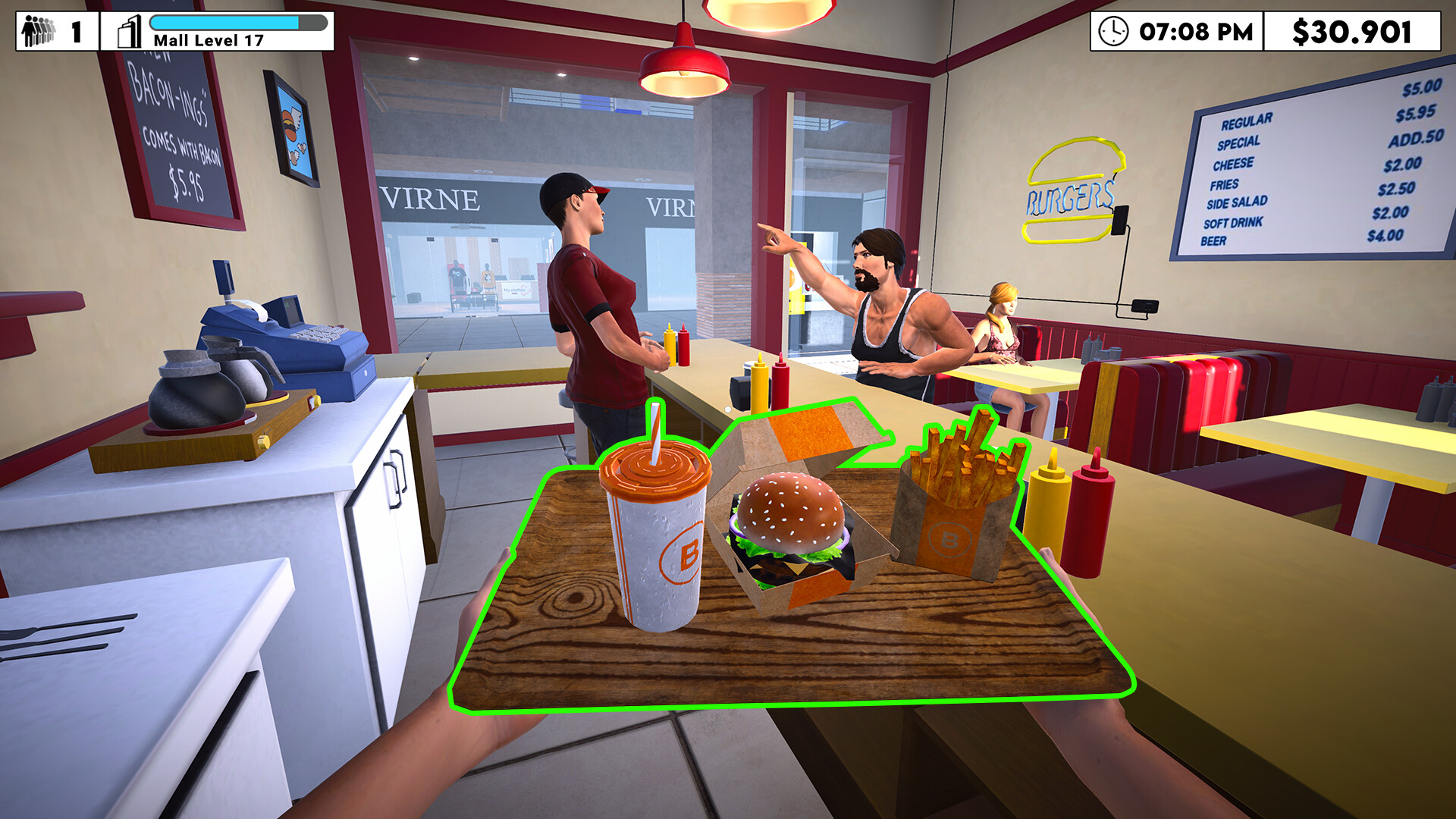
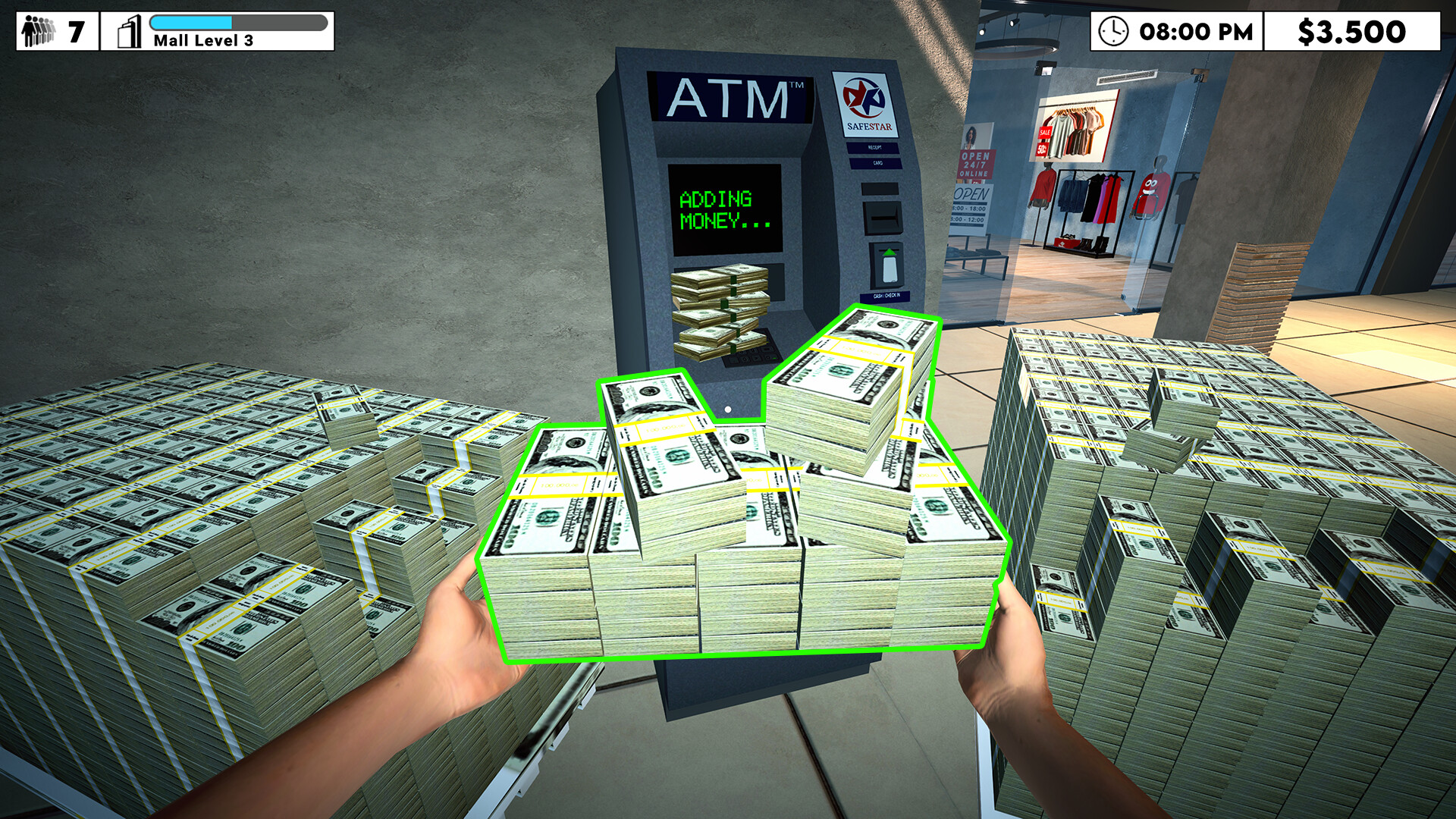
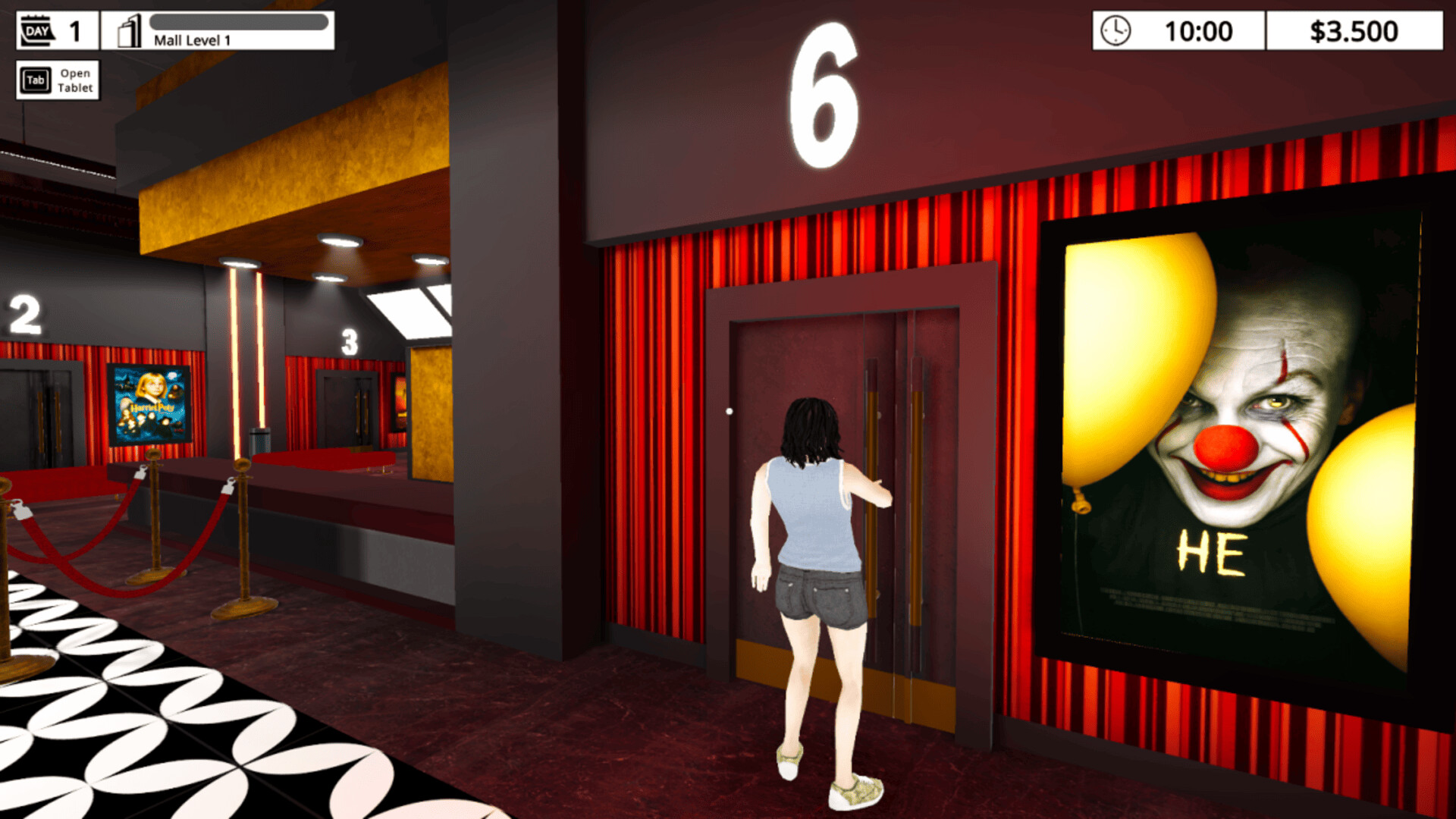
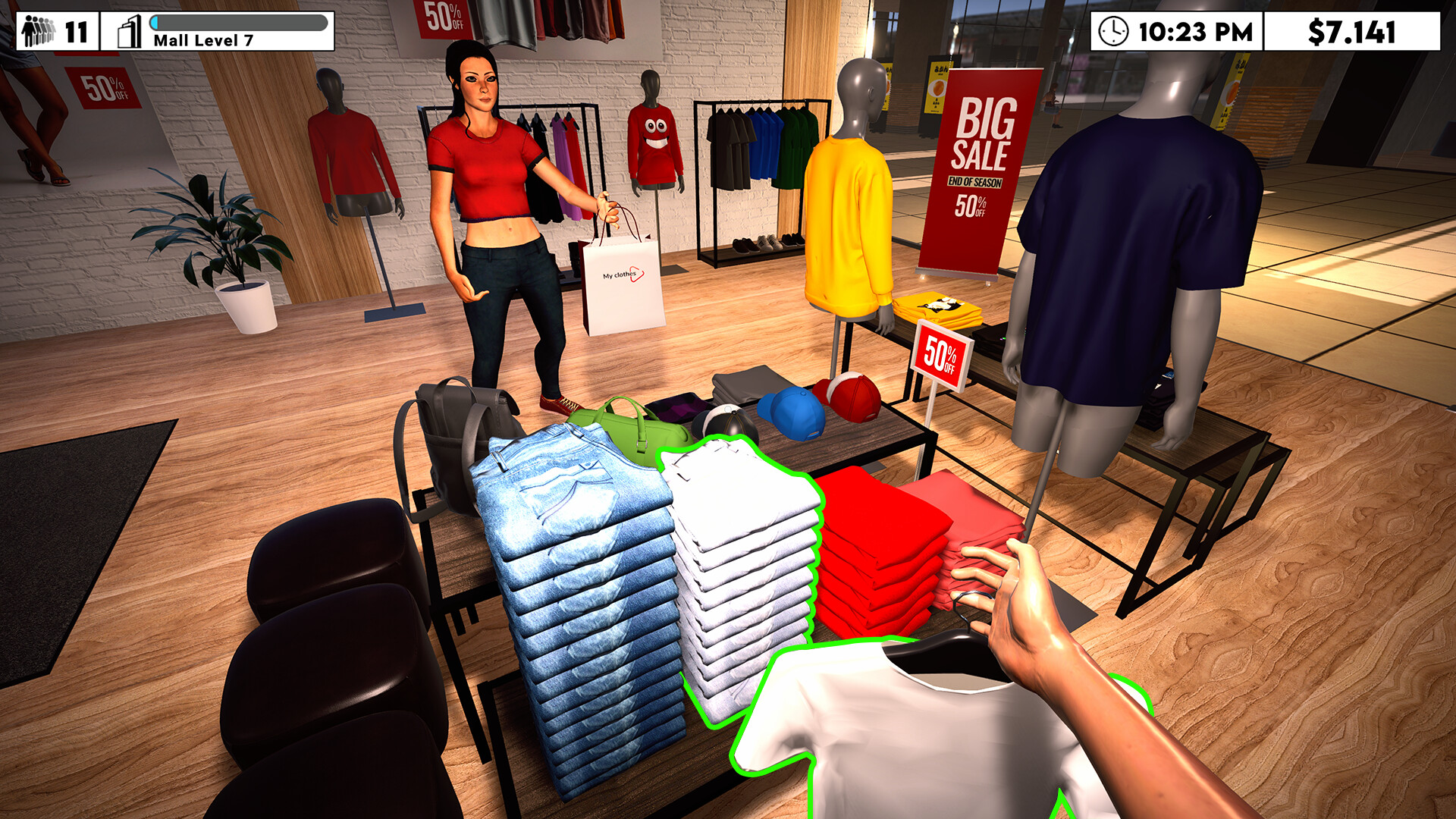
Buy Mall Simulator cheap — offline account
What you get
You get login access to a Steam account that already owns Mall Simulator, delivered instantly after your crypto payment clears. This is a shared offline account, not a key, not a gift, and not a subscription, so there is nothing to redeem or activate on your end. You sign in, set Steam to Offline Mode, and the game is in the library ready to launch. The price is a flat $9.99, paid once, with no recurring charges and no card details required.
What you play is the solo tycoon experience, where you build and run your own mega mall from a small shopping center upward. Be aware of one honest limit: this offline account covers single-player only, so the game's online co-op is not part of what you get. For the solo builder, though, everything is there, from designing the floor plan to stocking stores and managing staff. The account is ready the moment it arrives, and if access ever stops, our guarantee covers a free replacement.
How a Mall Simulator offline account works
After checkout you receive the account credentials for a Steam account that owns the game. You enter them into the Steam client, then open the Steam menu and choose Go Offline to switch into Offline Mode. From there the client stops running ownership checks against Steam's servers, and you can play the solo sim without staying connected. This is the intended way to use a Mall Simulator offline account, and it keeps your building sessions self-contained.
Mall Simulator's single-player tycoon mode runs fully in Offline Mode, so the core loop of designing, stocking, and growing your mall is all available without a connection. You open clothing, tech, supermarket, cinema, and dozens of other store types, set prices, hire workers, and chase trends to stay solvent. The one caveat is online co-op, which needs a live connection and another player and is therefore not covered by an offline account. The first launch may need a brief online sign-in to cache your license, after which you can stay offline as long as you like.
Cheaper than chasing a Steam key
Buying a Mall Simulator offline account skips the usual hunt across grey-market key resellers, regional pricing, and payment walls. The price here is fixed at $9.99 and the same for everyone, so there is no region-locked checkout and no card processor deciding whether your purchase goes through. You pay in crypto, the account arrives in seconds, and you are laying out your first stores the same day. That is a cleaner route than tracking down a cheap key and hoping it activates in your country.
A traditional Steam key has to be redeemed onto your own account and may be tied to whatever region the seller chose. An offline account avoids that, because the license already lives on the account you receive, so there is no activation roulette. If your interest is the solo tycoon mode rather than online co-op, the offline account gives you exactly that at a flat price. It is a practical way to get Mall Simulator cheap without the key-redemption headaches.
Is it safe?
We are upfront about what this is: a shared offline Steam account, not your personal account and not an official store key. You play in Offline Mode, which is how the product is designed to be used, and you should not switch the account to online or try to change its email or password. Keep the credentials private and avoid sharing them, and your access stays clean. We do not claim this is an official or first-party purchase, because it is not.
Delivery is automated and the account is checked before it ships, so you receive a working library on the first try. If anything interrupts your access later, the free replacement guarantee covers you and support can issue a fresh account. Since the solo tycoon mode is single-player, your offline sessions never depend on a live connection. Just keep in mind that the game's online co-op, which does need a connection, is not part of an offline account.
About Mall Simulator
Mall Simulator is a relaxed first-person management sim about turning a modest shopping center into a sprawling city mall that you run yourself. You take charge of a wide spread of stores, from clothing, sports, and tech to a supermarket, cinema, burger shop, arcade, bakery, jewelry counter, florist, and sushi bar, plus vending machines and ATMs. Design is a real part of the game: how you lay out the space and showcase your best sellers shapes how customers move and spend. Open new branded stores, keep shelves stocked, and follow trends so shoppers keep coming back.
The challenge is staying solvent while you grow, so you set smart prices, take payments quickly, and hire workers so lines do not back up and customers do not leave. When you outgrow a footprint, you smash the walls to open new space for more stores and brands. Customer satisfaction sits at the heart of it, balancing expansion against keeping the mall pleasant and profitable. Its Very Positive rating points to a chill, satisfying build-and-manage loop, and this offline account lets you enjoy that solo sim at your own pace.
// pros
- Flat $9.99 one-time price, no card and no subscription
- Instant automated delivery after crypto payment
- Full solo tycoon sim playable in Steam Offline Mode
- Worldwide access with no region lock
- Free replacement if access ever stops
// good to know
- · Solo offline play only — the game's online co-op is not included
- · You play in Steam Offline Mode on a shared account, not your own account
Playing Mall Simulator offline
Pay with crypto
Checkout in USDT, BTC, ETH or LTC — no card needed.
Get the login
We deliver the account that owns the game, automatically, in minutes.
Play offline
Sign in, switch Steam to Offline Mode with our guide, and enjoy the full game.
Mall Simulator — questions
Can you play Mall Simulator offline?
Yes, the solo tycoon mode plays fully in Steam Offline Mode. Just note that the game's online co-op needs a live connection and is not included with an offline account.
How much is Mall Simulator on bonege?
It is a flat $9.99, paid once. There are no recurring charges and no card is needed — you pay in crypto.
How fast is delivery?
Delivery is instant and automated. As soon as your crypto payment confirms, the account credentials arrive in your inbox.
How do I pay?
Payment is crypto only: USDT (TRC20), BTC, ETH, or LTC. No cards and no region restrictions at checkout.
What's the difference vs a Steam key?
A key must be redeemed onto your own account and can be region-locked. An offline account already owns the game, so you just log in and play the solo sim in Offline Mode — nothing to activate.
Is it safe?
Yes, when used as intended. It is a shared offline account played in Offline Mode. Keep the credentials private, don't change account settings, and the free replacement guarantee covers you if access stops.



