 offline access
Buy Cities: Skylines Steam Offline Account
This is a shared Steam account that already owns Cities: Skylines, sold for a one-time $9.99 instead of the usual ~$29 on Steam (about 66% less). You sign in, switch Steam to Offline Mode, and play the full single-player city builder. Delivery is instant and automated, payment is crypto, and it works worldwide with no region lock.
Key facts
- Price on bonege
- $9.99 — one-time
- Full Steam price
- ~$29 (save ~66%)
- What it is
- Shared Steam account that owns Cities: Skylines
- How you play
- Steam Offline Mode — full single-player
- Delivery
- Instant & automated
- Payment
- Crypto — USDT (TRC20), BTC, ETH, LTC
- Region
- Worldwide, no region lock
- Guarantee
- Free replacement if access stops
What you get
- Steam account that already owns the game
- Step-by-step offline-mode guide
- Instant automated delivery after payment
- Replacement guarantee if access stops
Screenshots
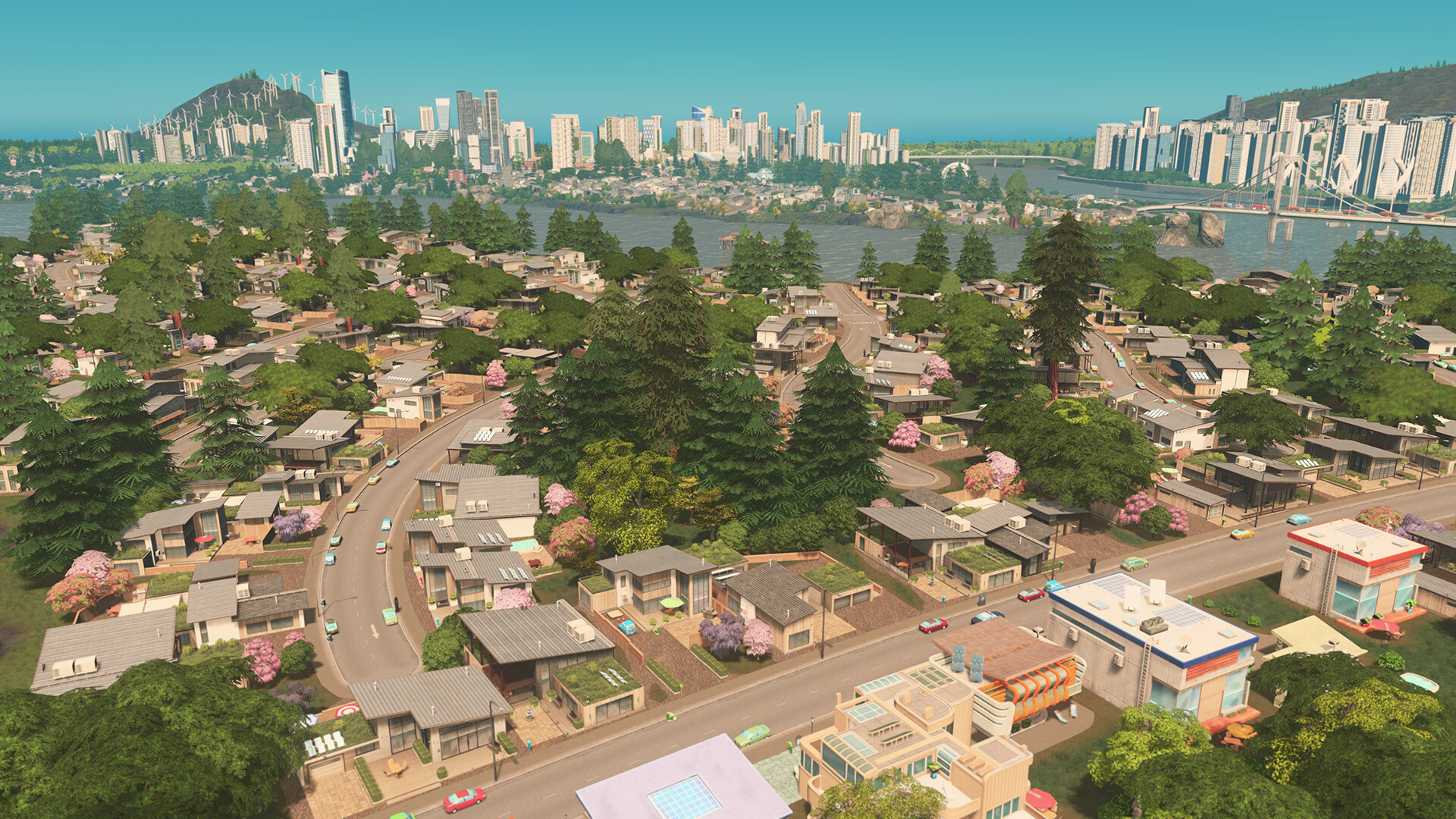
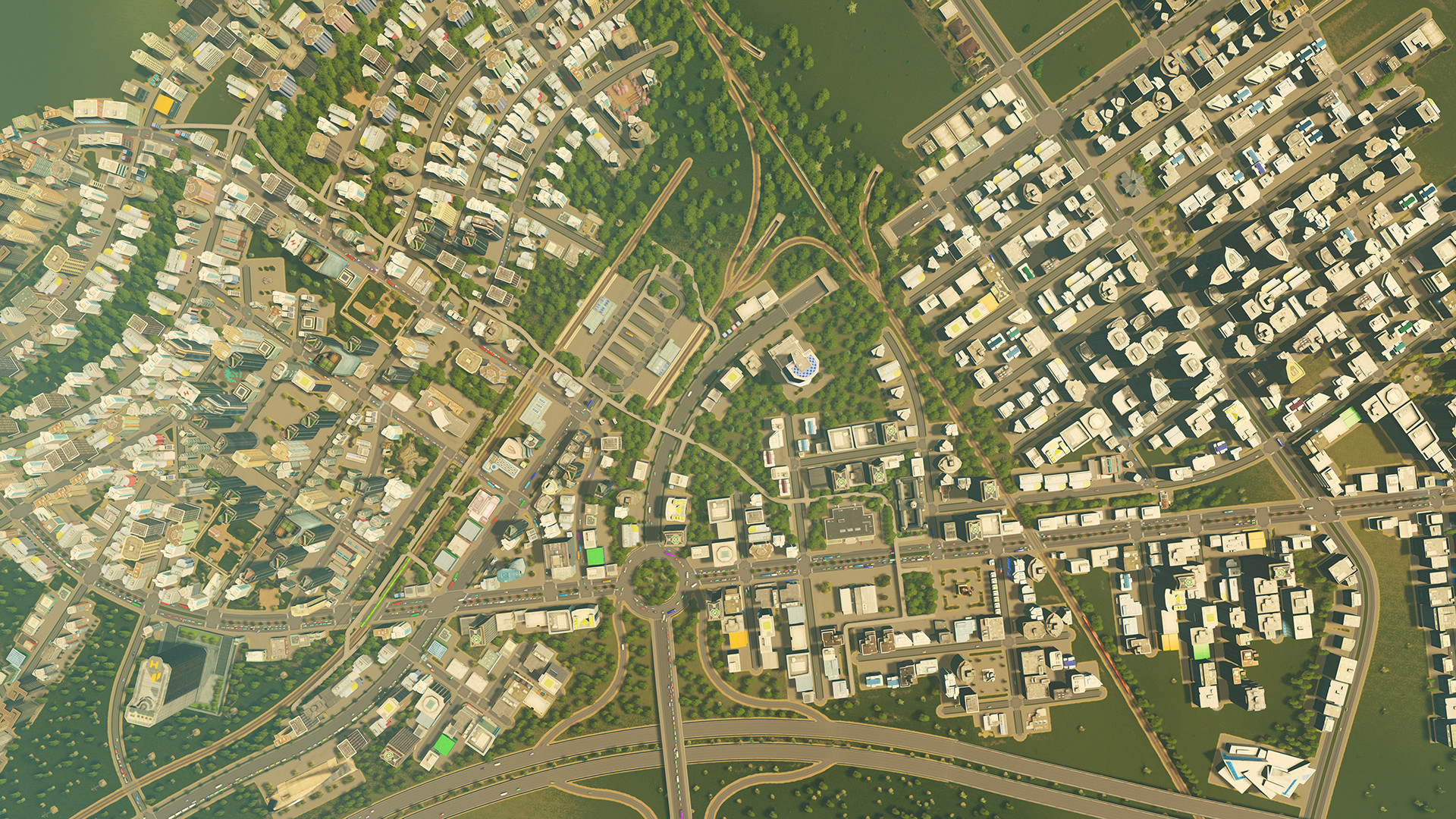
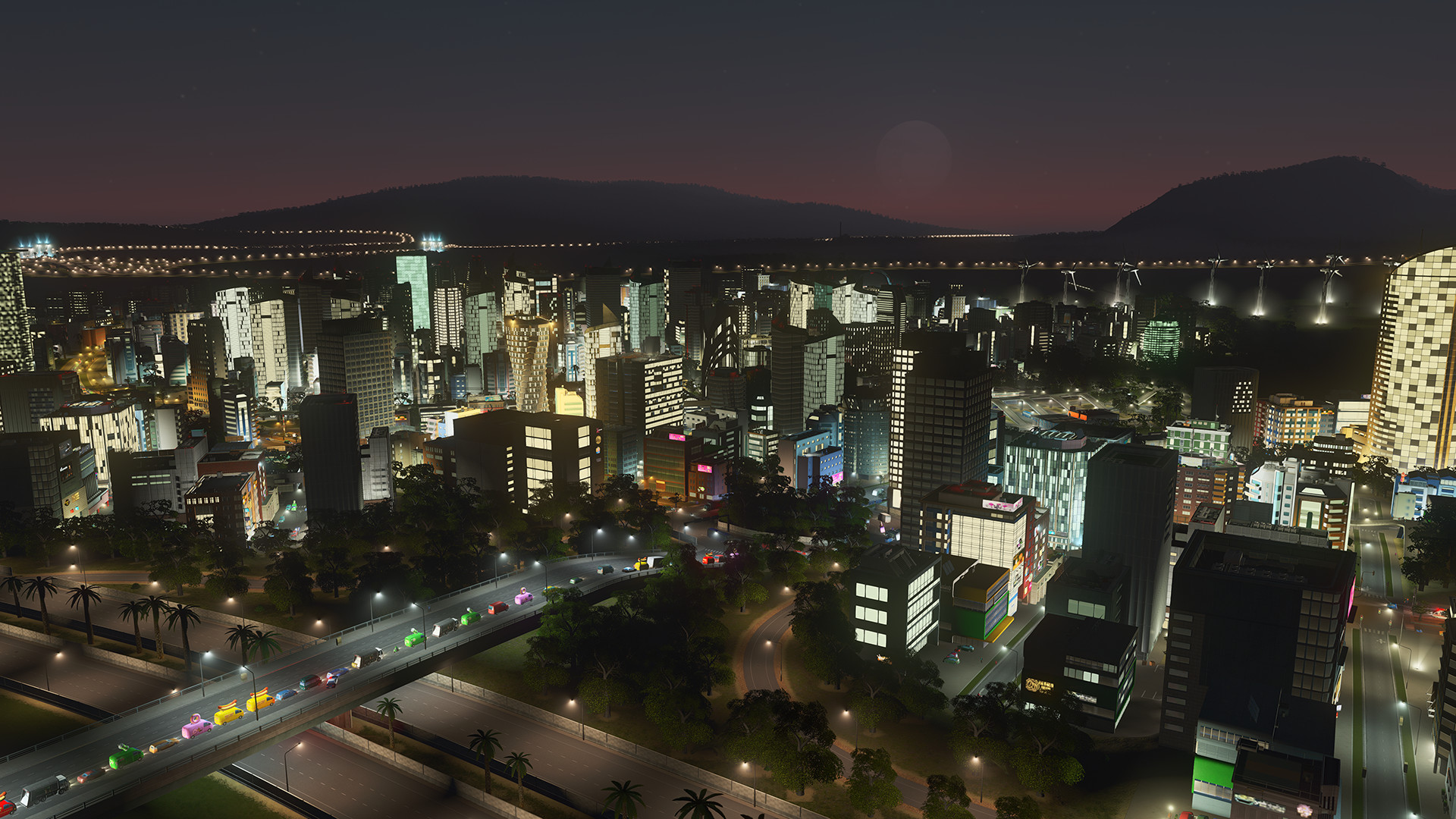
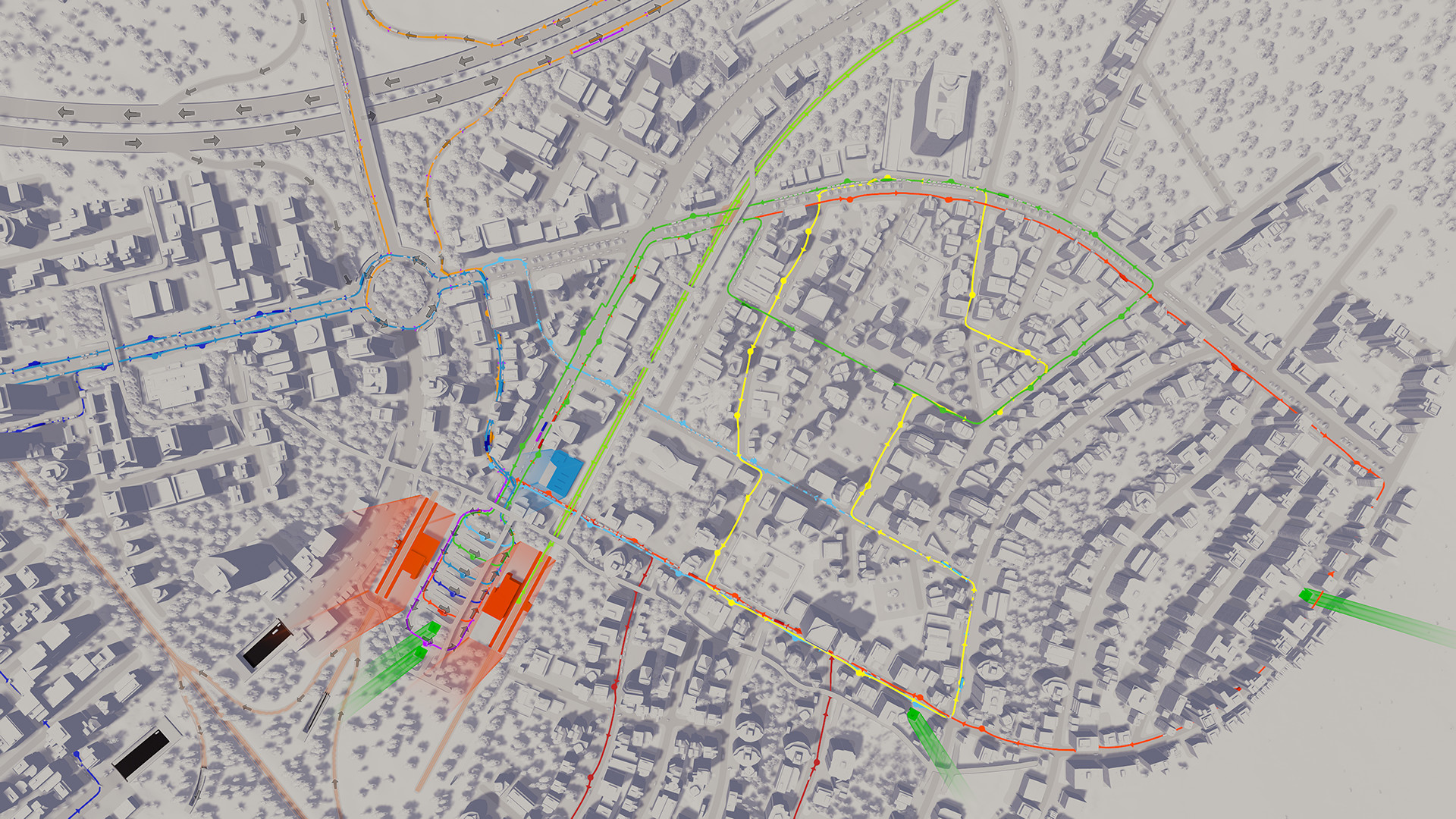
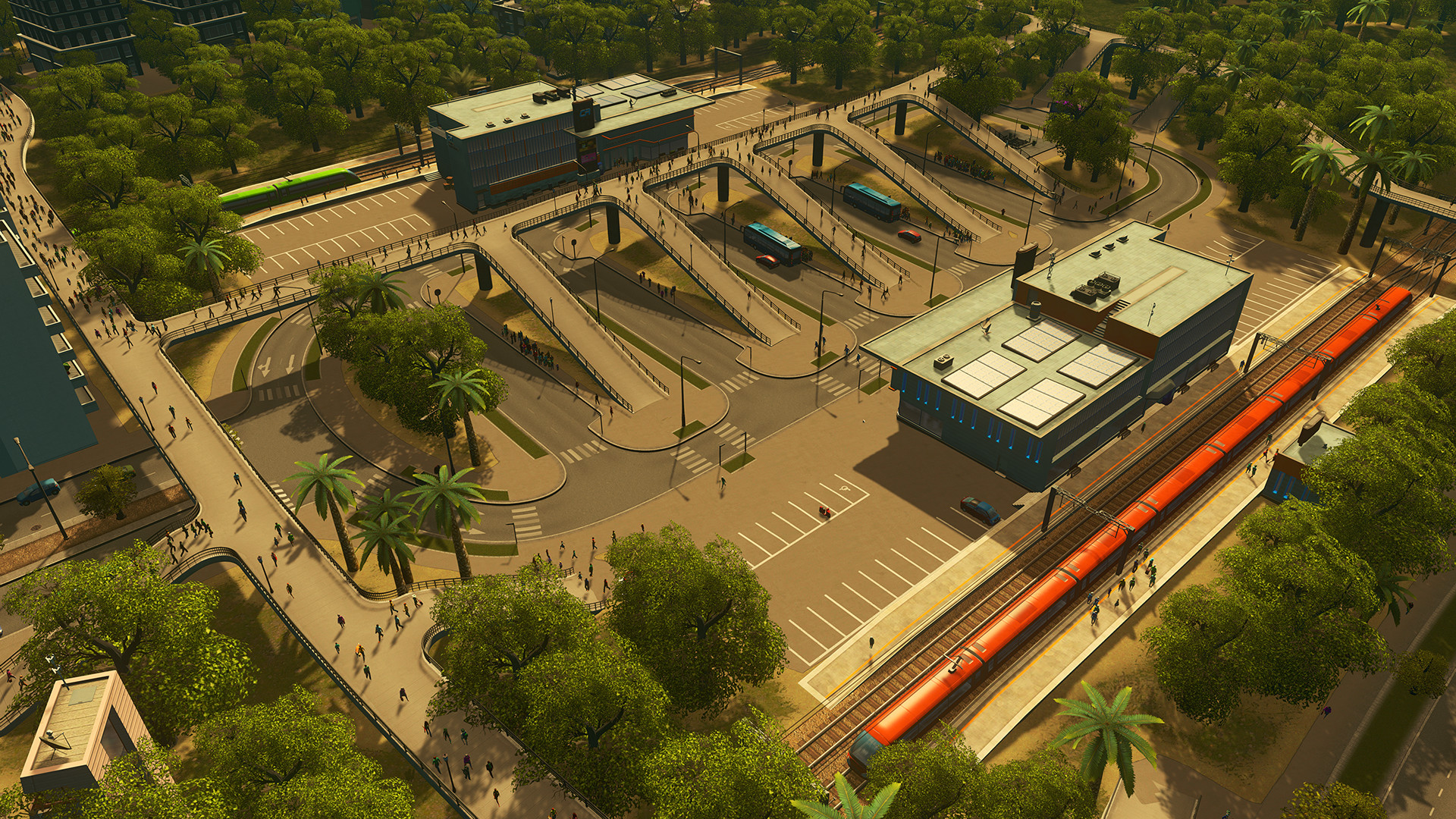
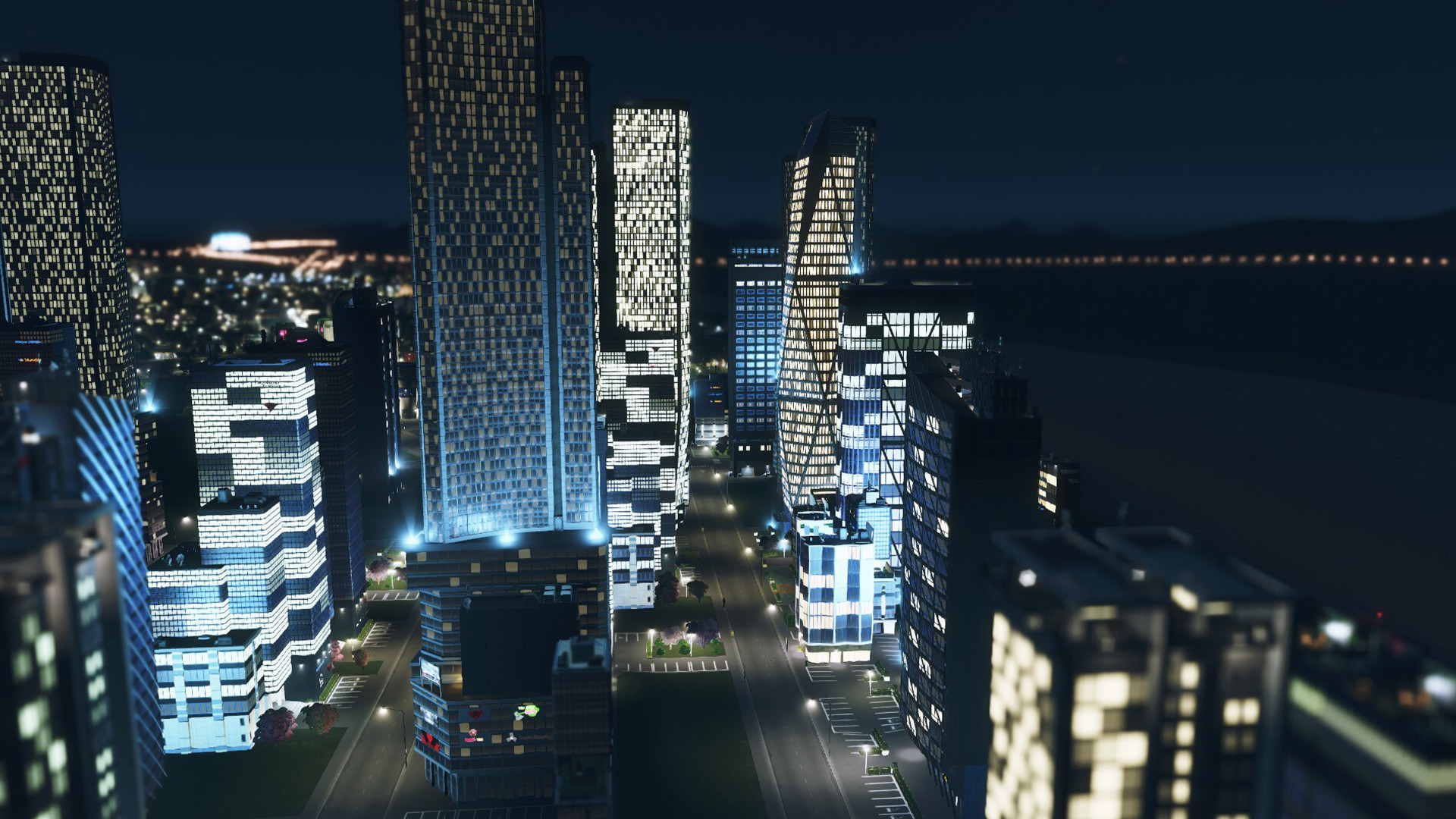
Buy Cities: Skylines cheap — offline account
What you get
You get login access to a Steam account that already owns Cities: Skylines. After payment the credentials arrive instantly, you sign in on your own PC, and the game is in the library ready to download. There is no key to redeem and nothing to activate — the ownership is already on the account. The base game is a light install of around 4 GB, so you can be building your first city shortly after logging in.
The price is a flat $9.99, one time, versus the usual ~$29 on Steam — roughly 66% less for the same game on the same client. This is a Cities: Skylines offline account, not a Steam key and not a subscription. You are buying shared account access to play the full single-player builder in Offline Mode. What you get is immediate, cheap access to a deep simulation without the cost of buying it outright or the steps a key would involve.
How a Cities: Skylines offline account works
After logging in you complete one short online sign-in so Steam registers the session on your machine, then set the client to Offline Mode from the menu. The client then stops checking ownership over the network, so you can launch Cities: Skylines and play without interruption, even with no connection. The game is entirely single-player, which makes it a clean match for an offline account — there is no online mode to miss out on and nothing locked behind a live service.
All your cities, save files, and progress stay local on your machine as usual, so you can keep a whole portfolio of saves and jump between them freely. You can build, expand, and run sprawling metropolises across multiple saves with nothing gated behind online features an offline account cannot reach. Because the entire game loop happens on your own PC, the offline experience is the complete experience — every system the game shipped with is available to you exactly as intended.
Cheaper than a Steam key
A Steam key for Cities: Skylines hovers near the full ~$29 price, and region-locked listings carry the extra risk of a key that will not activate where you live. The offline account here is $9.99, so you save about 66% and play the exact same game on the same client with none of that guesswork. That is why searches for a cheap Cities: Skylines, the cheapest key, or the cheapest price land on this page.
The difference from a key is simple: instead of owning the game on your own profile, you play it in Offline Mode on a shared account. For a single-player builder with nothing online to use, that trade-off costs you essentially nothing in practice. You still get every city tool, every save, and the full simulation — just at a fixed lower price, delivered instantly, with crypto payment and no region lock to work around.
Is it safe?
Play in Offline Mode and leave the account credentials unchanged — they are shared, so do not edit the email or password. Used that way, the login stays stable and your cities stay saved on your own PC. Editing the credentials is what causes access problems, so keep them exactly as delivered. If access to your Cities: Skylines account ever stops, we send a free replacement, and that comes with every order.
Payment is crypto only — USDT (TRC20), BTC, ETH, or LTC — so no card details change hands and there are no regional billing blocks. We describe this accurately: an offline account for solo play, not an official resale and not your personal profile. There is no inflated claim of being official and no hidden condition; you are buying shared offline access at a flat price, backed by a replacement promise.
About Cities: Skylines
Cities: Skylines is a modern city-building simulation from Colossal Order that became the genre standard after release. You start with a single plot of land and grow it into a living city — laying road networks, zoning residential, commercial, and industrial districts, and balancing budgets, taxes, and public services as the population climbs. The early hours are gentle, but the map opens up into a sprawling sandbox once your city starts to find its rhythm.
Its depth comes from how interconnected the systems are. Traffic flow, water and power, garbage collection and healthcare, education and pollution all feed back into how citizens live and whether your city thrives or grinds to a gridlocked halt. A detailed district and policy system lets you specialize neighborhoods — banning trucks here, pushing recycling there — and the game's enormous mod and asset support has kept it alive and endlessly customizable for years. It holds a Very Positive rating for being approachable enough to start in an afternoon yet deep enough to obsess over for hundreds of hours.
// pros
- Save ~66% — $9.99 vs ~$29 full Steam price
- Fully single-player — works completely in Offline Mode
- Instant, automated delivery after payment
- Crypto payment — no card, no region lock
- Free replacement if access ever stops
// good to know
- · Single-player / offline only by design
- · You play in Steam Offline Mode on a shared account, not your own profile
Playing Cities: Skylines offline
Pay with crypto
Checkout in USDT, BTC, ETH or LTC — no card needed.
Get the login
We deliver the account that owns the game, automatically, in minutes.
Play offline
Sign in, switch Steam to Offline Mode with our guide, and enjoy the full game.
Cities: Skylines — questions
Can you play Cities: Skylines offline?
Yes. The game is fully single-player. You sign in, set Steam to Offline Mode, and play everything it offers.
How much is Cities: Skylines on bonege?
$9.99 one-time, versus the usual ~$29 on Steam — about 66% less for the same game.
How fast is delivery?
Instant and automated. The account login arrives right after your crypto payment confirms.
How do I pay?
Crypto only — USDT (TRC20), BTC, ETH, or LTC. No cards and no regional billing.
What's the difference vs a Steam key?
A key activates the game on your own account. This is a shared account that already owns Cities: Skylines; you play it in Offline Mode for $9.99 instead of paying full price.
Is it safe?
Play in Offline Mode and don't change the credentials. Every order includes a free replacement if access stops working.



