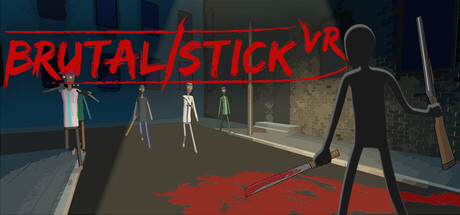
 offline access
Buy BRUTALISTICK VR Steam Offline Account
A BRUTALISTICK VR Steam offline account is a ready Steam account that already owns BRUTALISTICK VR, the physics-driven VR action game. A VR headset is required to play. You pay a flat $9.99, sign in, switch Steam to Offline Mode and play the single-player missions. Delivery is instant and automated, payment is crypto with no card, and it works worldwide with no region lock. If access ever stops, you get a free replacement.
Key facts
- Price on bonege
- $9.99 — one-time
- What it is
- Steam account that already owns BRUTALISTICK VR
- Hardware
- VR headset REQUIRED
- How you play
- Steam Offline Mode — single-player missions
- Delivery
- Instant & automated
- Payment
- Crypto — USDT (TRC20), BTC, ETH, LTC
- Region
- Worldwide, no region lock
- Guarantee
- Free replacement if access stops
What you get
- Steam account that already owns the game
- Step-by-step offline-mode guide
- Instant automated delivery after payment
- Replacement guarantee if access stops
Screenshots
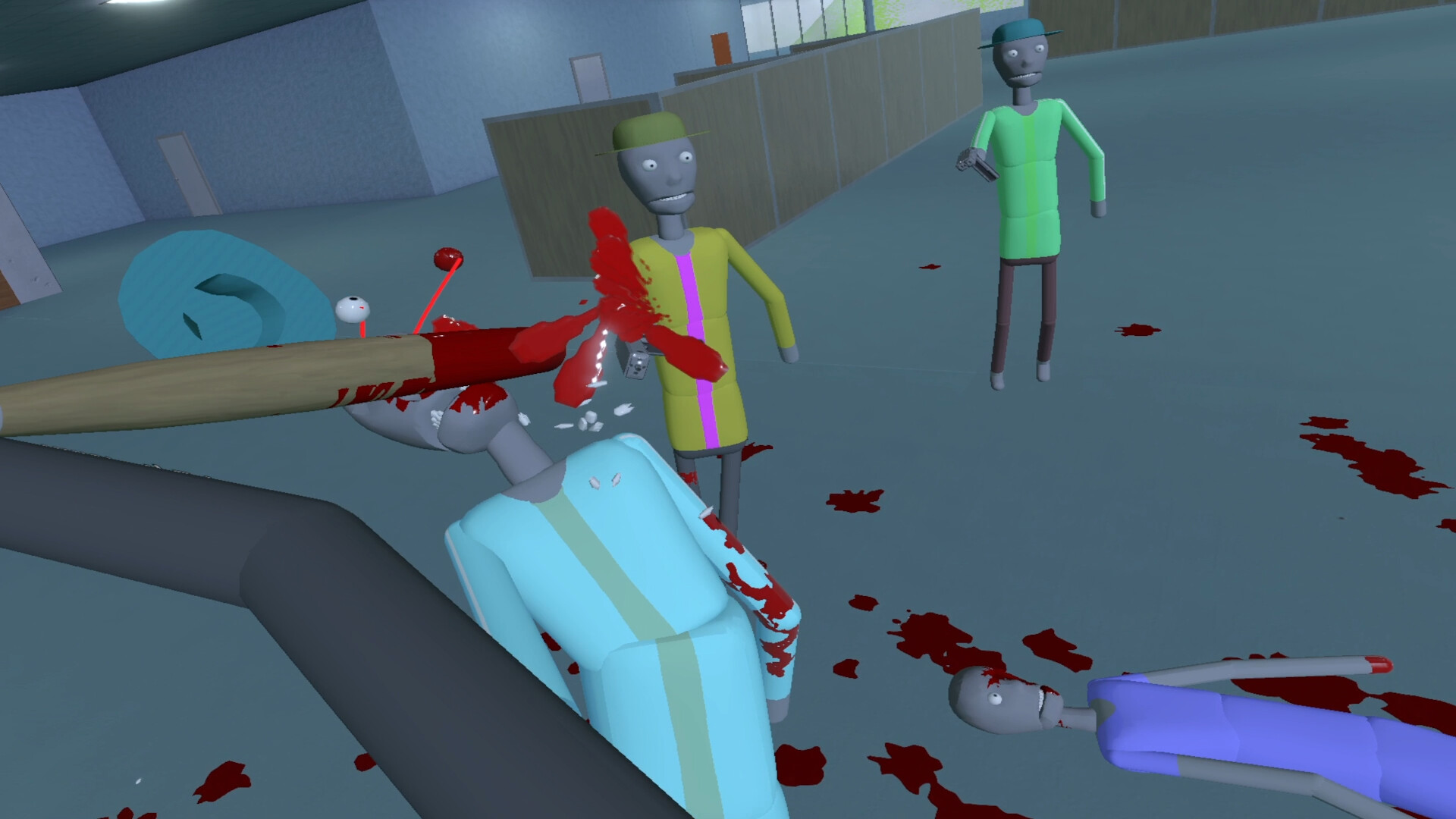
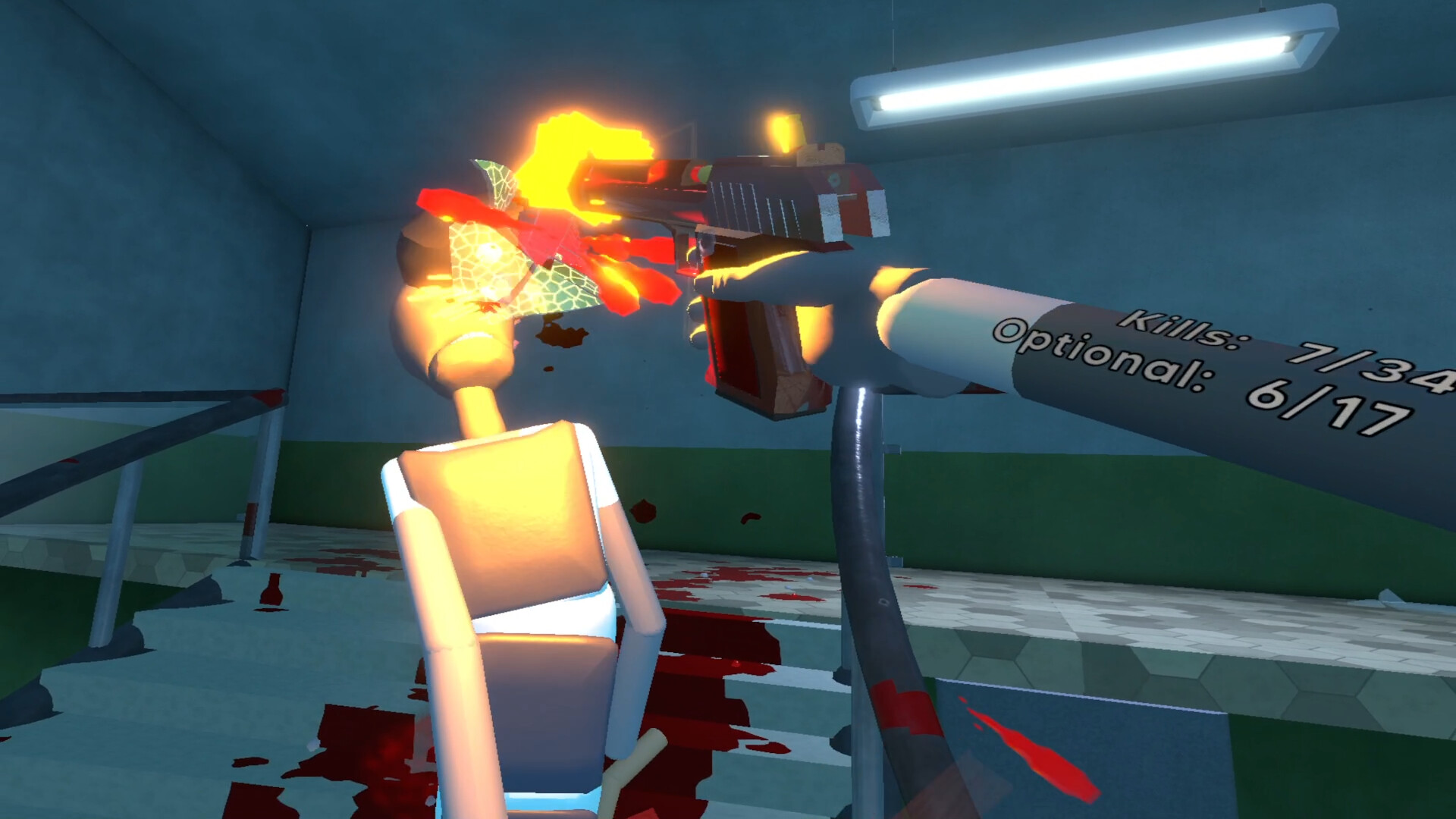
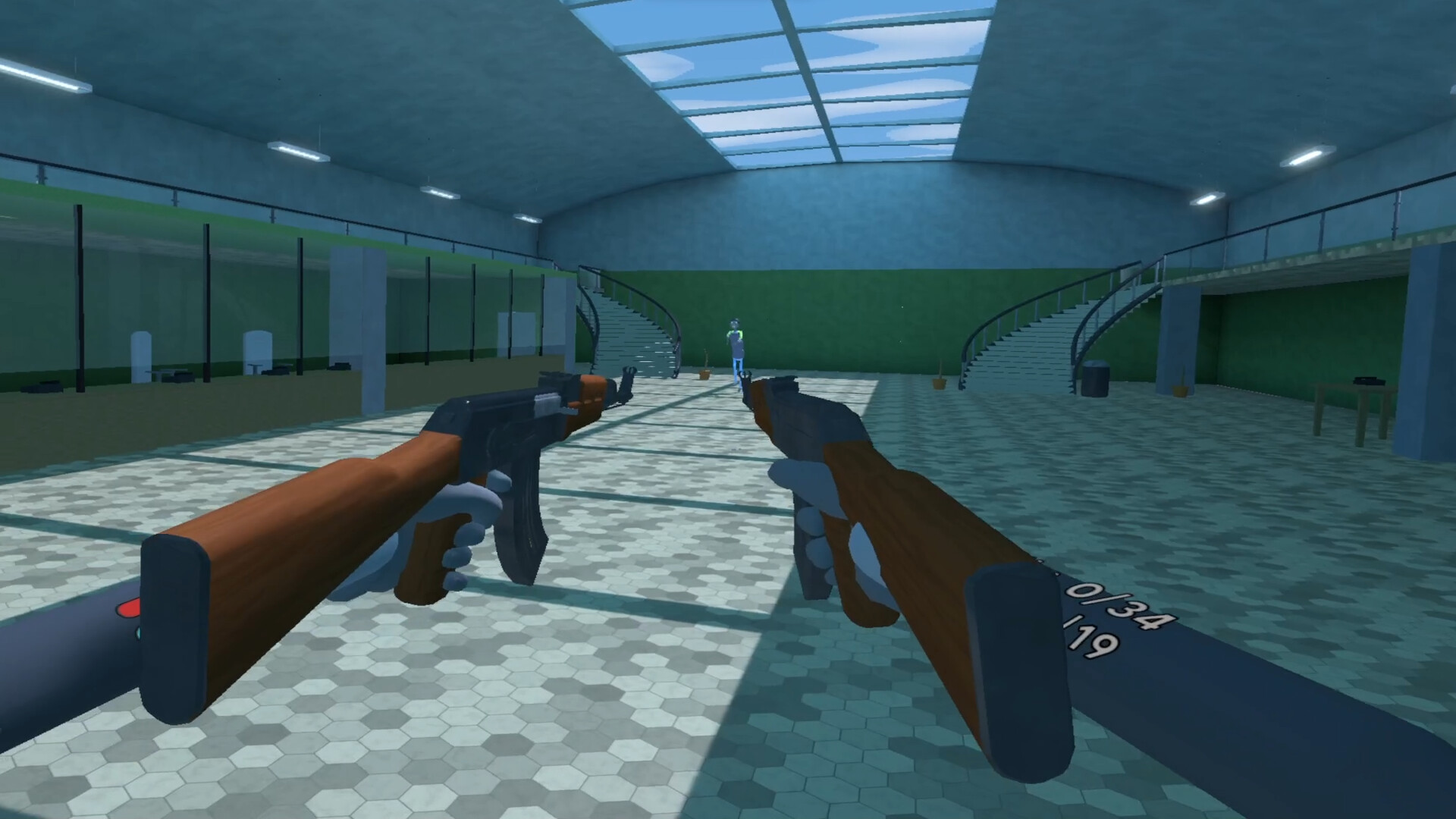
Buy BRUTALISTICK VR cheap — offline account
What you get
You get login access to a Steam account that already owns BRUTALISTICK VR, ready to play as soon as payment clears. This is not a Steam key, not a gift and not a subscription — there is nothing to redeem or activate. You sign in with the credentials we send, set Steam to Offline Mode, connect your VR headset and the full game is already in the library. The price is a flat $9.99 for everyone, paid with crypto, with no card and no regional checkout to deal with. Because the license is already on the account, you go from purchase to playing fast — assuming your headset is set up.
Be clear on one thing before you buy: BRUTALISTICK VR is a VR-only game, so a working VR headset is required. Without one there is nothing to play. With a headset, the offline account gives you the complete single-player mission set — the physics-based combat, the weapon variety, the upgrade and vendor systems, all of it. You earn rewards from missions, buy new gear, upgrade your stats and skills, and unlock new vendors with different stock, entirely offline. Your progress lives on the account and is there each time you sign back in. If you have been after a BRUTALISTICK VR account for sale or the cheapest clean way in, this is it.
How a BRUTALISTICK VR offline account works
The flow is quick and automated. After your crypto payment confirms, the system sends the account login to you right away — no human step, no waiting. You enter those details in the Steam client, let it sync once, then open the top-left menu and choose Go Offline. From there Steam stops contacting its servers for this account, and you launch BRUTALISTICK VR through your VR runtime like any installed VR title. With a headset already configured, you are usually swinging weapons within a couple of minutes.
Offline Mode suits this game because it is built around single-player missions, so you do not need an online connection to enjoy it. You run the missions, farm rewards and grind upgrades at your own pace. Keep Steam in Offline Mode while you play to avoid session conflicts, make sure your VR headset and runtime are running first, and treat the account as play access rather than your personal profile. If your access is ever interrupted on our side, message support and we replace it free — that guarantee comes with every purchase.
Cheaper than chasing a Steam key
Tracking down a BRUTALISTICK VR key the normal way means finding a listing you trust, checking the region, and hoping it activates without trouble. Keys from random marketplaces can be dead, region-locked, or stuck behind a checkout that rejects your card. A BRUTALISTICK VR offline account avoids all of that: the license already sits on the account, so there is no code to validate and nothing to gamble on. You pay a flat $9.99 and, with your headset ready, you are in.
This route also skips card friction completely. Set against chasing a BRUTALISTICK VR cheap key, the offline account is straightforward — one flat price for everyone, crypto payment, and the same behaviour across the US, UK, Canada, Australia and the EU. No regional pricing surprises, no blocked checkout, no activation that fails at the wrong moment. For an Early Access VR title that not many storefronts handle smoothly, a ready offline account is the simplest path to actually loading it on your headset.
Is it safe?
We describe it plainly: this is a shared offline account, not your own personal Steam profile, and it is a VR game that needs a headset. You play BRUTALISTICK VR in Steam Offline Mode, which keeps the session stable for single-player VR. We do not sell fake keys, we do not pretend this is an official store purchase, and we do not promise capabilities the product does not have. That honesty is what keeps the model reliable.
Staying safe is about a handful of habits. Keep Steam in Offline Mode for this account, leave the login email and password unchanged, and use it only for offline single-player play. Treat it strictly as play access for the game. If your access drops for any reason on our end, contact support and we issue a free replacement, so a one-time $9.99 purchase stays low-risk. The replacement promise is your safety net — just remember the headset requirement is on your side.
About BRUTALISTICK VR
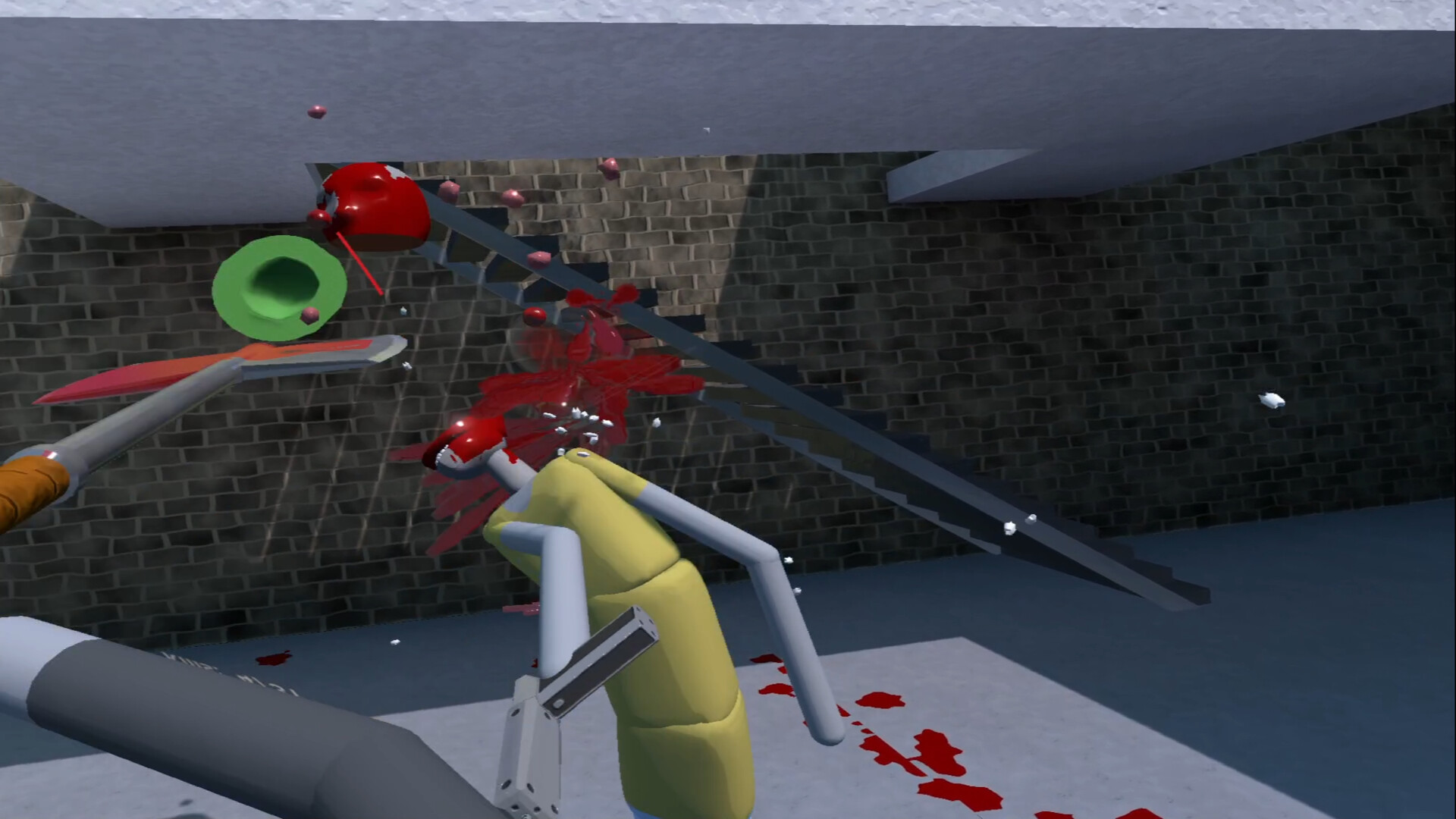
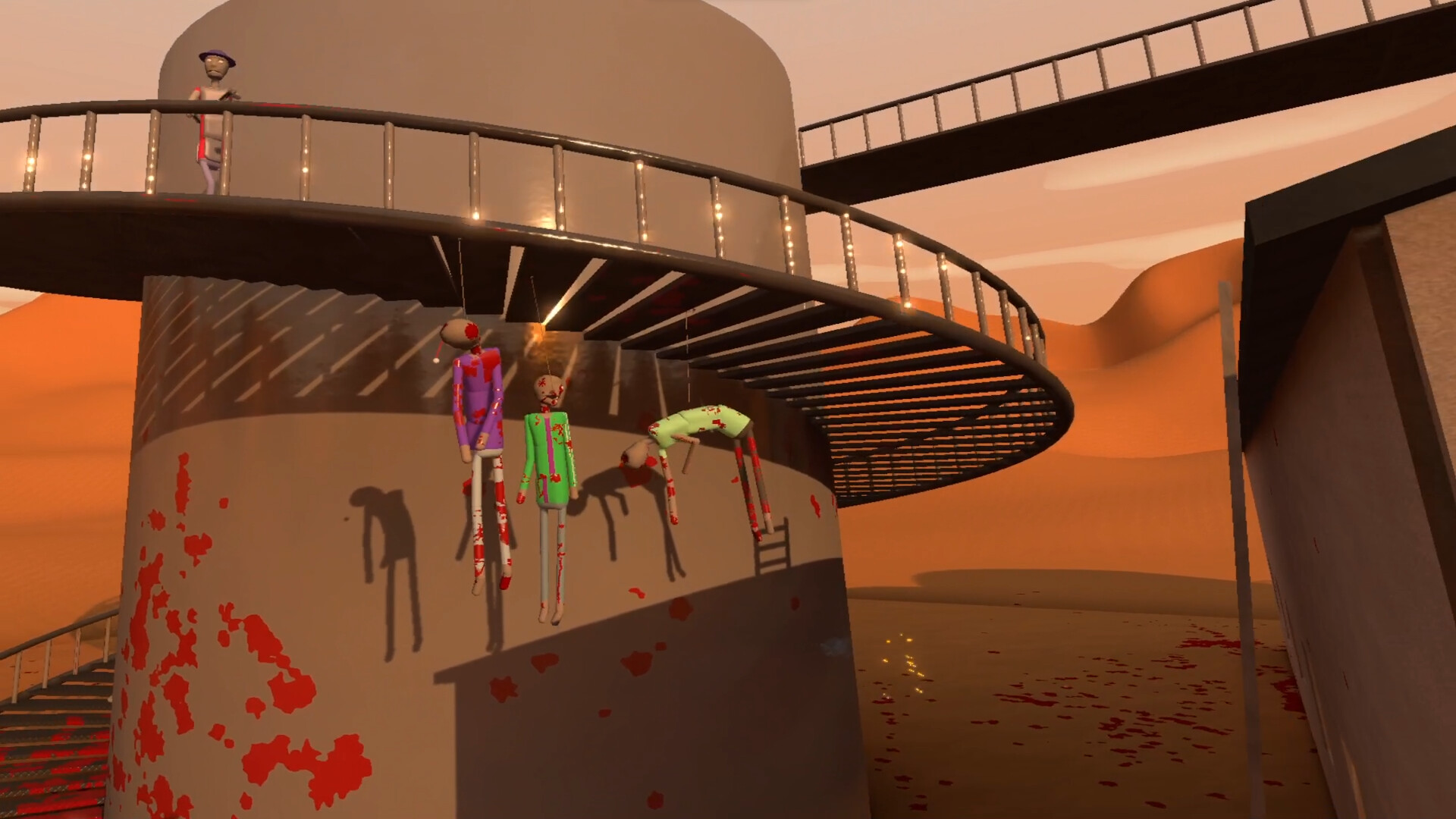
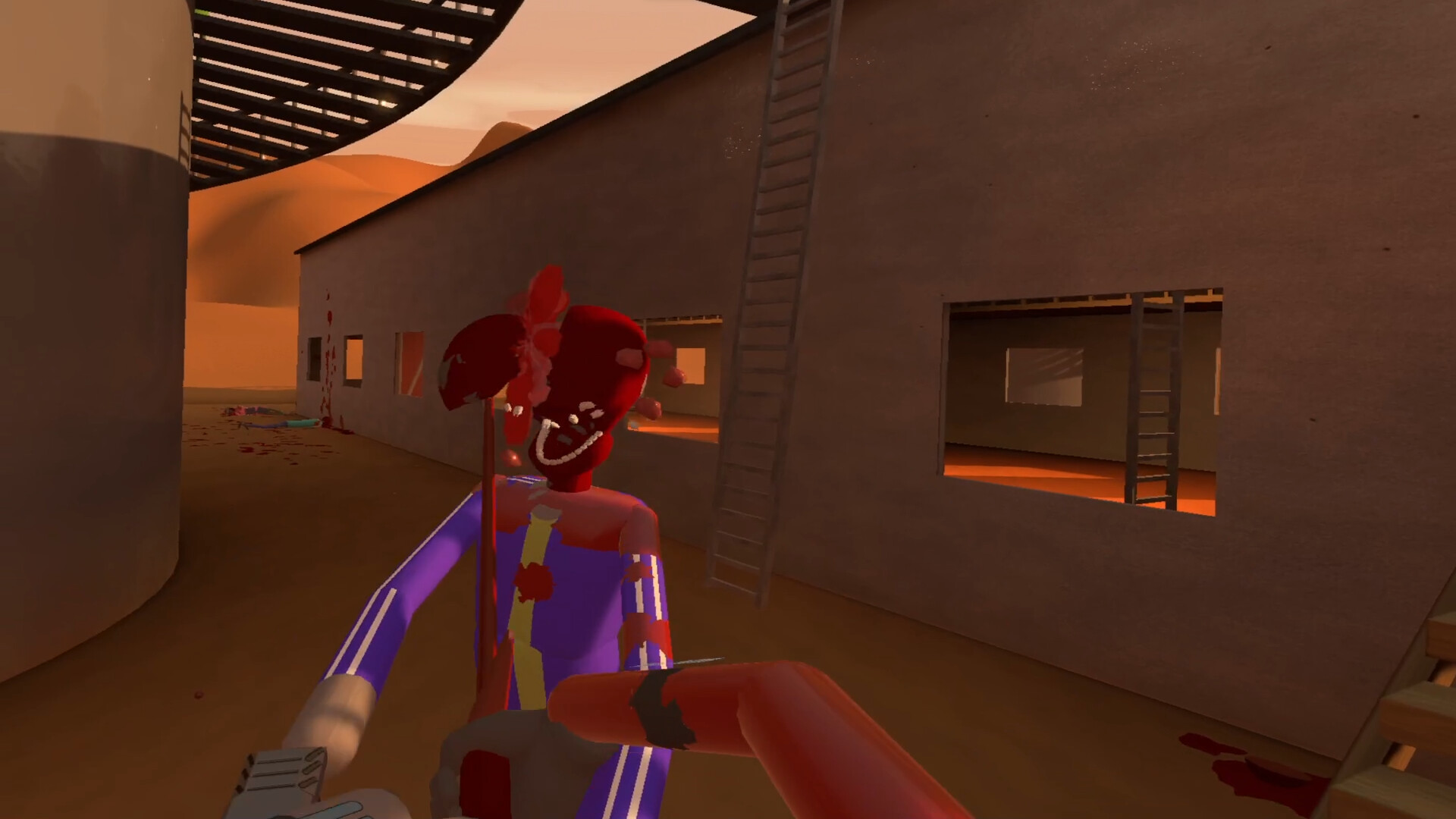
BRUTALISTICK VR takes the spirit of the golden age of violent flash games and puts it inside a VR headset, with copious blood, gore, destruction and a wide weapon roster. Realism is not the goal here — the rule of cool is — but weapons still carry weight and have to be wielded with intent if you do not want to be killed. Firearms reward precise aim between enemy armour plates, or you can simply buy a heavy enough caliber to punch through anything in your way. Everything is simulated physically, so you can throw enemies through windows, pin them to walls with a stake, or split them apart with a slab of a blade.
Between the carnage there is real progression. Each mission earns rewards you can spend on new weapons or pour into upgrading your stats and skills — more health, bigger rewards, lifesteal, stronger punches. You unlock new vendors over time, each with a different stock that matches their personality and the levels they come from, ranging from farming tools to experimental military hardware. Blood never disappears, so levels gradually become a record of your own violence. This is an Early Access, single-player VR experience, and an offline account lets you play the full mission set in Steam Offline Mode — with a VR headset required.
// pros
- Flat $9.99 one-time price, same for everyone
- Instant, automated delivery after payment
- Full single-player VR missions playable offline
- Pay with crypto — no card, no region lock
- Free replacement if access ever stops
// good to know
- · VR headset required — single-player / offline only
- · You play in Steam Offline Mode, not on your own account
Playing BRUTALISTICK VR offline
Pay with crypto
Checkout in USDT, BTC, ETH or LTC — no card needed.
Get the login
We deliver the account that owns the game, automatically, in minutes.
Play offline
Sign in, switch Steam to Offline Mode with our guide, and enjoy the full game.
BRUTALISTICK VR — questions
Can you play BRUTALISTICK VR offline?
Yes, with a VR headset. You sign in, set Steam to Offline Mode and play the single-player missions through your VR runtime. A headset is required to play at all.
How much is BRUTALISTICK VR on bonege?
BRUTALISTICK VR is a flat $9.99 as a Steam offline account. One payment, no card, no recurring fees.
How fast is delivery?
Instant and automated. Once your crypto payment confirms, the account login is sent to you right away — usually within a couple of minutes.
How do I pay?
With crypto only — USDT (TRC20), BTC, ETH or LTC. No credit or debit cards needed.
What's the difference vs a Steam key?
A key must be redeemed and can fail or be region-locked. This is a ready account that already owns the game — nothing to redeem, you just sign in, go offline and play (a VR headset is required).
Is it safe?
It's a shared offline account used in Steam Offline Mode for single-player VR. Keep it in Offline Mode and don't change the credentials. If access stops, we give a free replacement.



